
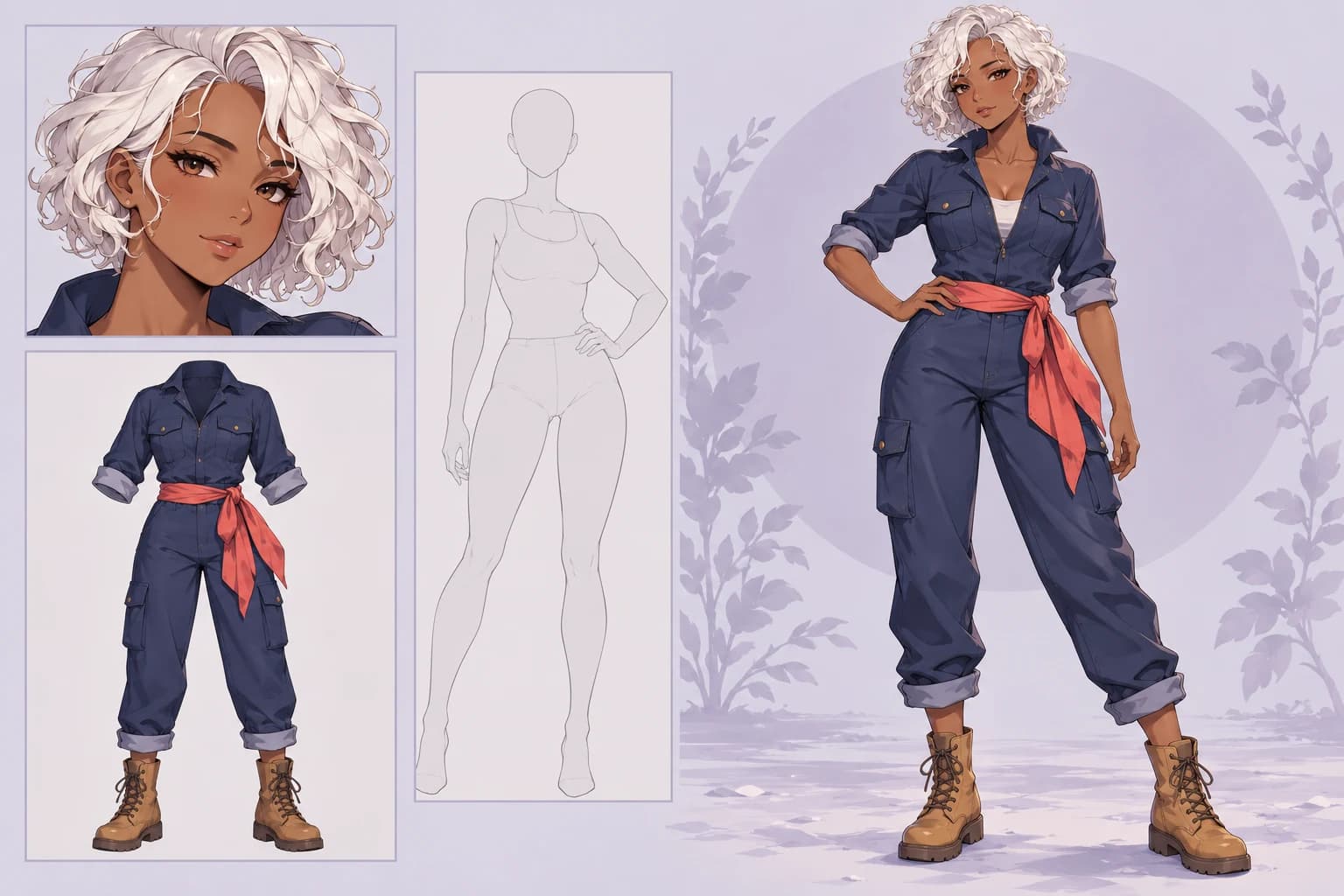
Anime character gallery guide: choose references and create a character
Explore たき AI's anime character gallery, choose hair, eyes, outfits and poses, and use a reference image or assembled board to create your character.
· 6 min read
Read the postPhoto editing guides, model tests, and prompts to help you bring your next idea to life.
Explore たき AI's anime character gallery, choose hair, eyes, outfits and poses, and use a reference image or assembled board to create your character.
· 6 min read
Read the post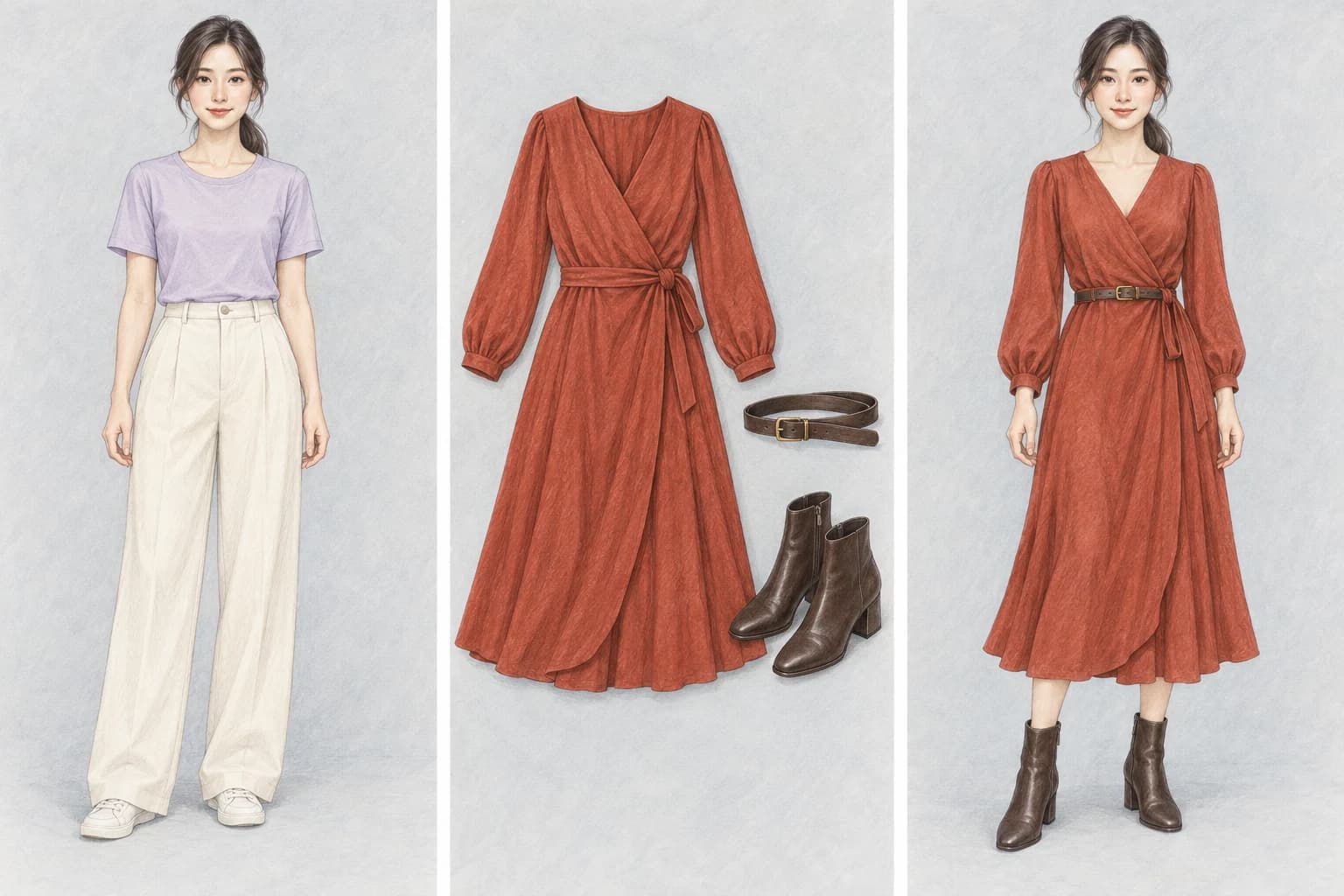
Find clothing references in ギア’s COSTUME-DB-01, download an outfit image, and give your existing AI character a new look with two images.
· 7 min read
Read the post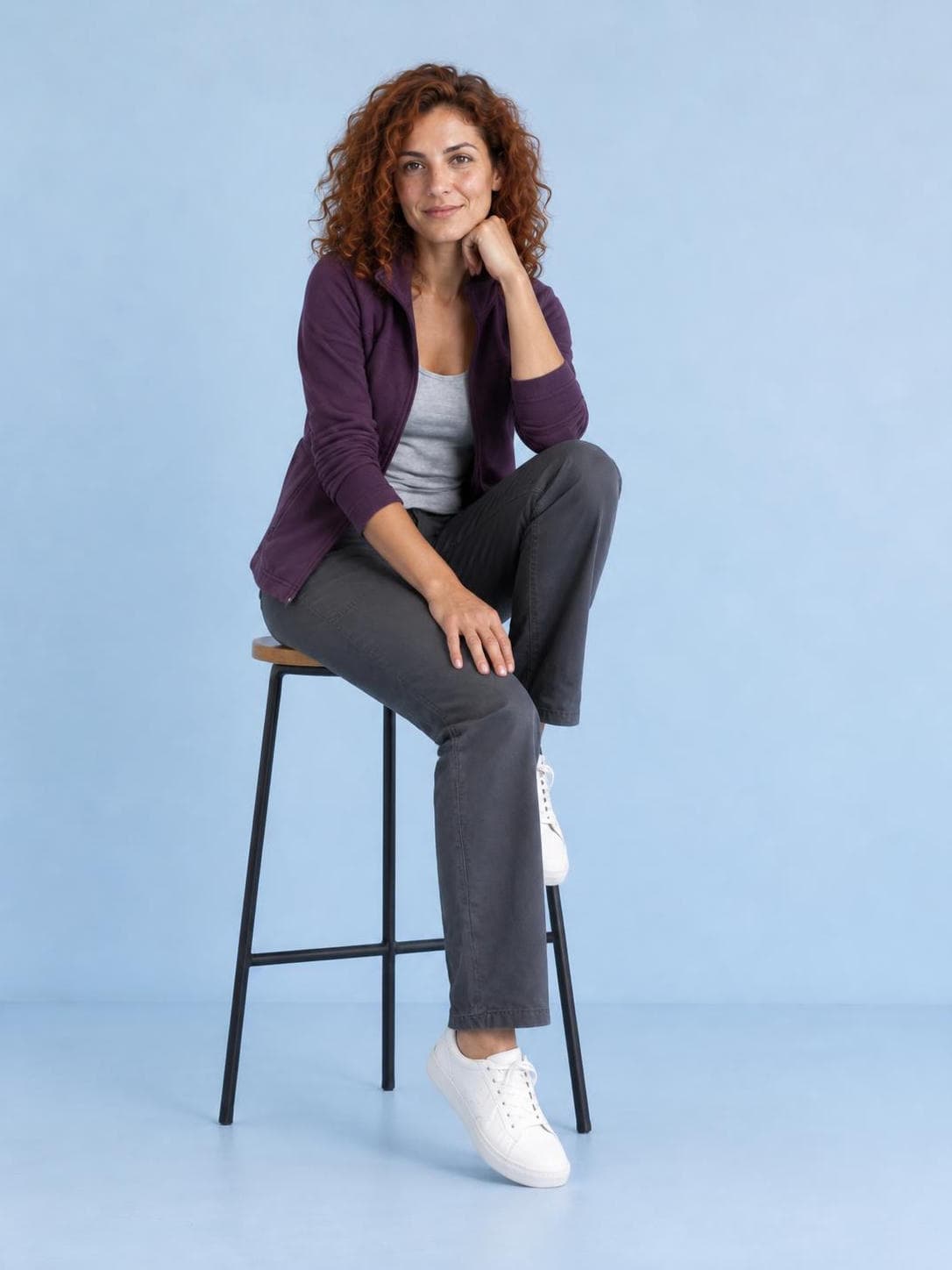
Get a pose image from the original AI Pose Gallery, upload it beside your character image, and generate your character in that pose with PhotoGenerAI.
· 5 min read
Read the post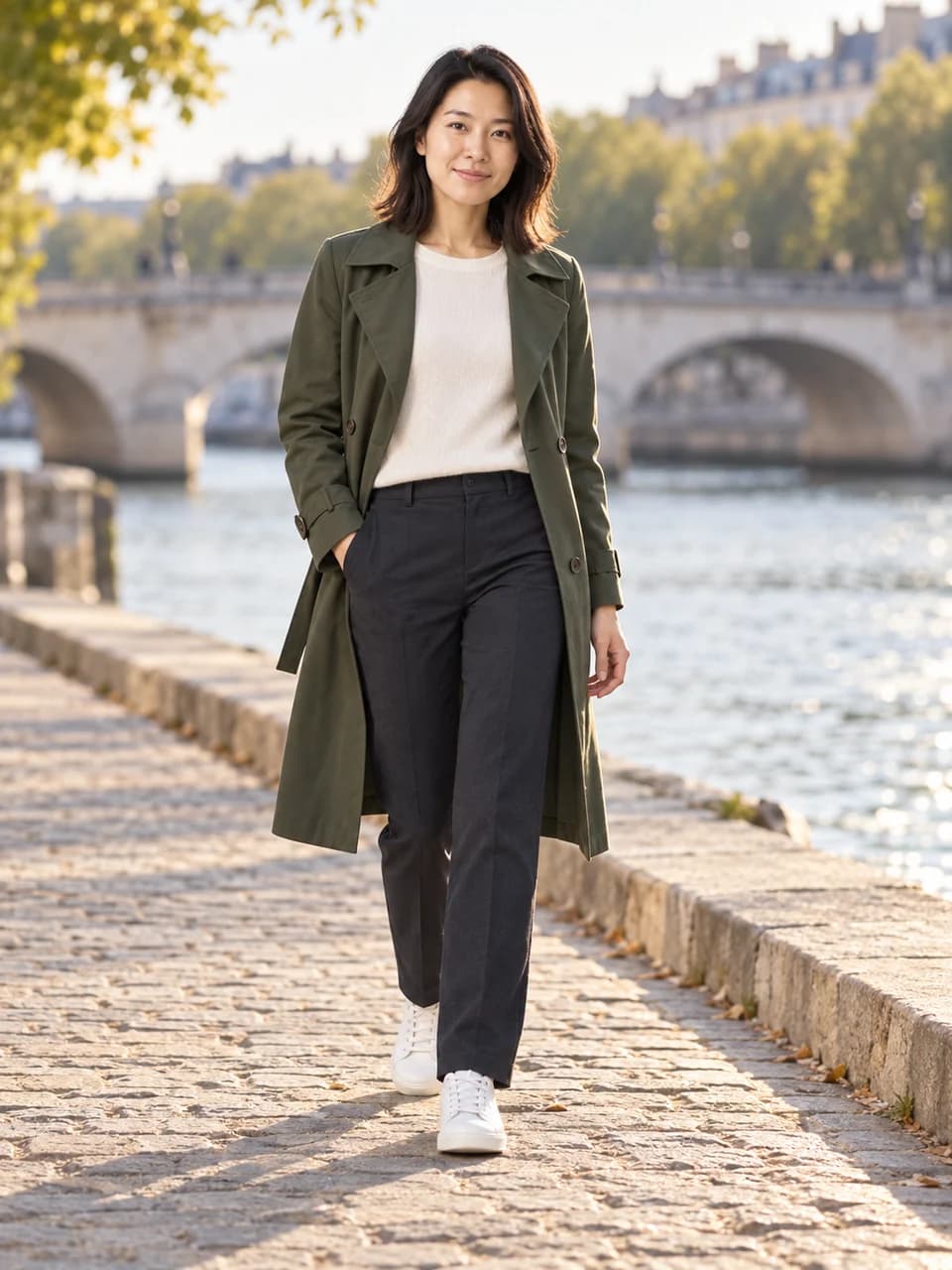
Build a lookbook from one photo: try different outfits or keep the same outfit across new poses. Copy prompts and follow the steps in PhotoGenerAI.
· 8 min read
Read the post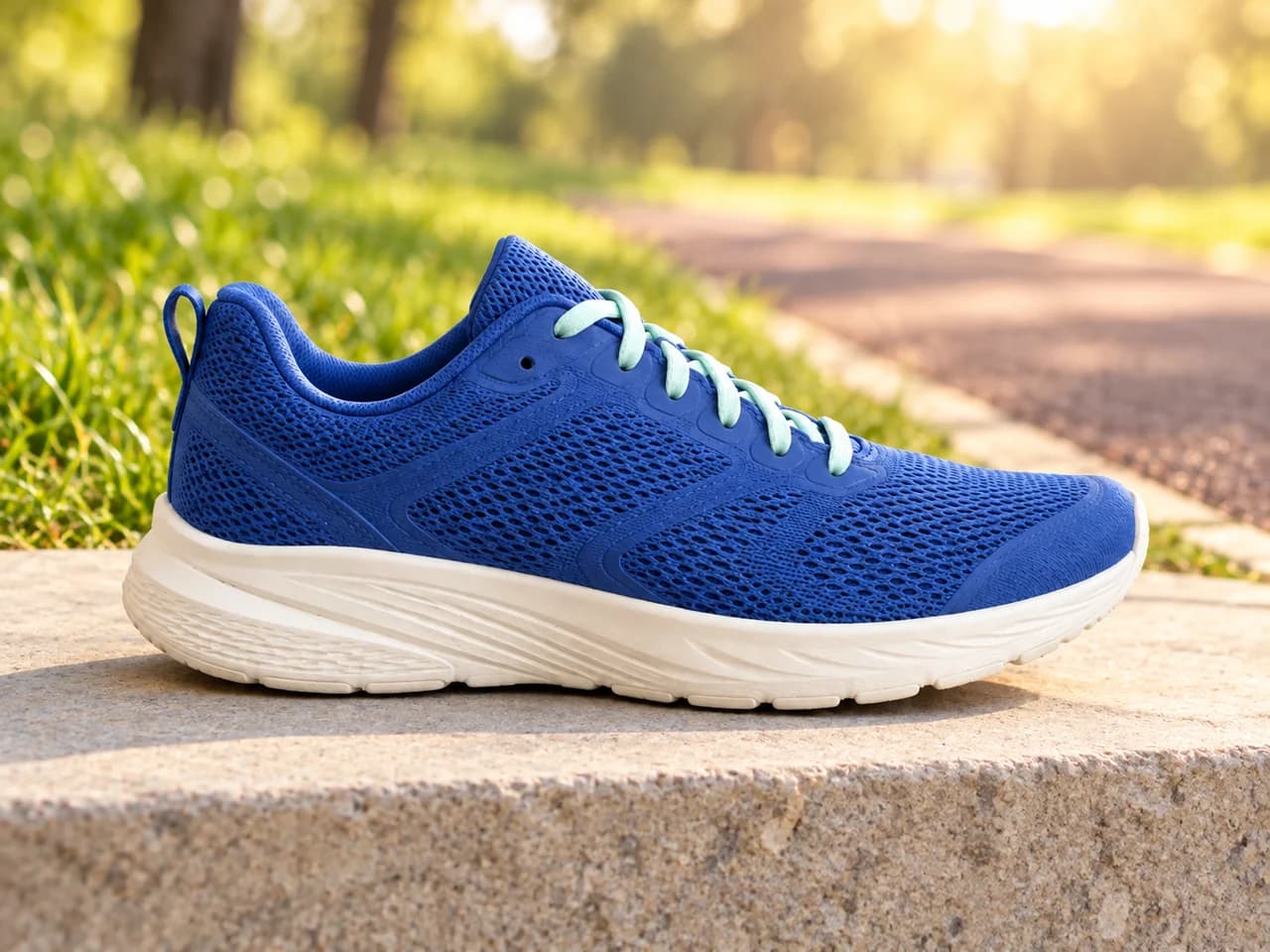
Create clean, lifestyle and vertical product photos from one source image. Follow the steps, copy prompts and check the product details before saving.
· 9 min read
Read the post
Keep your subject and borrow a reference image's colors, texture and medium. Learn the two-image workflow, copy prompts and fix unwanted content transfer.
· 8 min read
Read the post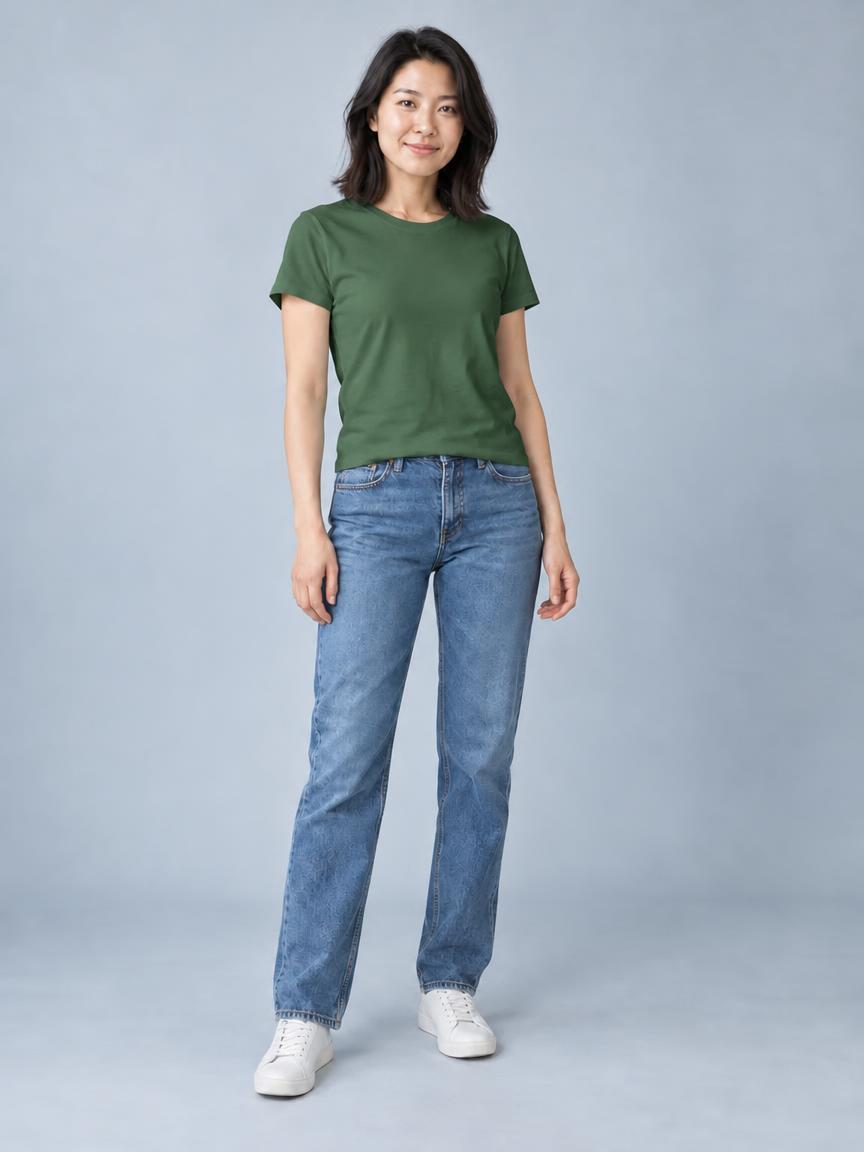
Choose an AI photo generator for realistic photos by task. Compare documented workflows, inspect actual outfit edits, and try a practical photo brief.
· 18 min read
Read the post
Compare six FLUX models on identity, pose and hand-object photo tasks, with two trials each. Inspect every original, full prompts, checks and recorded costs.
· 12 min read
Read the post
Learn how to change clothes in a photo with PhotoGenerAI. Follow the steps, copy outfit prompts, and use a clothing reference for a specific look.
· 7 min read
Read the post