PhotoGenerAI

AI Kiss Image Generator

Use PhotoGenerAI's AI kiss image generator to make two people kiss in a still picture. Start with a couple photo or two portraits. Try a gentle, cheek or forehead kiss, or bring anime and original characters into the scene.

Start with free credits. No account required.

Explore kiss examples
1. Add your photos

Or try an example

Style references (optional)
Optional
Model, image shape & credit cost
Image shape
Try a suggestion

Start simple, or add a setting and style. Use photos of yourself or people who have agreed to the edit.

Your kiss image
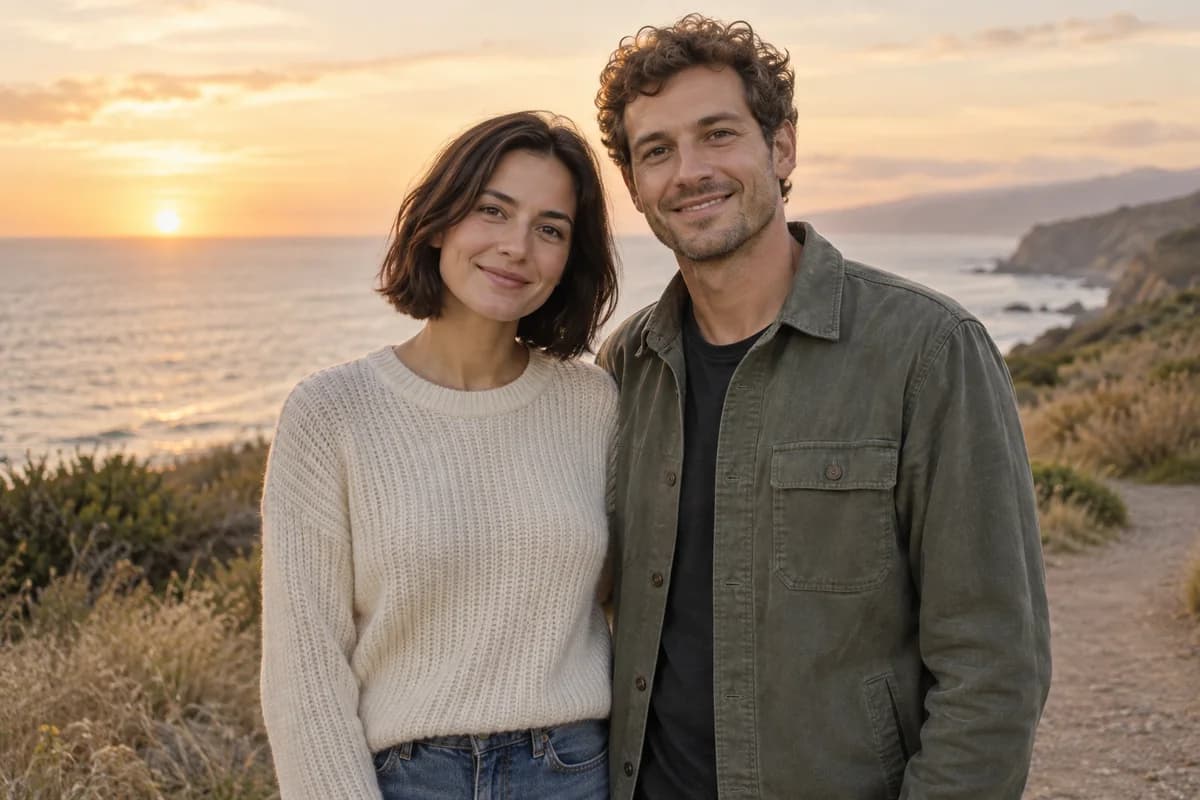
The same fictional adult couple standing side by side on a coastal pathFictional adult couple sharing a gentle kiss on a coastal path at sunsetBeforeAfter

Drag to compare. Your kiss image appears here.

One kiss. So many ways to picture it.

See three results made in this AI kiss image generator, with their source references and exact prompts. Try the same inputs, then explore wedding, watercolor and anniversary scene ideas below.

The same fictional adult couple standing side by side on a coastal pathFictional adult couple sharing a gentle kiss on a coastal path at sunsetBeforeAfter

Drag to compare the source photo and generated kiss.

A new moment from a couple photo

With only "Make them kiss", the AI kiss generator turned this couple portrait into a kiss at sunset. The result keeps the coastal setting and warm evening light.

See the prompt

Make them kiss

Made with GPT Image 2 · Low quality · 1 credit

Keep both faces clearly visible. Leave room for their heads to turn.

Two portraits. One cheek kiss.

This AI kiss image generator brought two separate portraits into one cheek kiss scene with a short prompt. Try these photos to load Person A, Person B and the same instructions. You can change who gives the kiss before generating your own version.

See the prompt

Make one kiss the other's cheek

Made with GPT Image 2 · Low quality · 1 credit

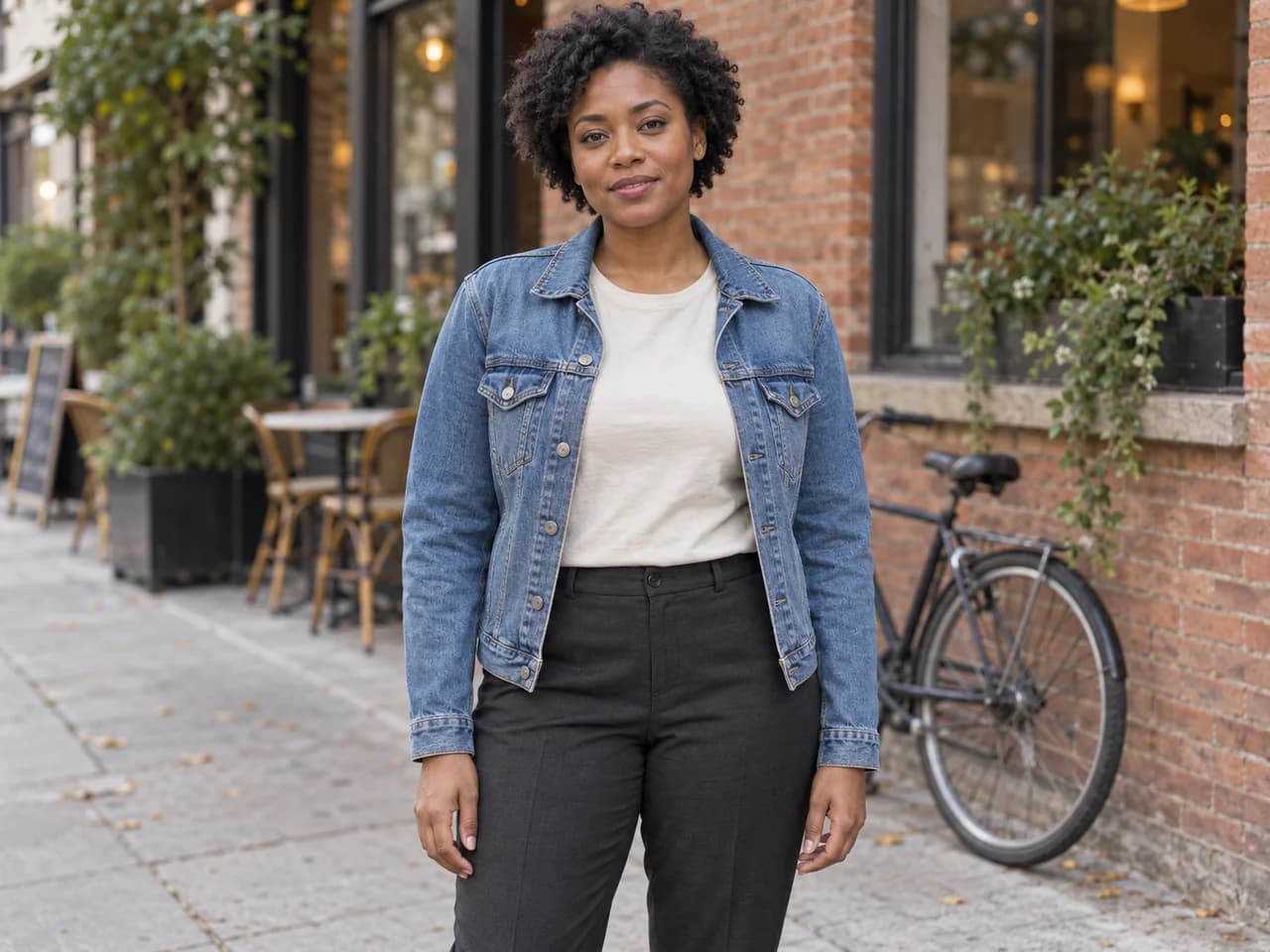
Person A: fictional adult man in a gray T-shirt

Person A

Person B: fictional adult woman in a denim jacket

Person B

The same fictional adults together, with the woman kissing the man's cheek

Their new scene

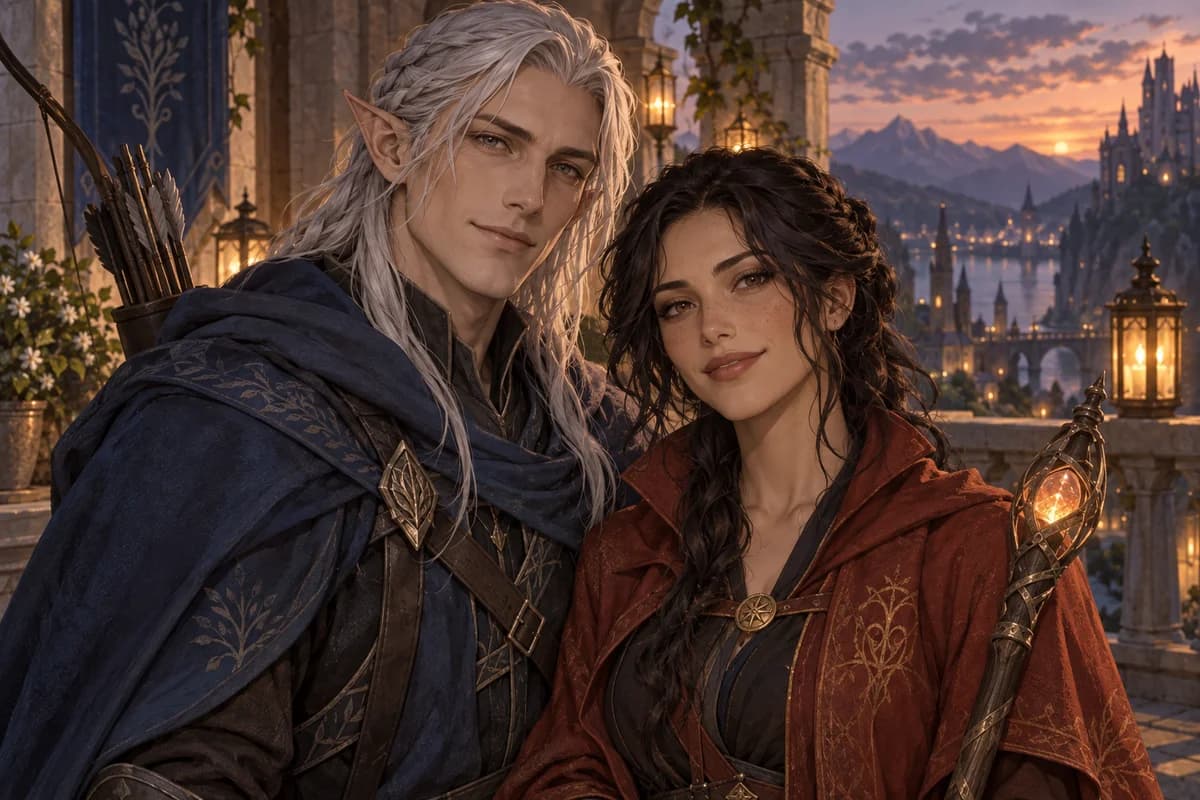
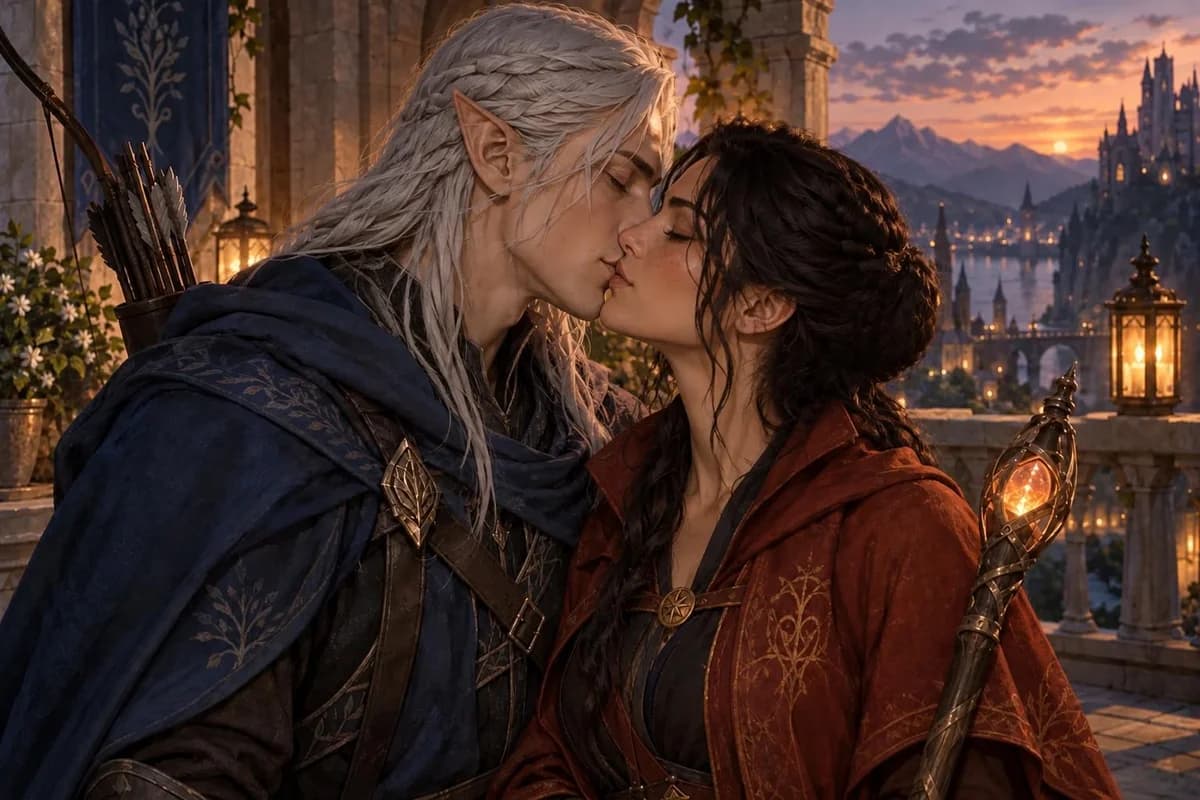
Make two characters kiss

The AI kiss image generator can bring an original character pairing into one scene. Start with a shared illustration or separate references. Add outfit or art style details if you want to guide the result.

See the prompt

Make them kiss

Made with GPT Image 2 · Low quality · 1 credit

For two separate references, name which character comes from each image.

Original adult elf ranger and mage standing side by side on a balconyBefore
Two original adult fantasy game characters kissing on a lantern-lit balconyAfter
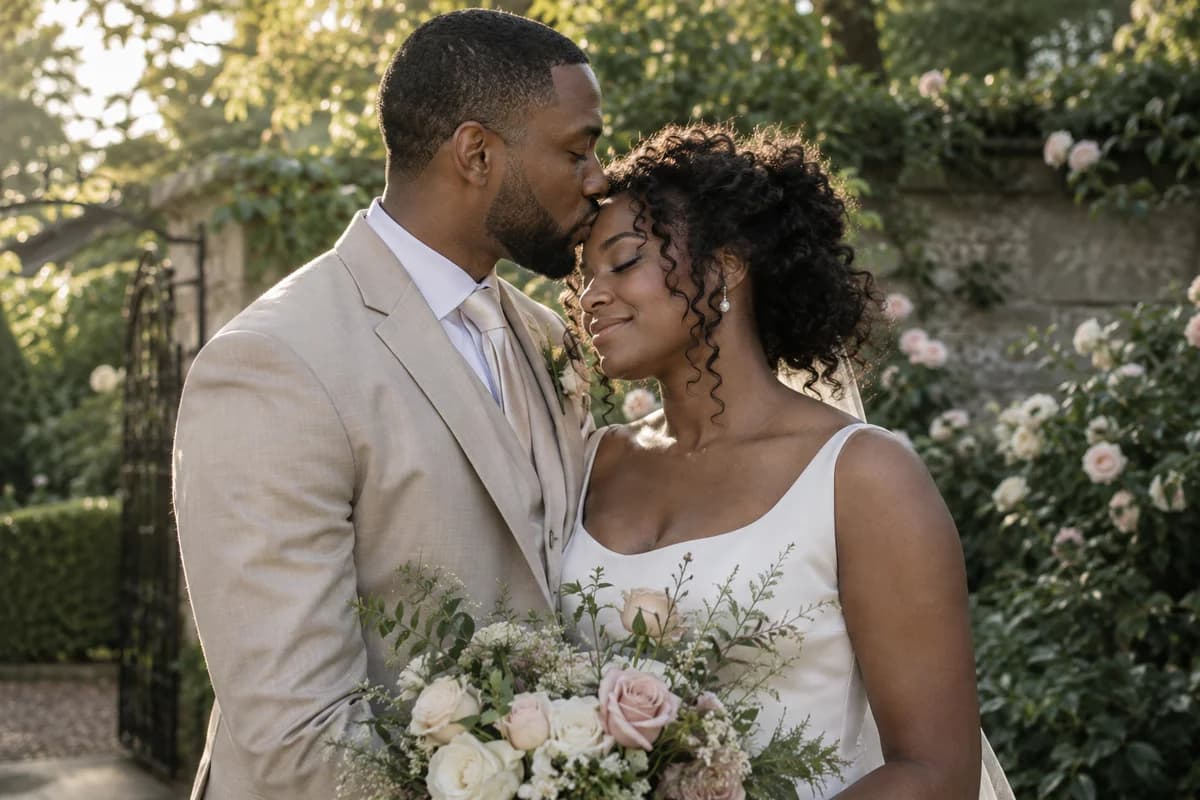
Fictional adult groom gently kissing his bride's forehead in a garden

AI-generated scene illustration

A quiet wedding moment

Generate a wedding portrait with the AI kiss generator. A forehead kiss leaves one face in view; describe the flowers, outfits and light you want.

See the prompt

A wedding portrait with a forehead kiss

A forehead kiss keeps more of the receiving person's face in view.

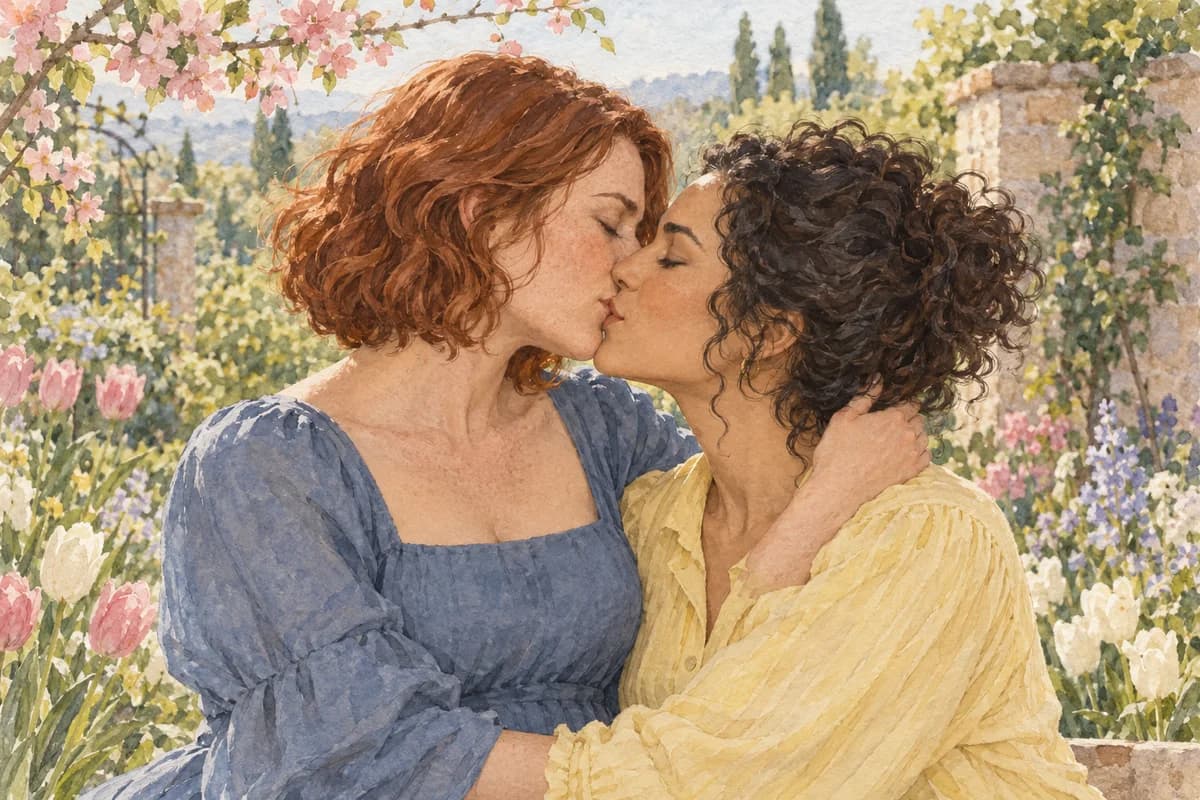
Watercolor illustration of two fictional adult women sharing a kiss in a spring garden

AI-generated scene illustration

Turn your pairing into a watercolor

Use the AI kiss generator for an illustrated card or romantic story. Generate a soft watercolor kiss, an anime scene or a pairing in your own art style.

See the prompt

Make them kiss in a watercolor painting

When changing styles, keep the character details you care about in the prompt.

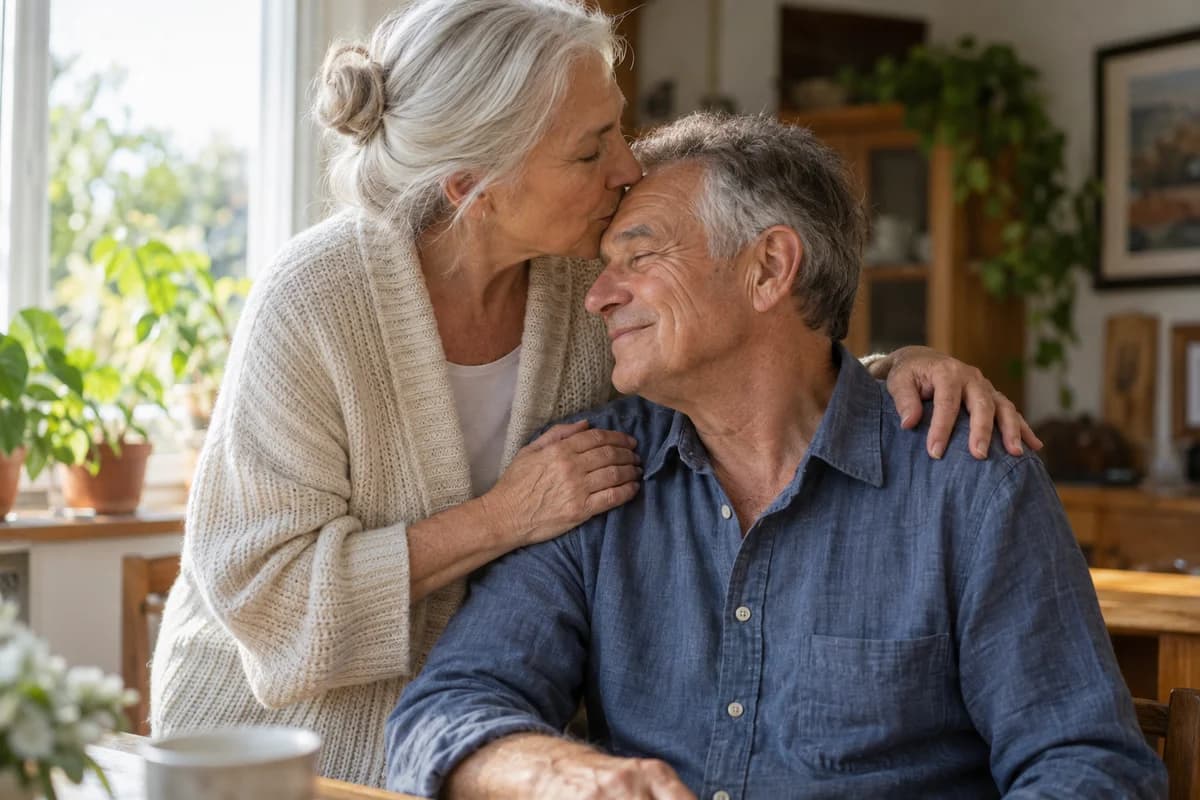
Fictional older adult woman kissing her smiling husband's forehead in a sunlit home

AI-generated scene illustration

An anniversary, in one picture

Generate an affectionate everyday portrait with the AI kiss generator. Keep the ages, familiar surroundings and natural skin texture; try a forehead or cheek kiss.

See the prompt

A tender forehead kiss at home

Describe a specific gesture and setting rather than several actions at once.

How to create an AI kiss image

The AI kiss image generator combines your references and instructions into a still scene. Start with a couple portrait, separate people or character art, then generate the moment you have in mind.

  1. 1

    Upload one photo or two

    Choose One couple photo if both people are together. For two portraits, choose Two separate photos and fill Person A and Person B. The AI generator accepts original character art in either layout.

  2. 2

    Start with a simple prompt

    Start with "Make them kiss" for a couple photo, or try a cheek kiss for two separate portraits. Suggestions change the kiss while keeping your scene details. Leave the setting to the AI, or add one you have in mind.

  3. 3

    Create, check and download

    Check the cost, then generate your kiss. Review faces, hands and contact before downloading. Choose Continue editing to add the result as a reference, then describe what you want to change.

What makes a good starting photo?

Give the AI kiss generator clear faces without heavy filters or objects covering them. A waist-up portrait gives the model room to adjust the heads and shoulders. For separate portraits, similar angles and lighting help the two people fit into one scene. If a face is hidden or too small, try a clearer portrait before adding more instructions. The AI needs visible details to work from.

How do I guide two separate characters?

Add each character to Person A and Person B. If you need to guide the scene, name a visible detail: "the silver-haired character and the dark-haired character." Start with a kiss, then add any costume or art details that matter to you. Give the AI one action to start with. You can request a different setting after you see the first result.

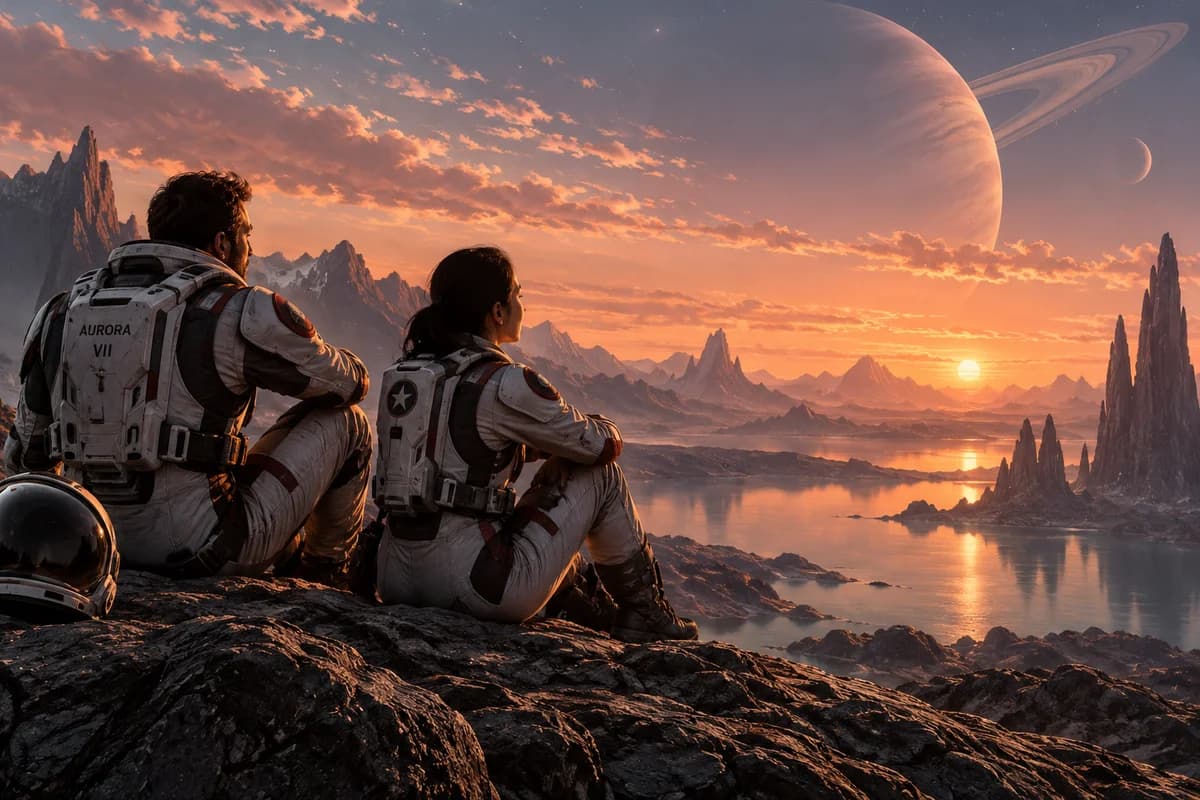
Two fictional adult space explorers watching an alien sunsetBefore
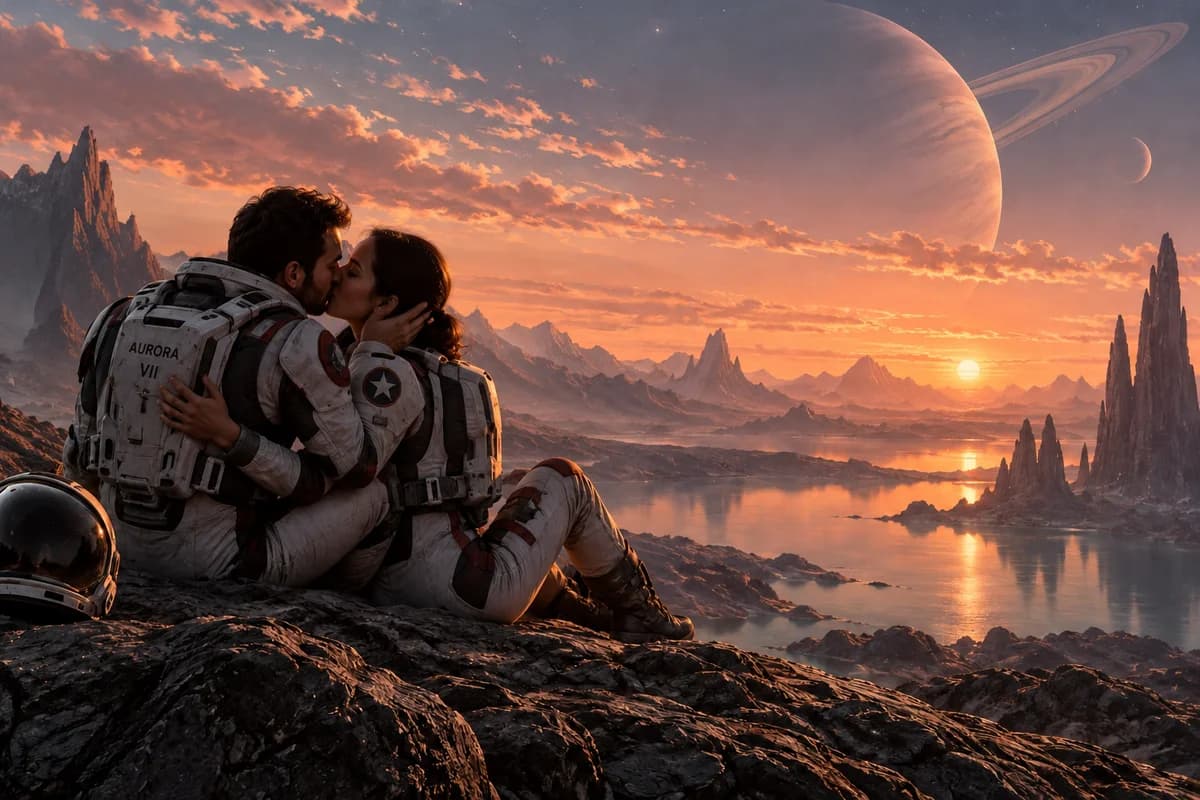
The same space explorers kissing beneath a ringed planetAfter

Your next scene

Create the rest of their story

Create the setting or characters for your next scene with our AI photo generator. Start from words, combine visual references or edit an image in the same workspace.

AI kiss image questions

Read our Privacy Policy for image processing, storage and sharing settings.

PhotoGenerAI

Picture the moment you have in mind

Start with your photos or character art. Choose the kiss, describe the scene and make it yours.

Create kiss image