PhotoGenerAI

A clearer version of the photo you have

AI Photo Enhancer

Upload your photo and describe what needs improving. Balance dark lighting, correct a color cast, or bring out detail with a focused enhancement prompt.

10 free credits every day. No account required.

Aspect ratio
Enhanced photo
Underexposed cafe portrait of a woman in a green sweaterThe same cafe portrait with balanced exposure and visible skin textureBeforeAfter

Lift the shadows without flattening a face

Brighten the face and sweater with soft natural fill light. Reduce shadow noise gently. Keep the woman's facial features, freckles, expression, hair, pose, and cafe background. Preserve the window highlights and natural skin texture; do not apply beauty smoothing.

Hover or drag to compare · 1 of 6

Before and after

What needs improving in your photo?

A faded print, a compressed chat image, and a blurry keeper need different instructions. Browse six examples and borrow the prompt that fits your photo.

Underexposed cafe portrait of a woman in a green sweaterBefore
The same cafe portrait with balanced exposure and visible skin textureAfter

Lift the shadows without flattening a face

Backlighting can hide the expression you wanted to capture. Ask for gentle fill light on the face while keeping the window highlights and natural skin texture.

Edit prompt

Brighten the face and sweater with soft natural fill light. Reduce shadow noise gently. Keep the woman's facial features, freckles, expression, hair, pose, and cafe background. Preserve the window highlights and natural skin texture; do not apply beauty smoothing.

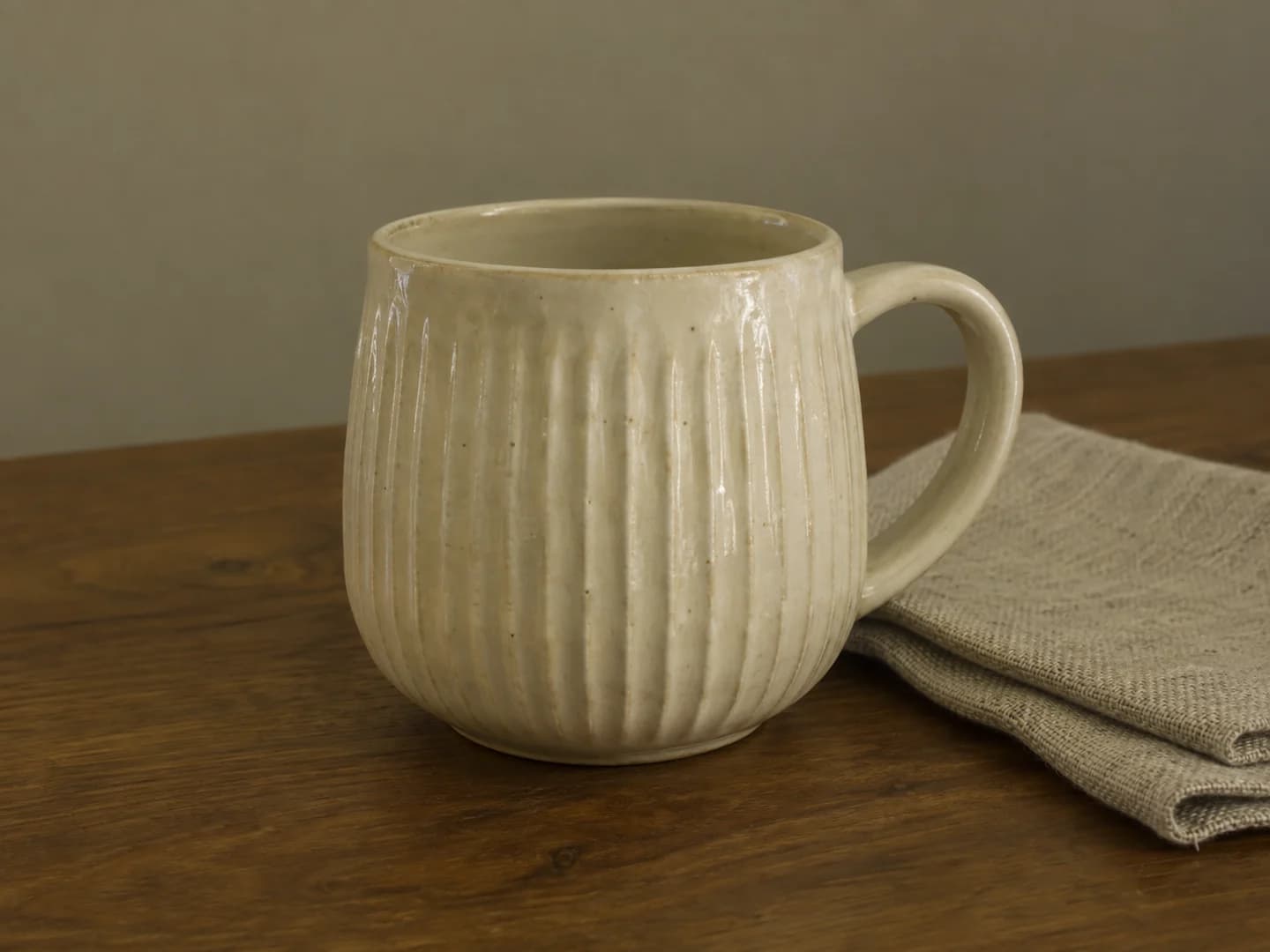
Ivory ribbed ceramic cup with a yellow-green color castBefore
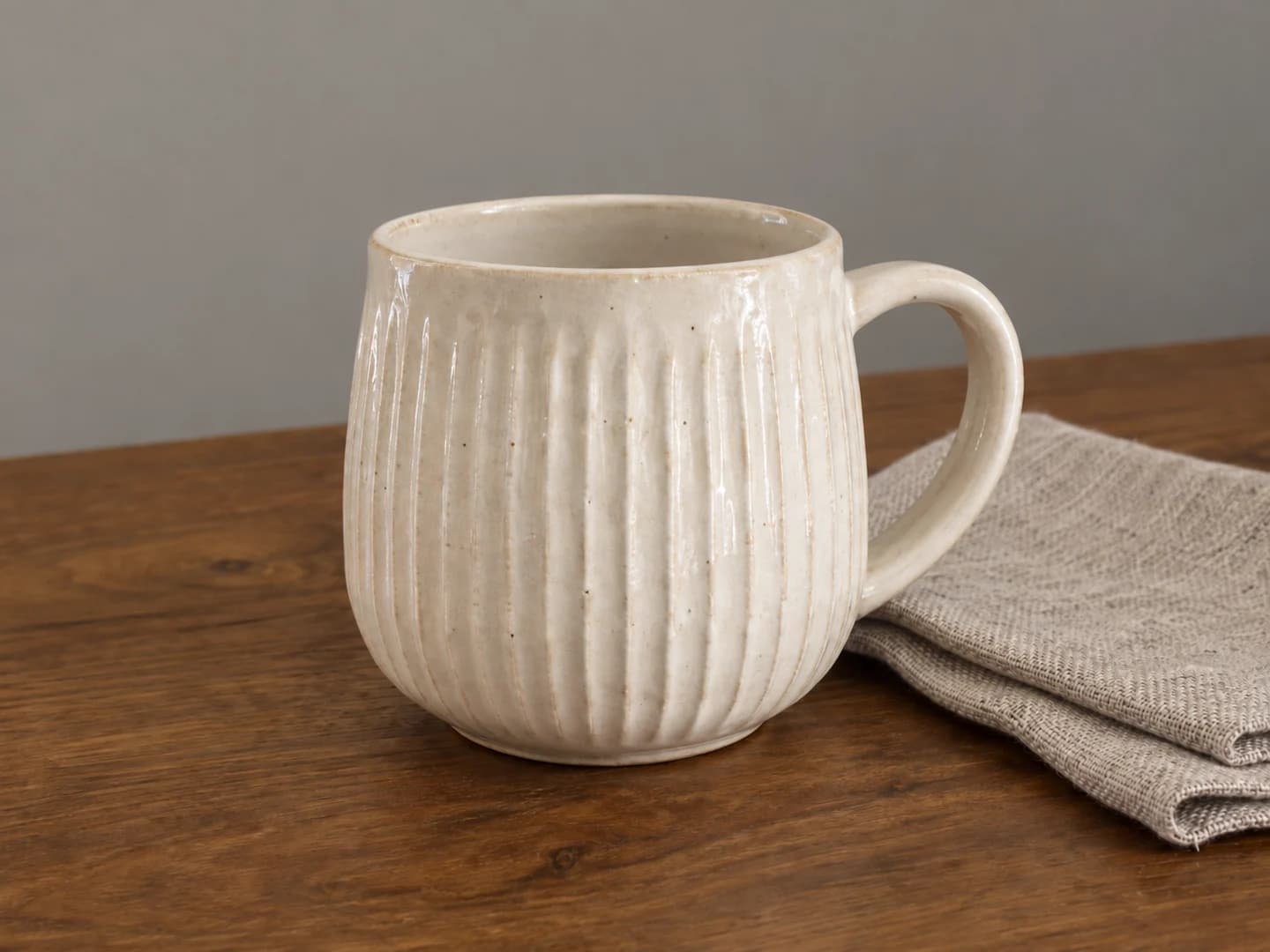
The same ceramic cup with neutral ivory color and clearer ribbed textureAfter

Bring product colors back to neutral

Indoor lighting can turn an ivory cup yellow or green. Describe the material's actual color, then ask for balanced light and clear texture instead of a new product design.

Edit prompt

Correct the yellow-green color cast so the ceramic cup looks neutral ivory and the linen looks oatmeal. Balance the exposure and improve local contrast on the ribbed glaze. Keep the cup's shape, handle, tabletop, napkin, camera angle, and framing unchanged.

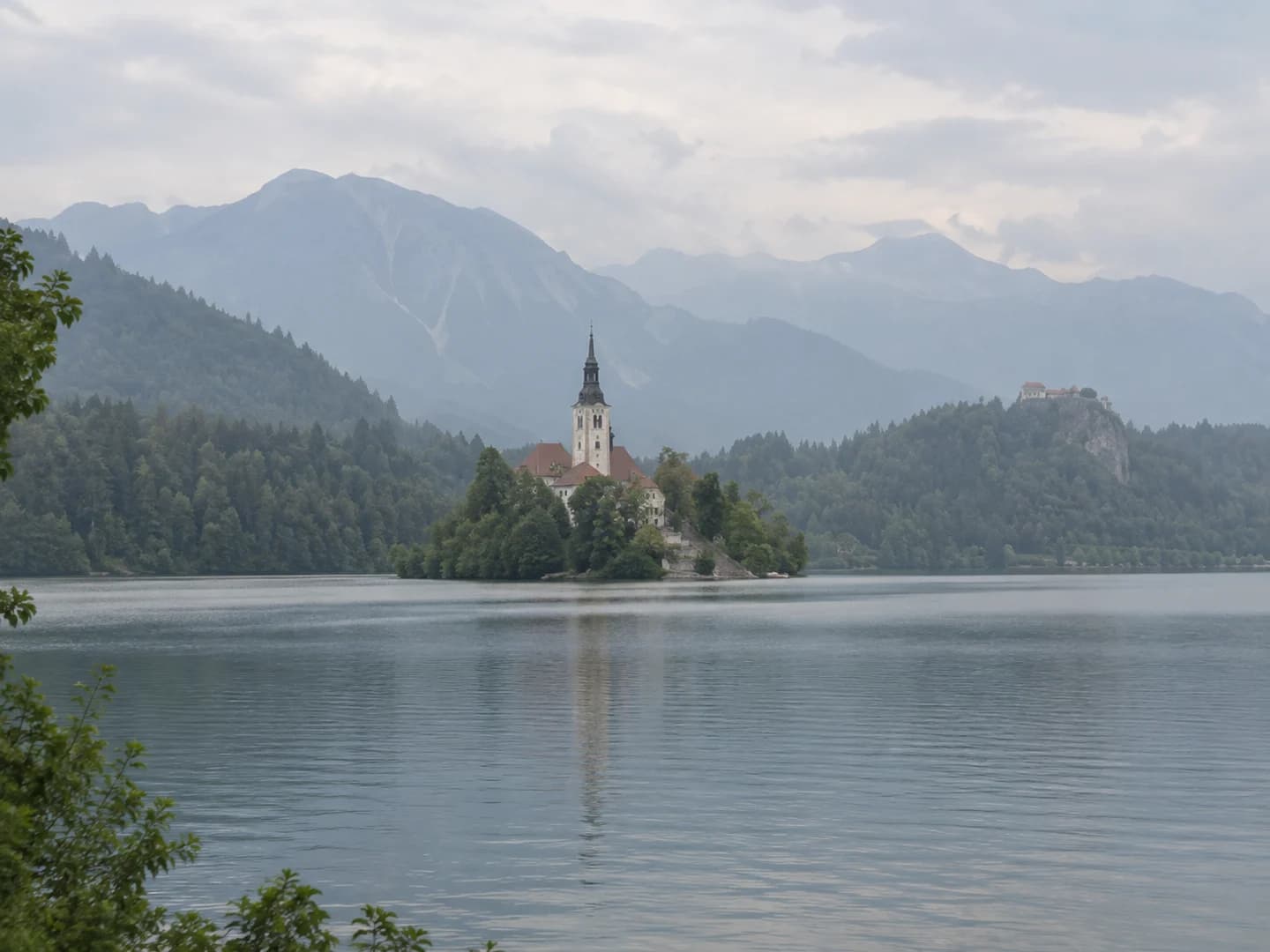
Low-contrast alpine lake photo with a church island and hazy mountainsBefore
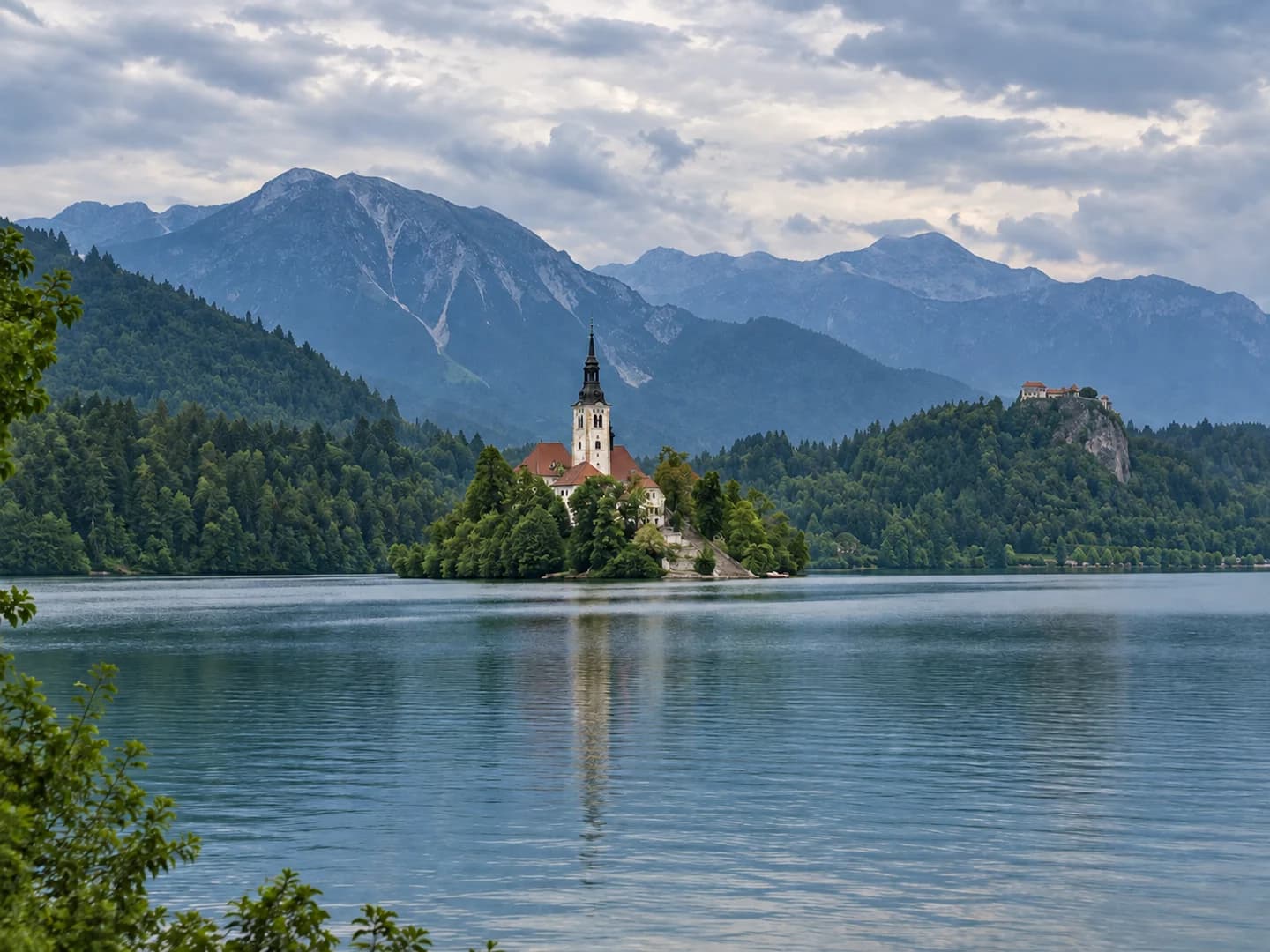
The same alpine lake with clearer mountain layers and balanced natural colorsAfter

Give a hazy travel photo some depth

A flat sky and muted foreground can make a landscape hard to read. Try a restrained contrast adjustment that separates the mountain layers without turning the scene into an HDR effect.

Edit prompt

Reduce the washed-out haze moderately and improve contrast in the island and mountain layers. Balance the greens and blues naturally. Keep the church, shoreline, water reflections, cloudy sky, and framing. Do not add scenery, replace the sky, or create an oversaturated HDR look.

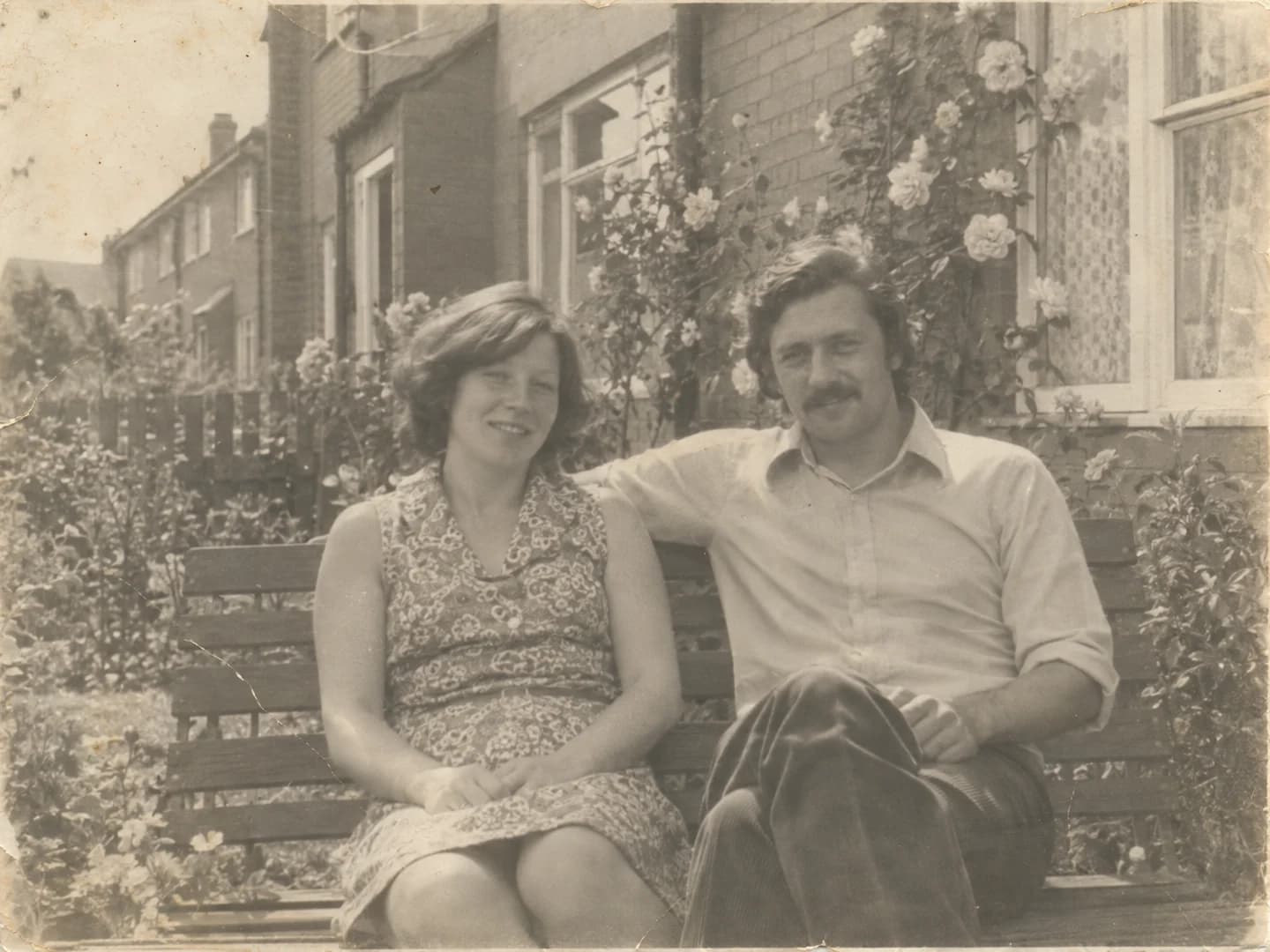
Faded black-and-white family snapshot with light paper scratchesBefore
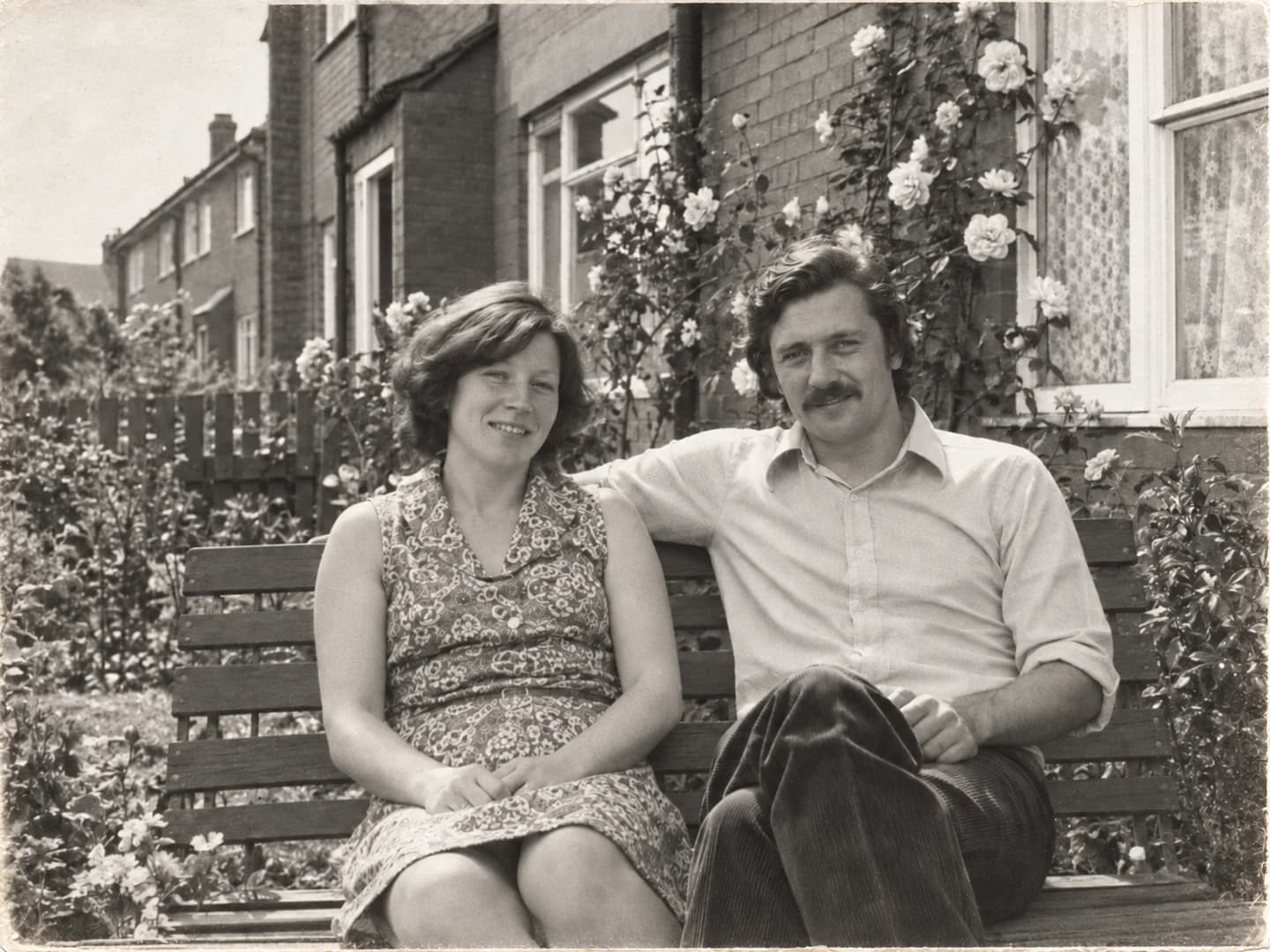
The same family snapshot with clearer tones and fewer surface marksAfter

Make a faded family photo easier to see

A scanned print may need stronger tones and a little surface cleanup, not a modern makeover. Keep its black-and-white character while reducing small dust marks and scratches.

Edit prompt

Improve the faded tonal contrast and gently reduce small dust spots and fine paper scratches. Keep the black-and-white look, film grain, facial features, clothing, garden and framing. Do not colorize, modernize, smooth skin or invent missing details.

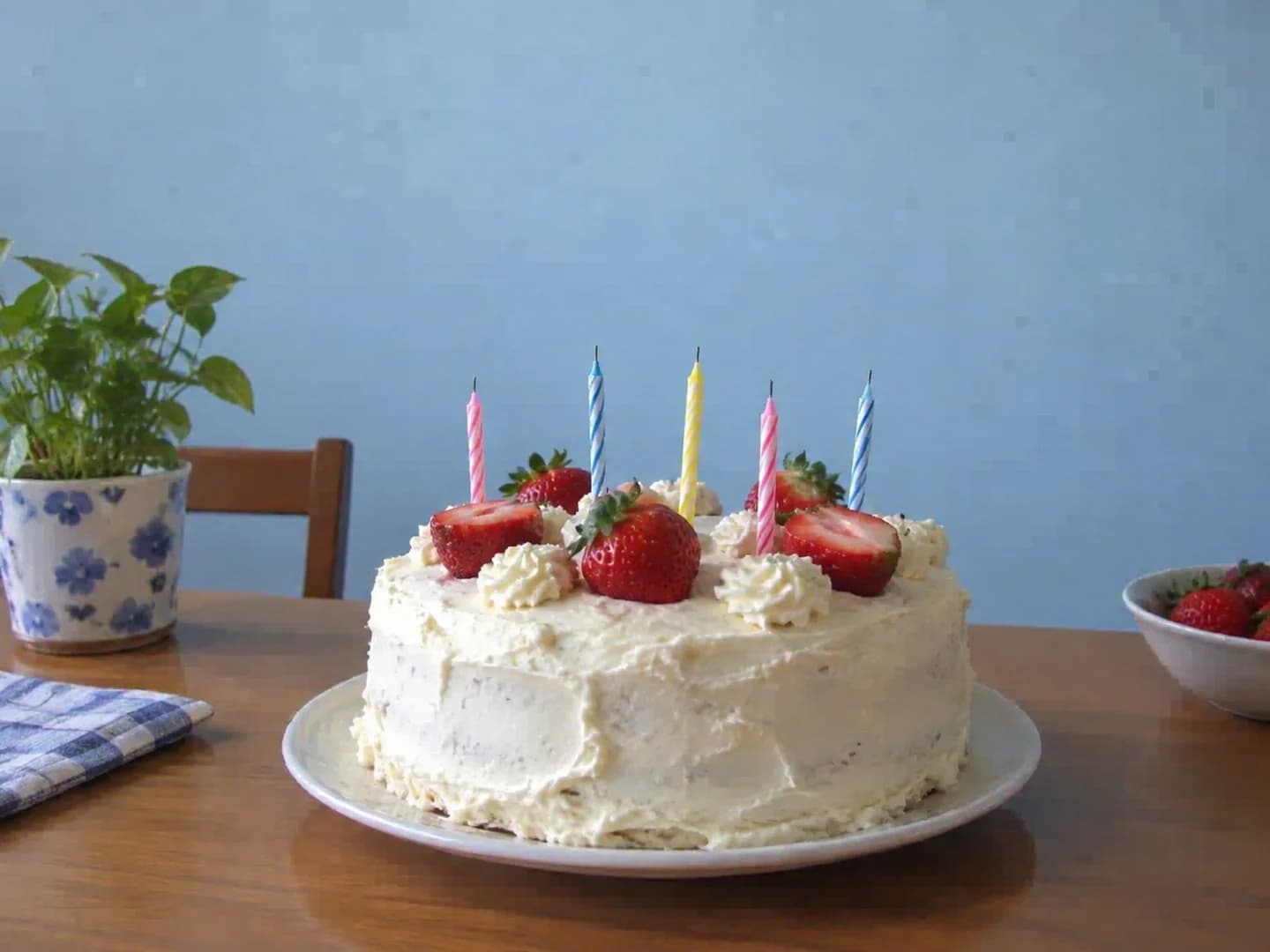
Birthday cake snapshot with blocky compression patches on the wall and frostingBefore
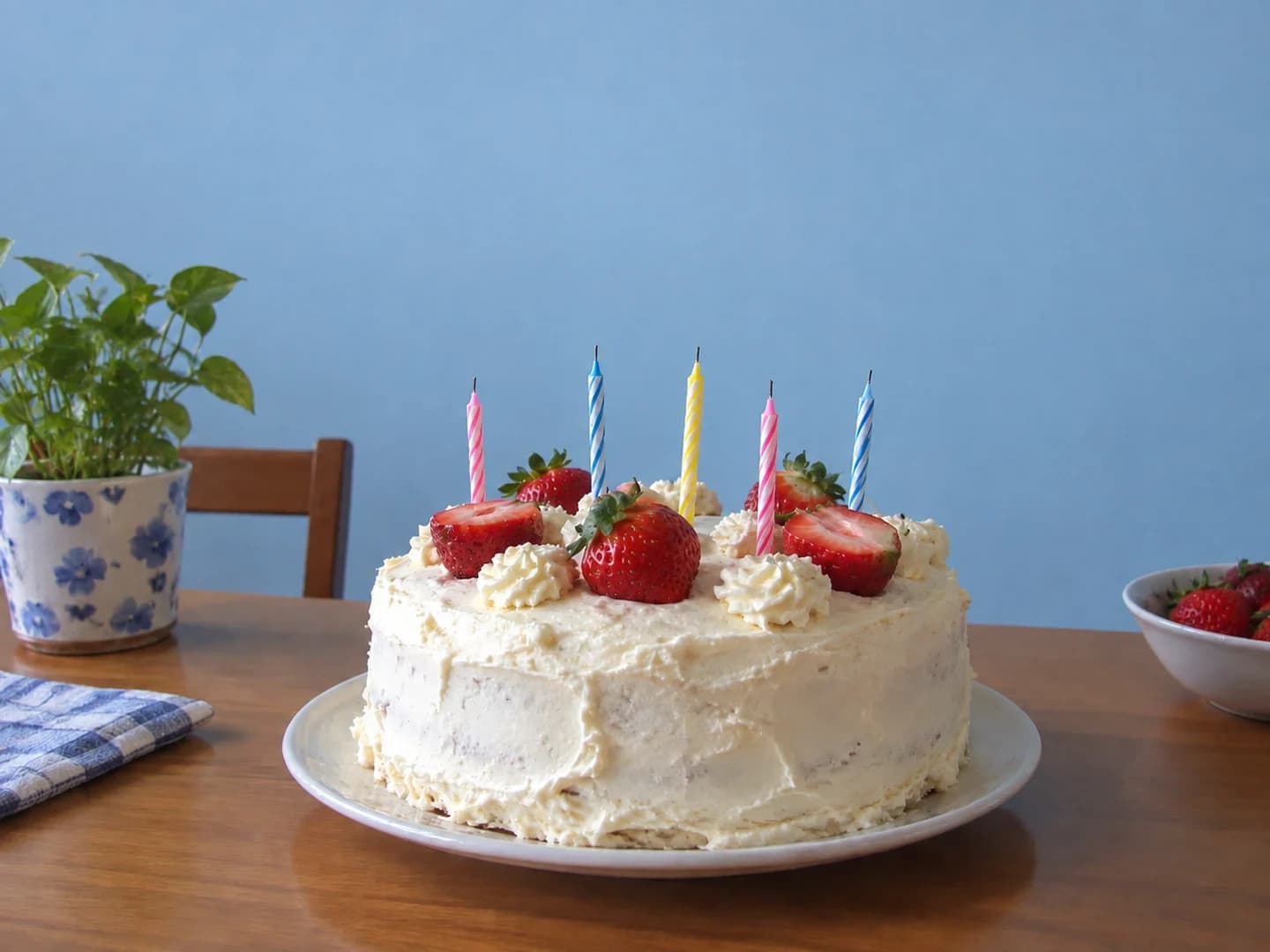
The same birthday cake photo with cleaner edges and smoother backgroundAfter

Clean up a photo that has been forwarded too often

The only copy left in a chat can have blocky patches and rough edges. Try reducing those compression artifacts while keeping the original cake, candles, and framing.

Edit prompt

Reduce blocky compression artifacts on the wall and frosting and ringing around the plate and candles. Keep the same cake, strawberry and candle arrangement, lighting, colors and framing. Keep natural texture; do not redesign the cake or add decorations.

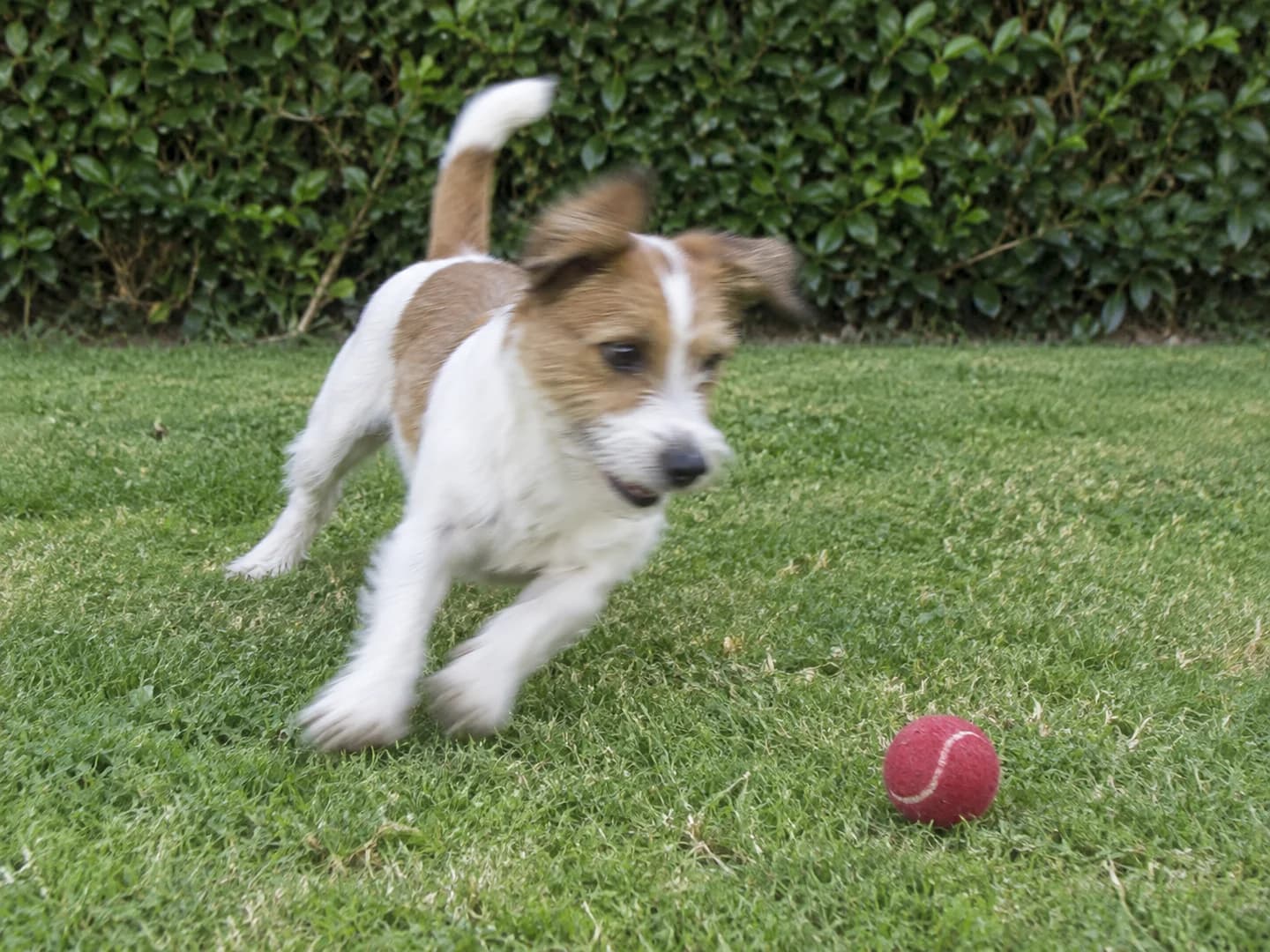
Terrier turning toward a red ball with slight motion blur around its head and pawsBefore
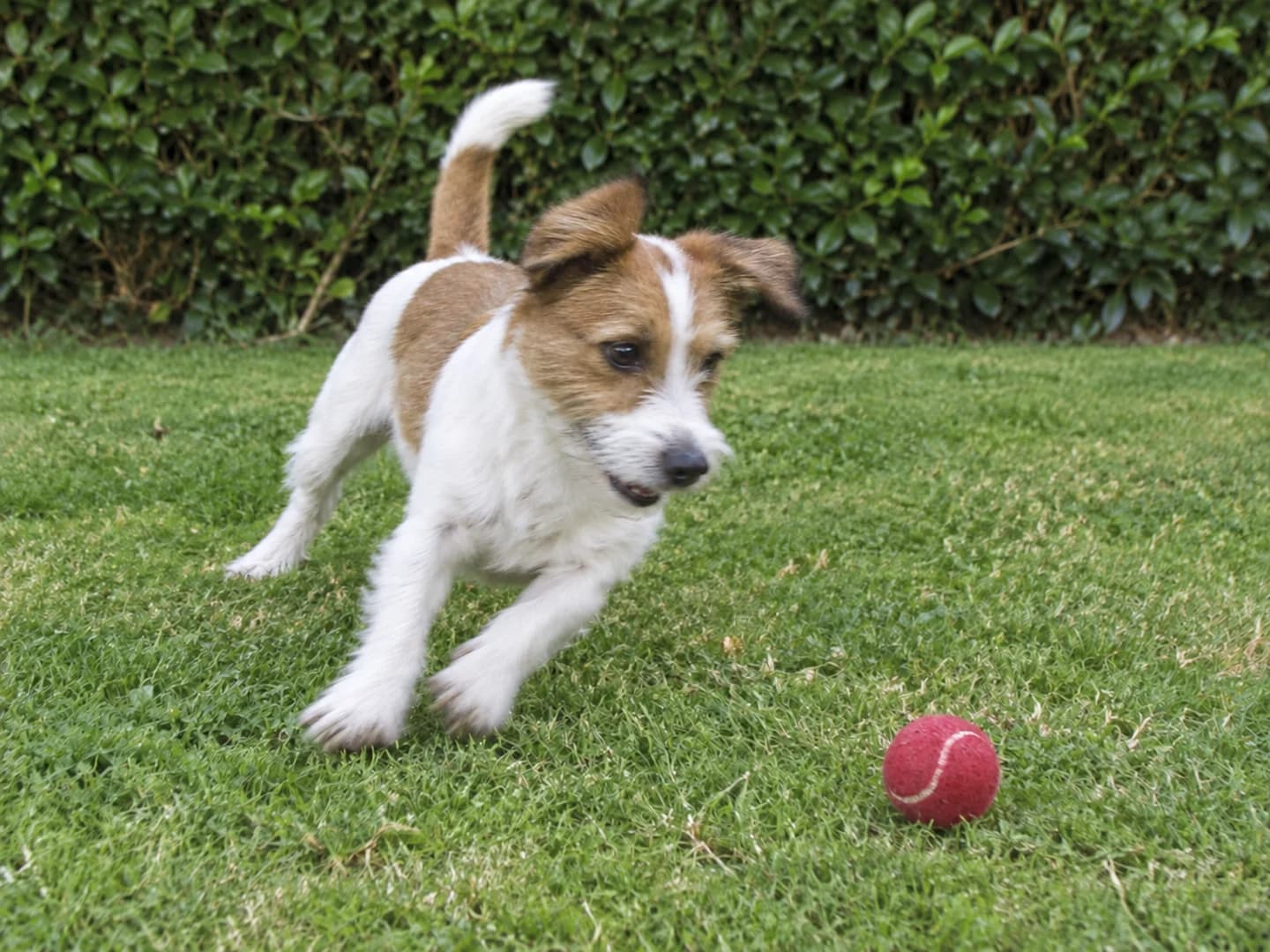
The same playful terrier with more defined face and paw edgesAfter

Keep the moment, soften the motion blur

A pet rarely waits for the camera. For a slightly blurred keeper, ask for clearer subject edges without changing the pose or making the fur look painted. Severe blur may not leave enough detail to work with.

Edit prompt

Gently reduce the slight motion smear around the dog's face, ears and front paws. Keep the same dog, fur markings, expression, pose, red ball, grass and framing. Keep the candid feeling and natural fur texture; do not turn it into a studio portrait or add details.

Alpine lake with hazy mountain layersBefore
The same lake with balanced colors and clearer mountain layersAfter

Create before you refine

Make a new photo, then refine the details

Need a new image rather than an enhancement? Use our AI photo generator to create a new photo from words or combine reference images. Return to the enhancer when you want to refine the lighting, color, or clarity of an existing photo.

Three steps

How to enhance a photo with AI

Start with an existing photo and give the enhancement a direction. This is a prompt-based tool, so you choose what to improve before generating.

  1. 01

    Upload your photo

    Use the original file when you have it, rather than a screenshot or a copy sent through messaging apps. The first upload is the photo to enhance; additional images serve as references.

  2. 02

    Name the improvement

    Describe the light, color, or clarity you want to adjust. Include the details that should stay, such as freckles, product shape, or the original background.

  3. 03

    Compare and save

    Open the result at full size and compare it with your original. Check faces and fine details, refine the prompt if needed, and download the version you prefer.

A more useful enhancement prompt

Tell the enhancer what better means

A dark face needs a different adjustment from a yellow product photo. Name the problem, describe a restrained correction, and say which details matter most.

Problem
The face and sweater are too dark
Adjustment
Soft fill light and gentle noise reduction
Keep
Facial features, freckles, expression, and background
Avoid
Smooth plastic skin or blown-out window highlights
Underexposed cafe portrait of a woman in a green sweaterBefore
The same cafe portrait with balanced exposure and visible skin textureAfter

Complete edit prompt

Brighten the face and sweater with soft natural fill light. Reduce shadow noise gently. Keep the woman's facial features, freckles, expression, hair, pose, and cafe background. Preserve the window highlights and natural skin texture; do not apply beauty smoothing.

The same ceramic cup with neutral ivory color and clearer ribbed texture

Know what to check

Clearer should still look like your photo

AI enhancement can reconstruct details rather than recover what the camera captured. A sharper-looking result is not always a more accurate one. Keep your original and check the parts that need to be true to life.

  • Compare facial features, freckles, lettering, and product details at full size.
  • Look for changed textures, halos, and color shifts before sharing or printing.
  • For evidence, archival accuracy, or exact pixel preservation, use a conventional photo editor and keep the original file.

Better quality, still the same memory

These public requests ask for a brighter, clearer photo without changing who or what is in it. One also questions how much generative editing is appropriate. That distinction matters here: describe a specific lighting or color correction, then compare the result with your original. A cleaner-looking image should not come at the cost of the details you wanted to keep.

I really want to be able to share this photo and am hoping someone can please help me brighten it up and improve the quality without changing our faces or bodies.

r/PhotoshopRequestRead original

hi! is anyone able to brighten up this photo a bit? my dog looks very dark and it’s hard to see him. also, if it’s possibly to make this less pixelated without using a ton of generative AI, that would be great but not necessary. mostly just need the image brightened. thank you!

r/PhotoshopRequestRead original

AI photo enhancer questions

PhotoGenerAI

What would make your photo look better?

Upload a photo and start with its light, color, or clarity.

Enhance a photo