PhotoGenerAI

Use a pose from AI Pose Gallery

AI Pose Generator

Found a pose in AI Pose Gallery? Upload or paste it on the left, add your character on the right, then generate your character in that pose.

Start with 3 free generations without an account. Sign in for up to 10 free credits per week.

Your pose and character

Choose a pose from the gallery below.

Browse AI Pose Gallery below

The person or character to use in this pose.

Your image
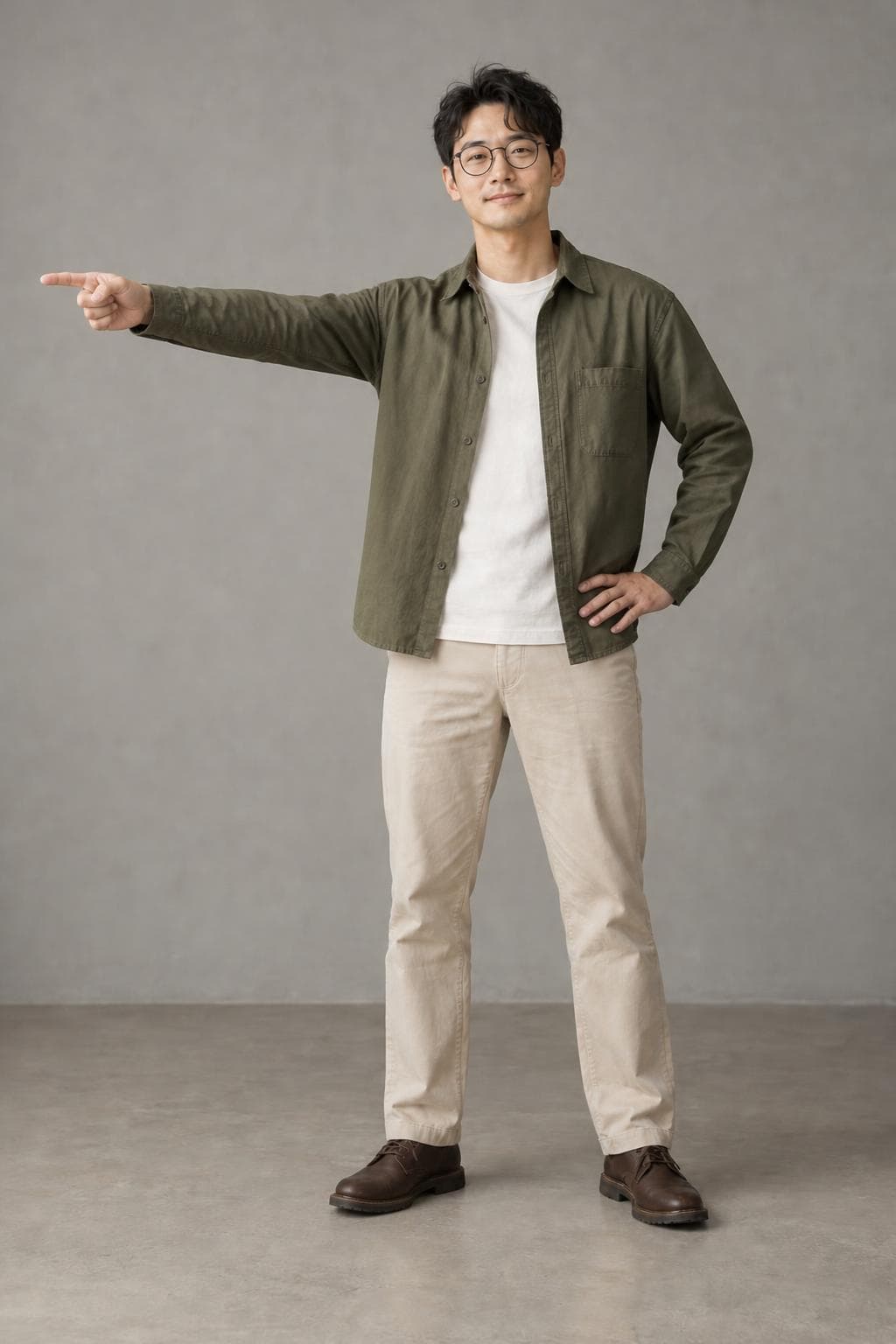
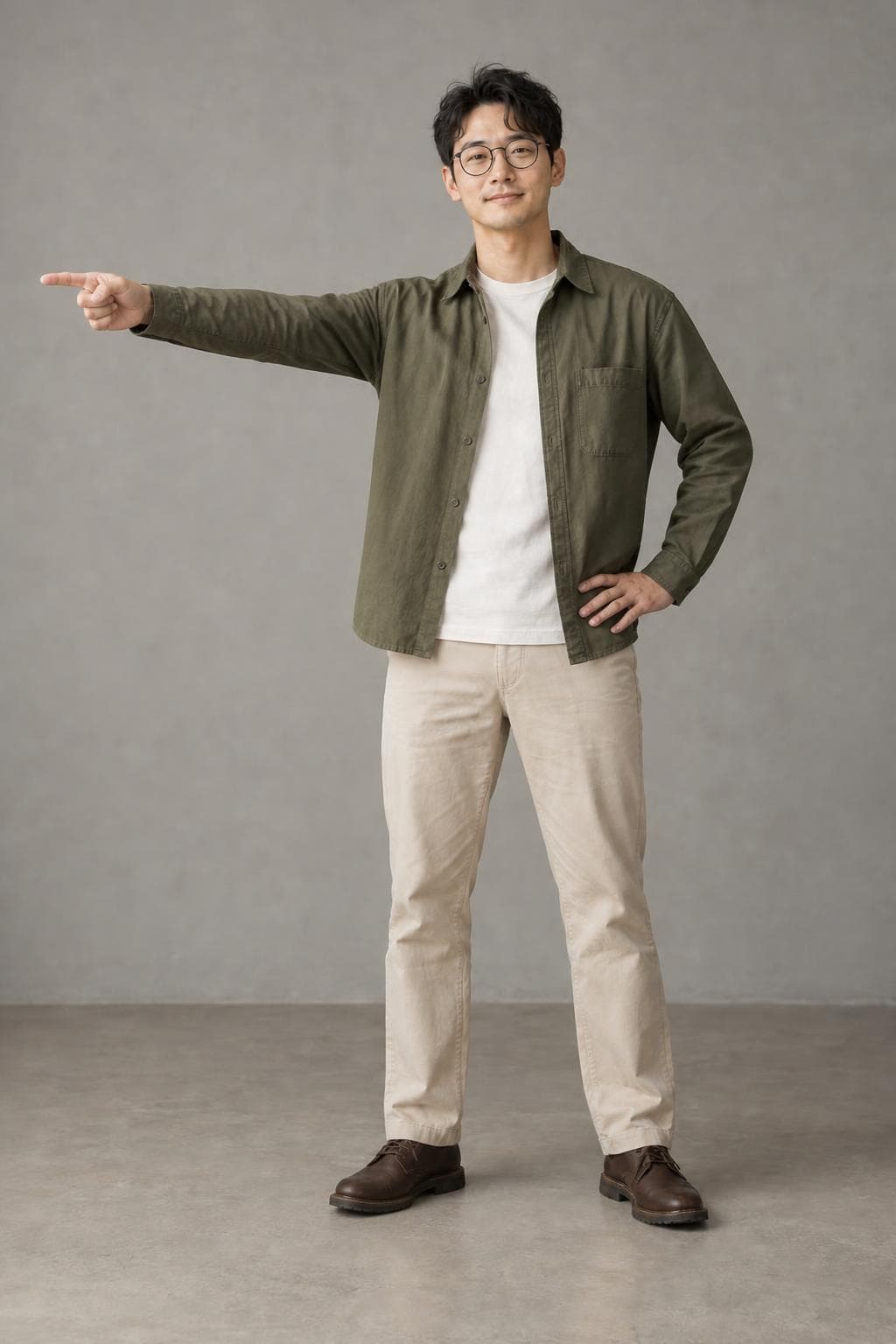
A character following a pose with one arm extended and one hand on the hip
Give your character a pose you like.

Same character, a new pose

Take your character into another pose

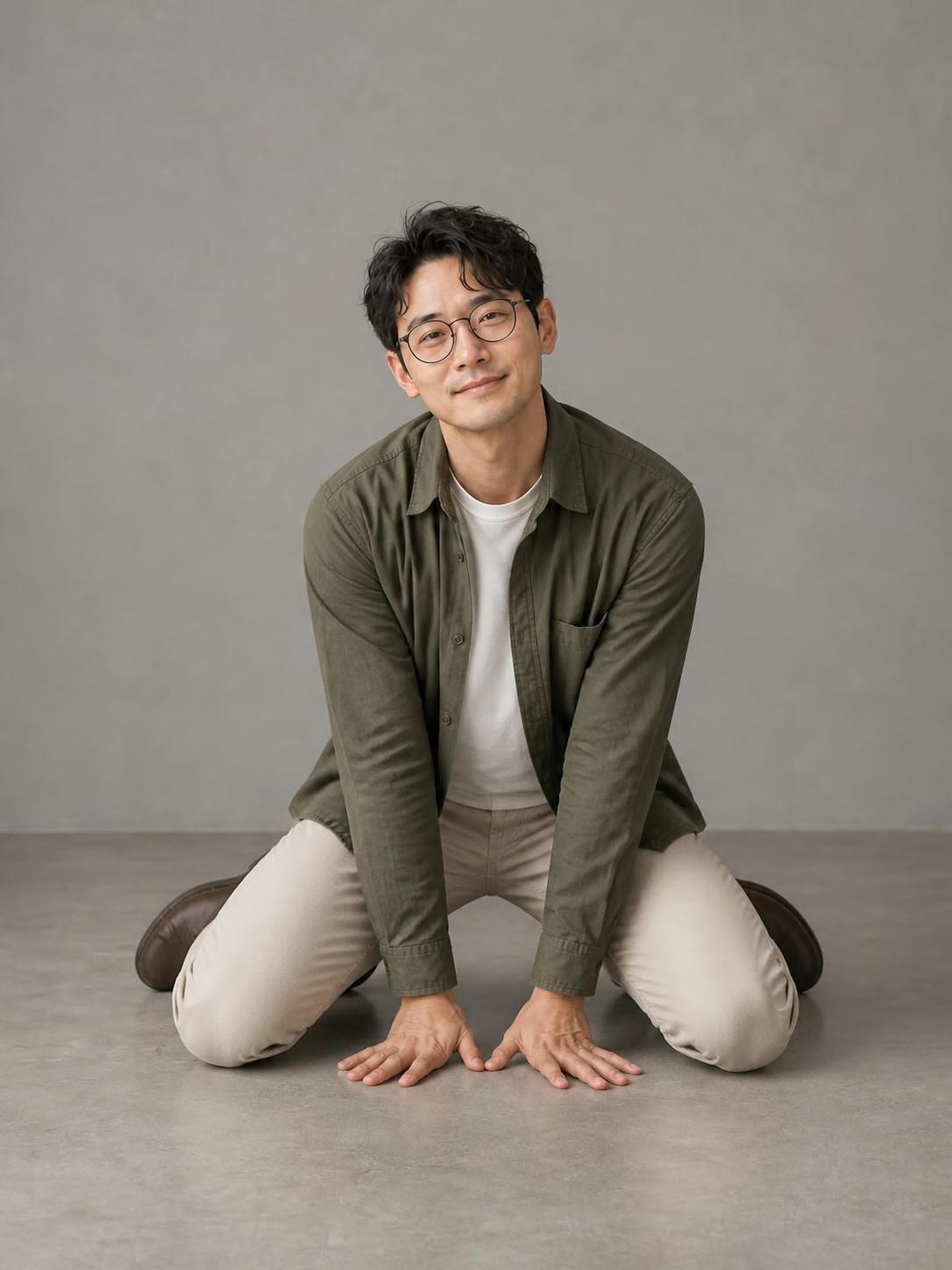
Bring a pose you like from AI Pose Gallery and add your character. This kneeling reference guides the body position while the character image supplies the glasses, olive shirt and light trousers.

Pose reference from AI Pose Gallery by ギア.
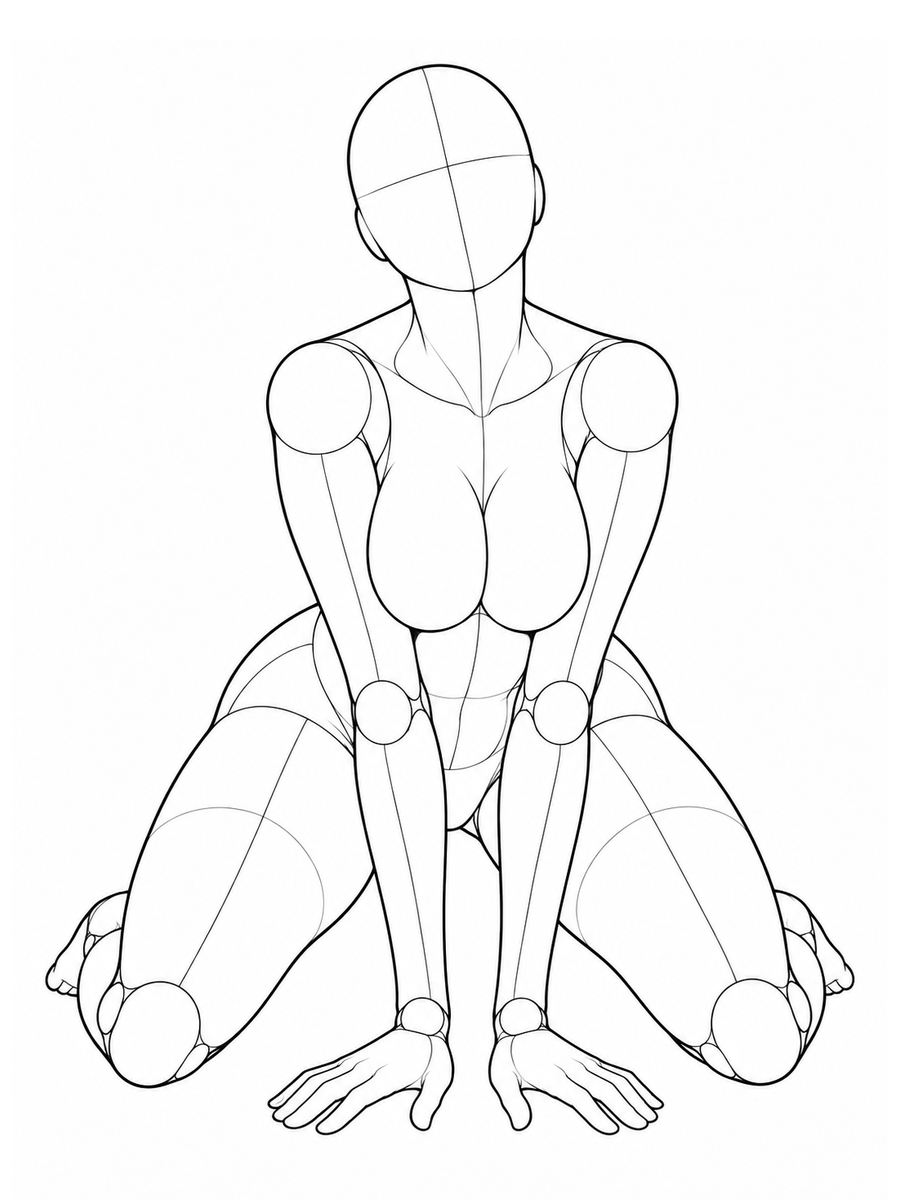
Kneeling mannequin pose reference with knees apart and both hands on the floor, from AI Pose GalleryBefore
The same character kneeling with both hands on the floor, following a Gallery poseAfter

Start with your character

One pose, your character

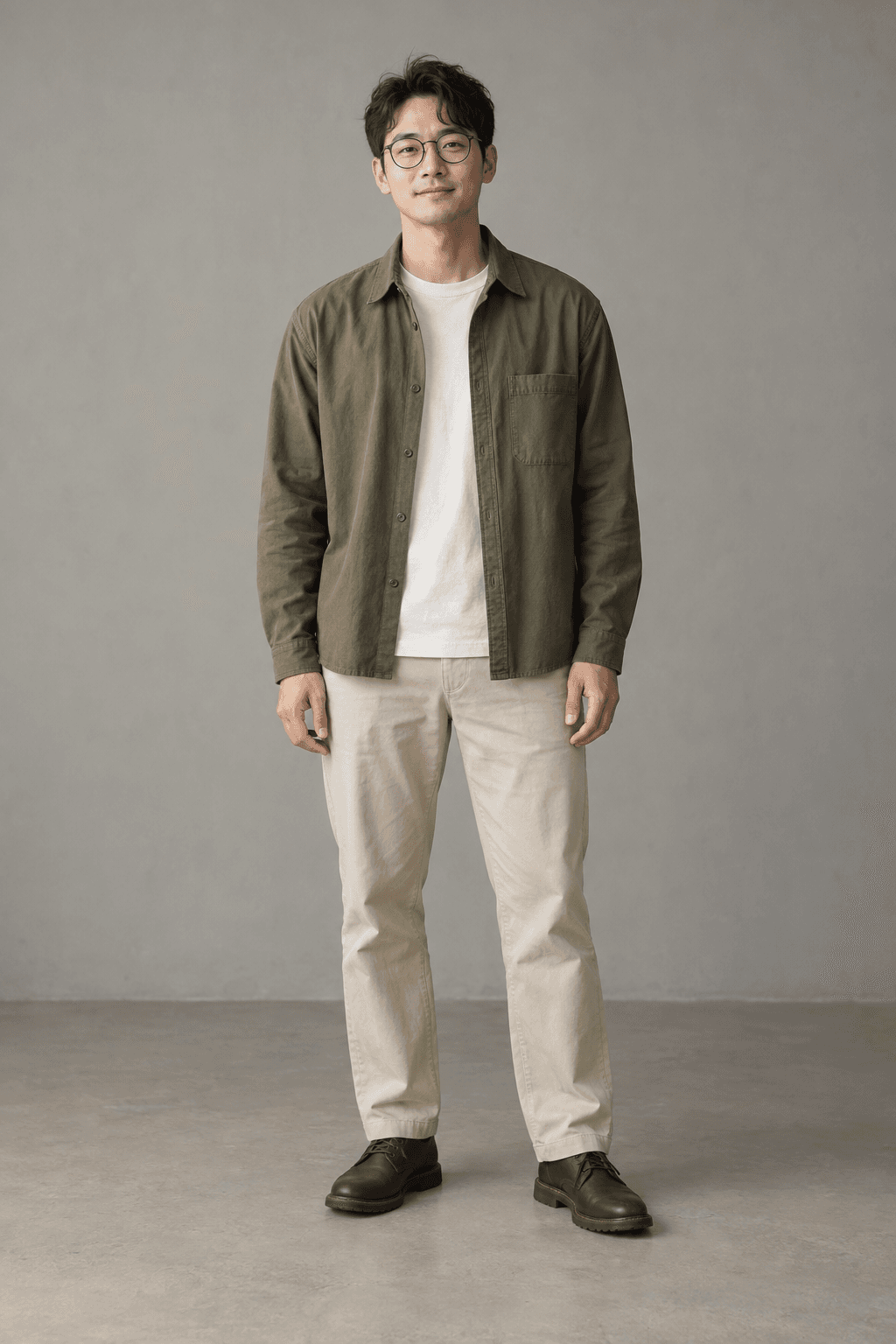
Upload a character image and a pose you like. The character supplies the face, outfit and visual style. The pose reference guides the body position, arms and camera view.

Character with round glasses, an olive overshirt and light trousers standing with arms relaxedBefore
The character following a pose with one arm extended and the other hand on the hipAfter

Give your character the pose you found

  1. 01

    Add your pose

    Download or copy a pose image you like. Upload or paste it into the left field.

  2. 02

    Add your character

    Upload the person or character you want to put in that pose into the right field.

  3. 03

    Generate

    Create the new image, compare the pose and character, then download your result.

Bring a pose from AI Pose Gallery

Found a pose you like in AI Pose Gallery or a post about it? Download or copy that single image, then add it to the pose field on the left. The reference tells the generator how the body should stand, sit or move.

Choose a view that already matches the image you want. Keep the whole figure visible, including hands, feet and a chair or other object that supports the pose. If the download contains several figures, select one pose before uploading it.

Add the character you want to pose

Upload your character image on the right. Use a clear photo or illustration where the face, hairstyle and outfit are easy to see. Both images are required: one supplies the pose and the other supplies the person or character.

A full-body character image is useful when the result needs to preserve trousers, shoes or other clothing below the waist. Keep this image in place when you want to try the same character in another pose.

Generate from the two images

Once both images are ready, click Generate. The tool uses your character's appearance and the reference pose together. Model, image shape and credit cost are available in the settings before you generate.

For another variation, replace the pose image on the left and generate again. To give a generated character another pose, use Continue editing, then add the next pose reference.

Check the pose and character

Compare the result with both inputs. Check the body direction, arms, knees and head against the pose. Then compare the face, hair and clothing with your character image. Pay attention to hands, feet and places where the body touches a chair or another object.

The model may change small joint positions or the viewing angle. A clearer reference can help when an important part of the action is missed. Download the result you want to keep; generated images also appear in your private history.

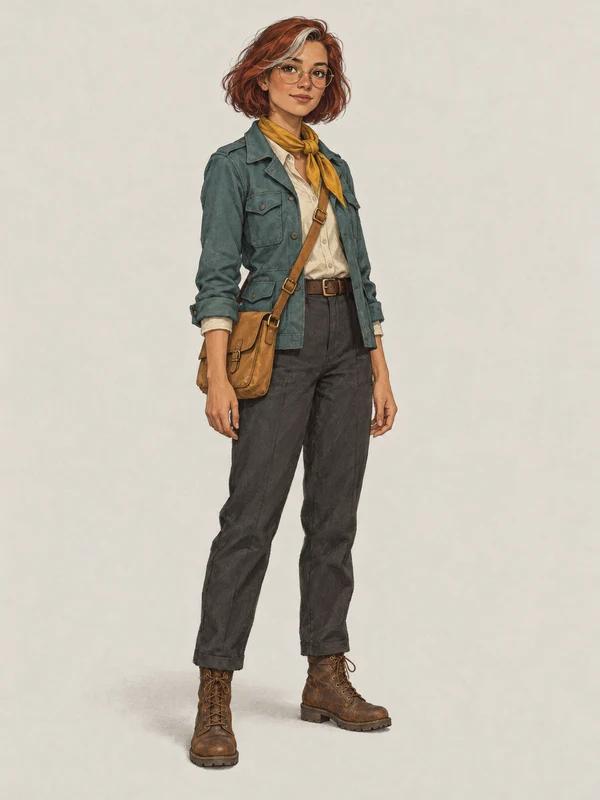
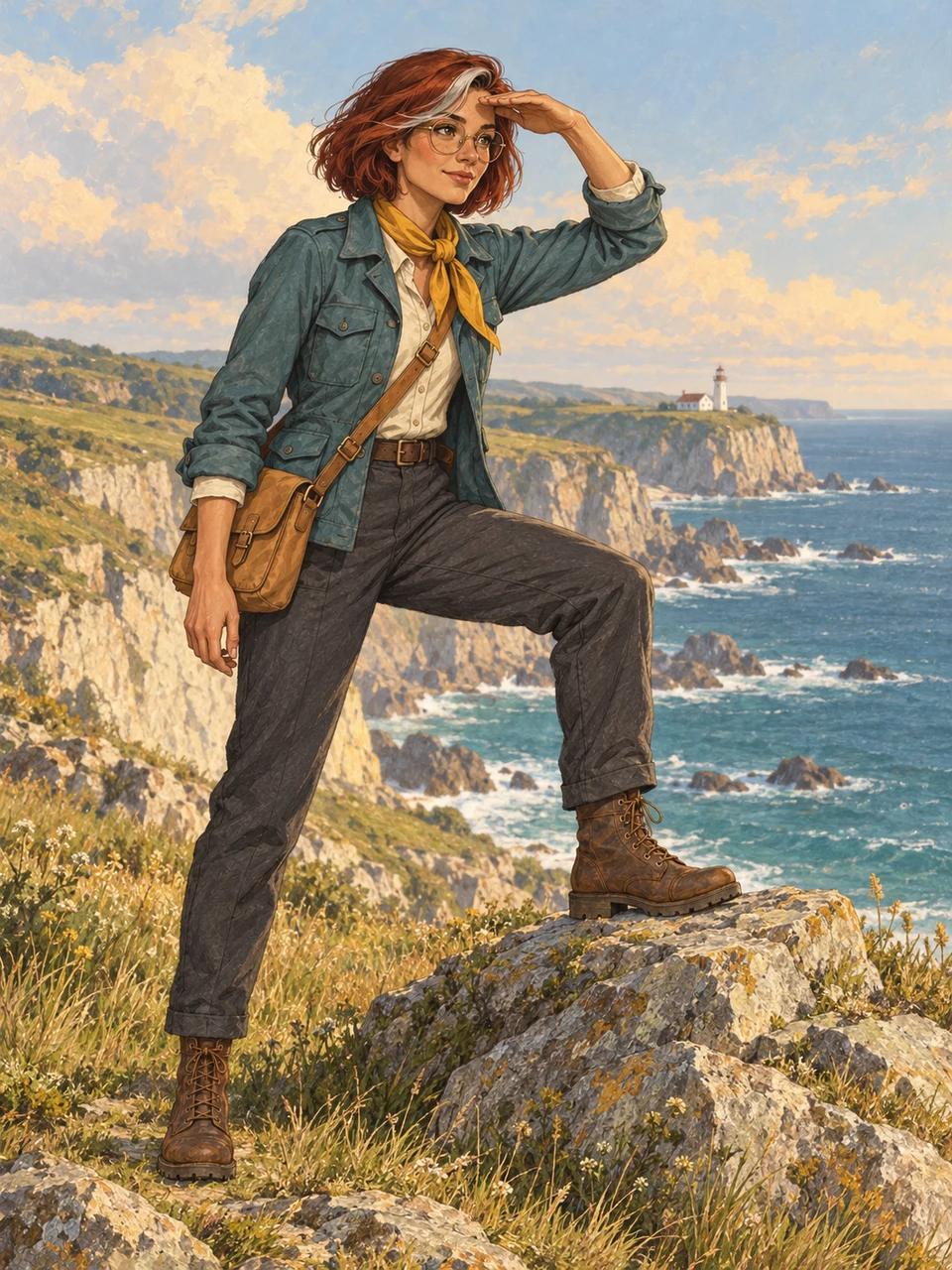
An illustrated explorer with round glasses and a yellow scarfBefore
The illustrated explorer following a lookout poseAfter

More ways to create

Create the character for your next pose

Develop the rest of your idea with our AI photo generator. Create your character, edit a background or combine visual references, then bring a character image back here to explore another pose.

AI pose generator questions