PhotoGenerAI

Free AI Photo Generator

Create images from words or give your own photos a new direction. Use our free AI photo generator for everyday edits, product photos, portraits and artwork, all in your browser.

Optional

Or start with an example

Aspect ratio
Preview
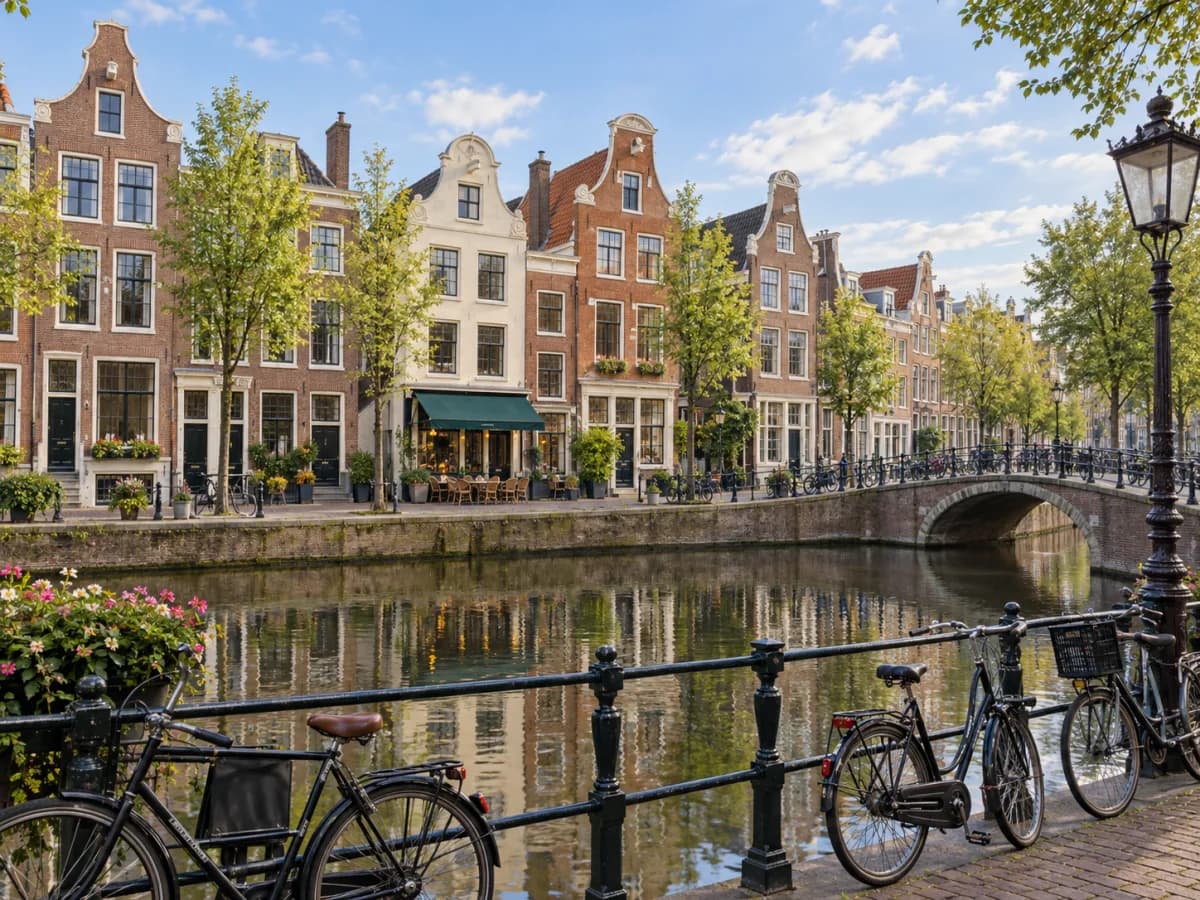
Day to night: BeforeBefore
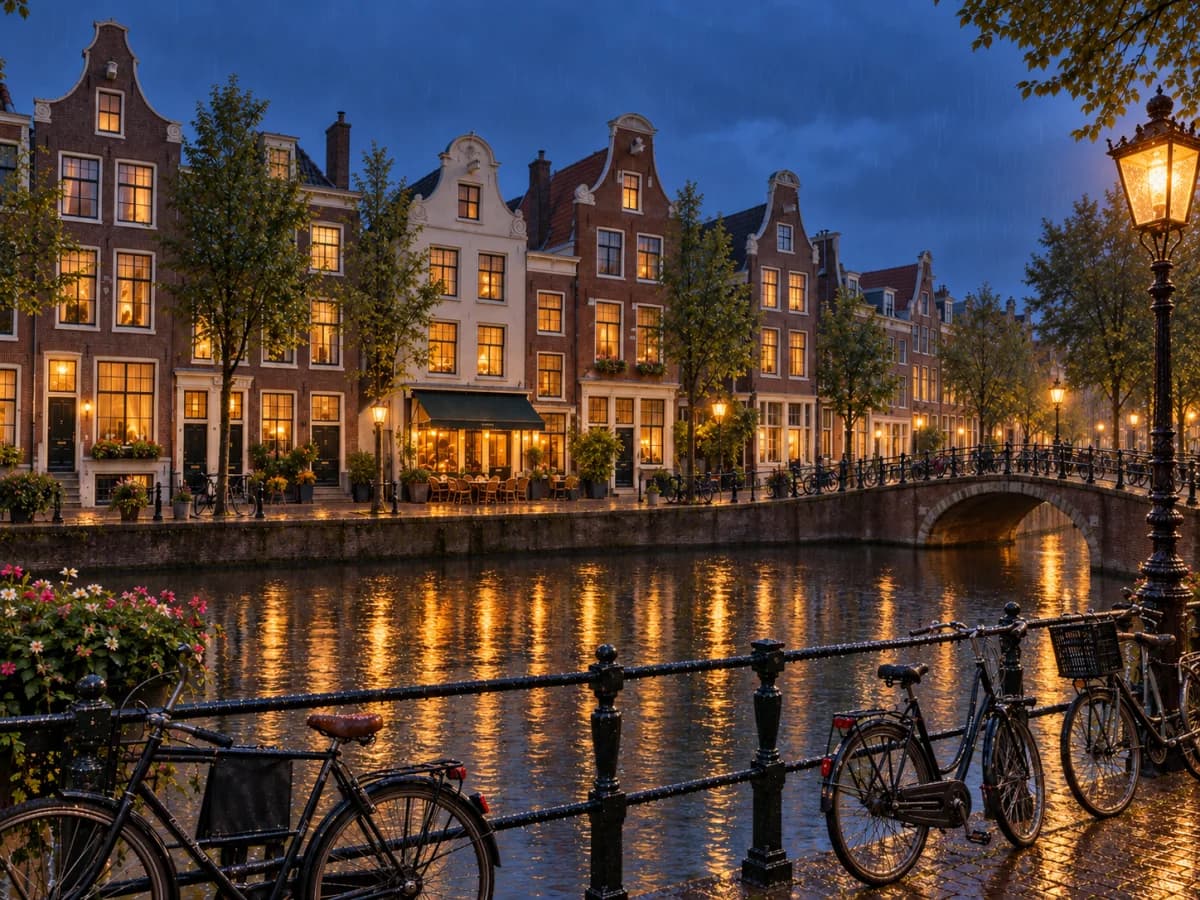
Day to night: AfterAfter
Prompt

Turn this into a rainy blue-hour evening with warm window lights.

AI photo generator from your photos and sketches

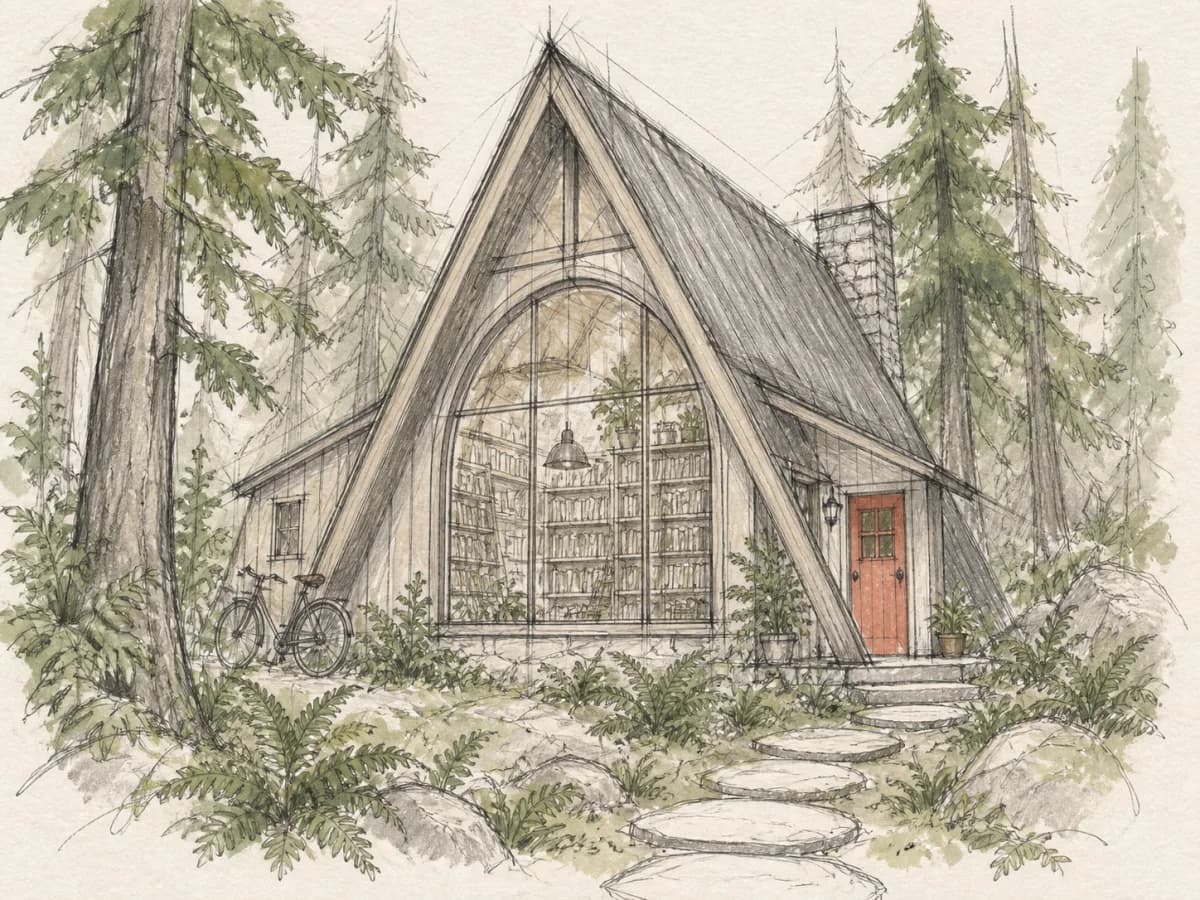
Build on a sketch: BeforeBefore
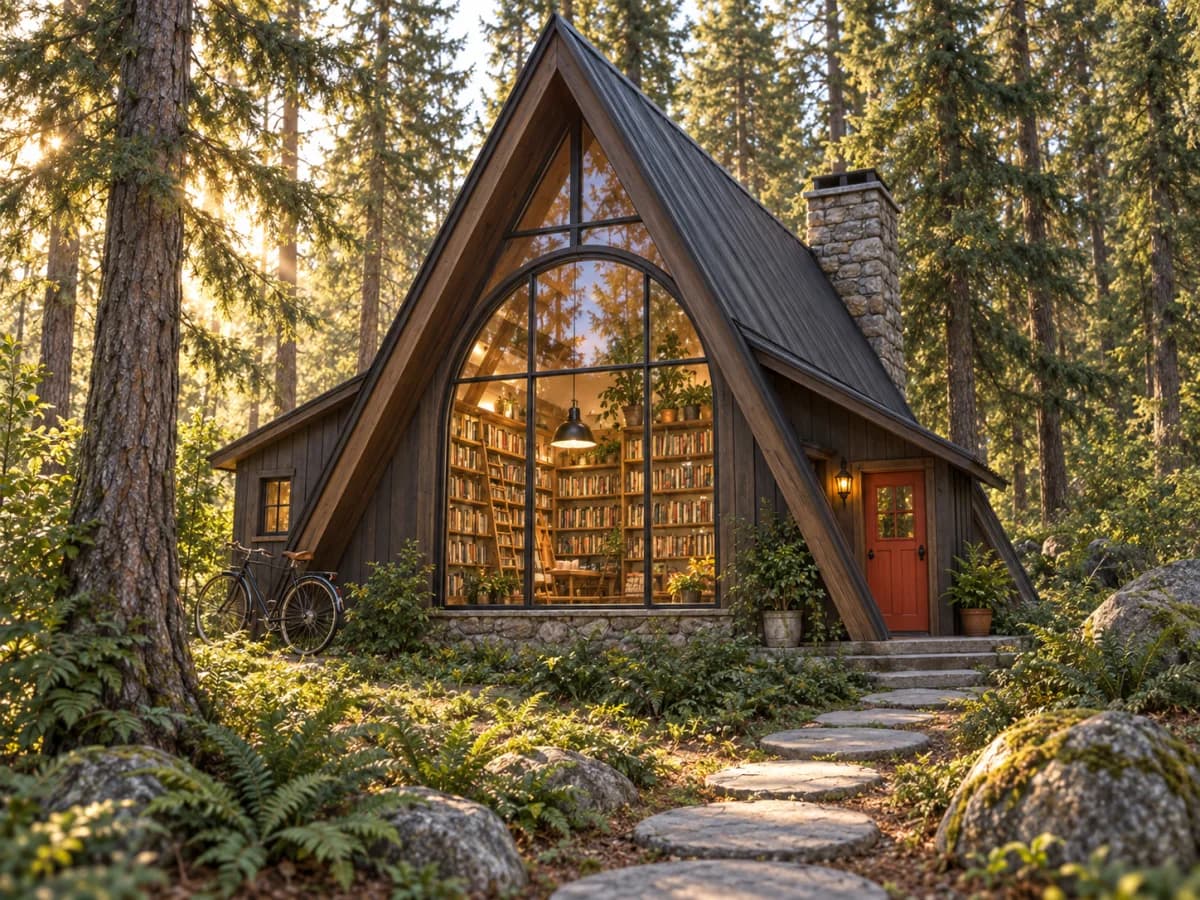
Build on a sketch: AfterAfter
Prompt
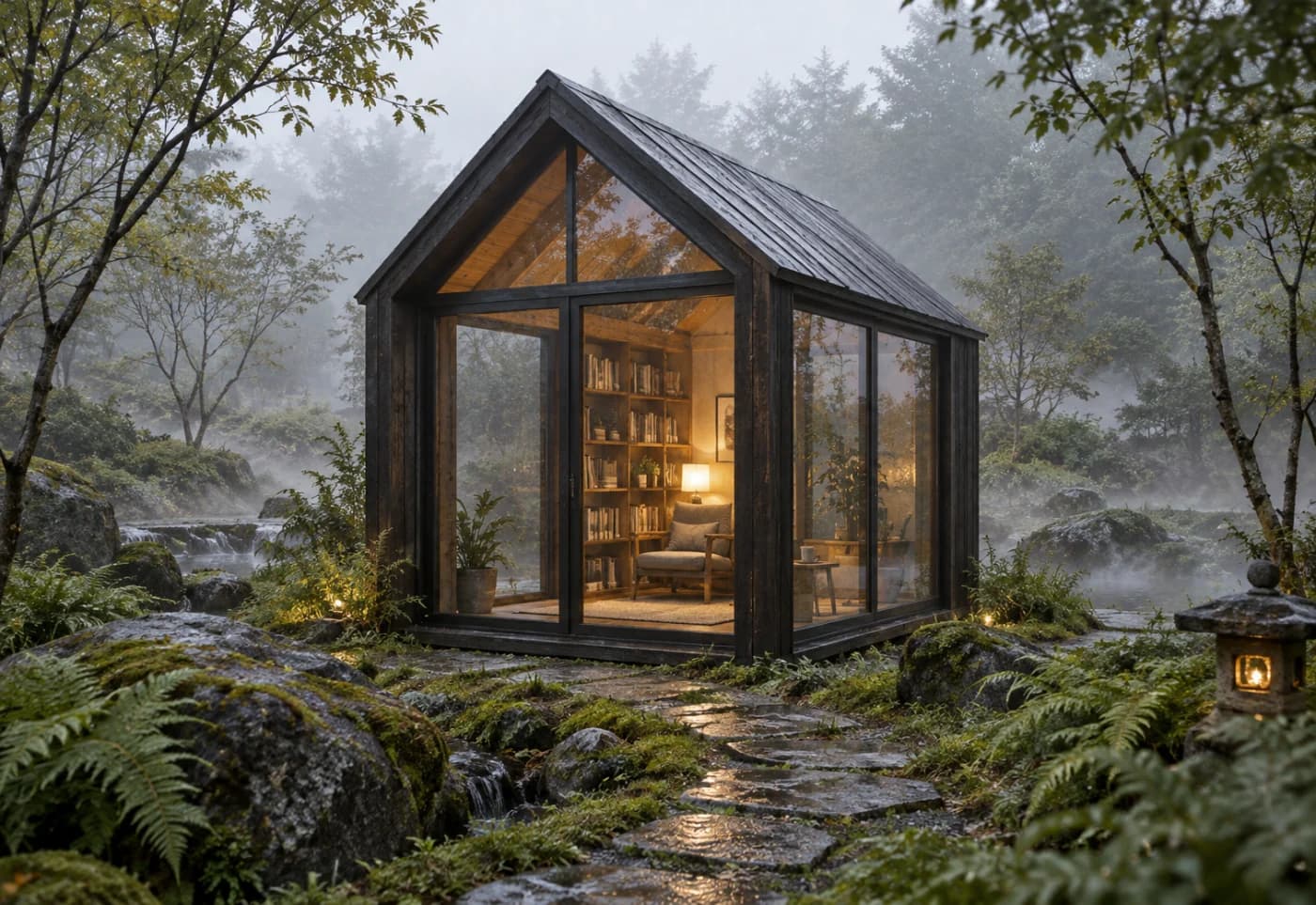
Turn this sketch into a realistic forest bookshop. Keep its design.

Build on a sketch

Turn a rough drawing into a more developed visual idea. Upload a sketch and describe the materials, colors, lighting or finish you have in mind. Explore concepts for objects, buildings, interiors or illustrations, using your drawing to guide the composition.

Create an image
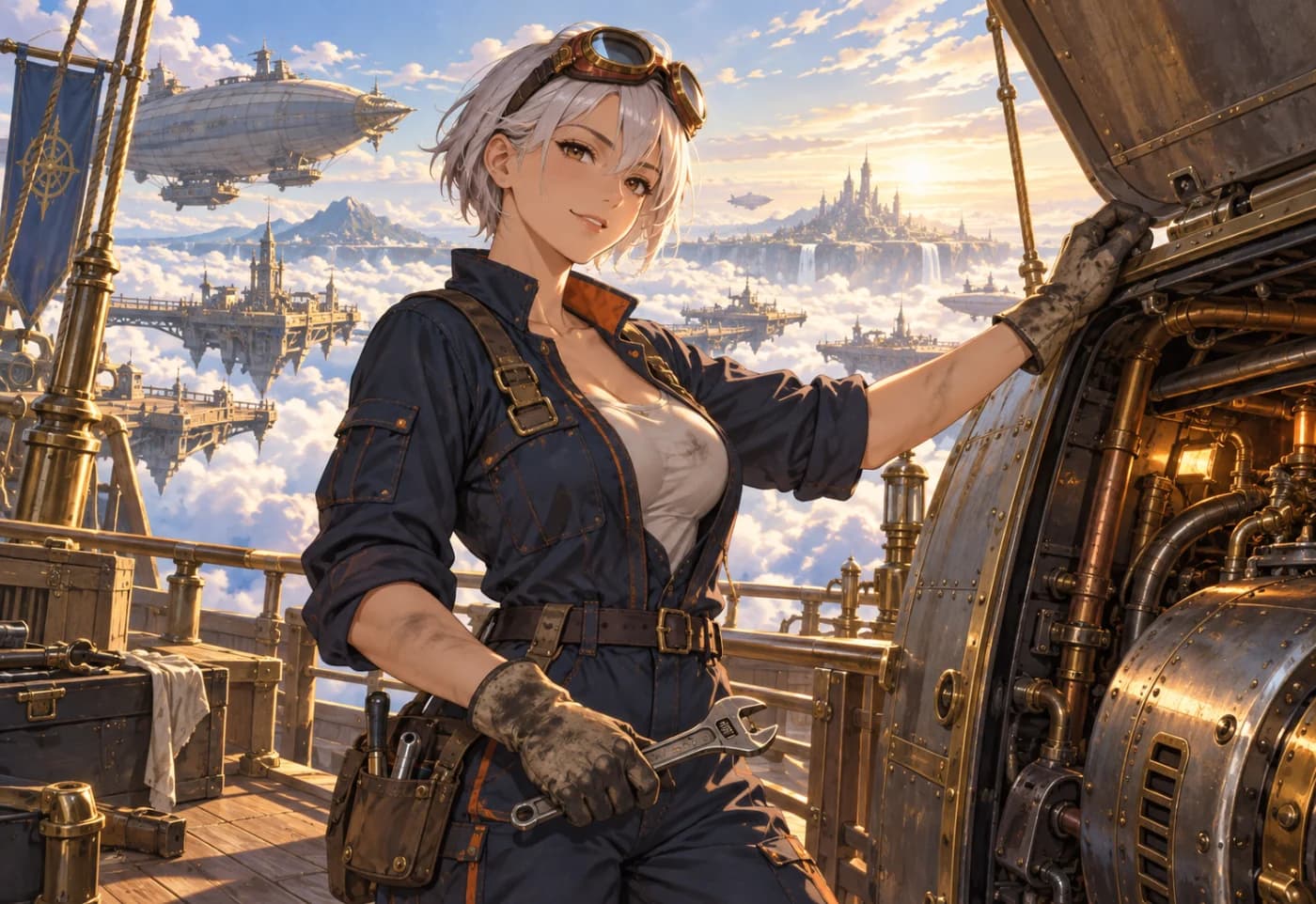
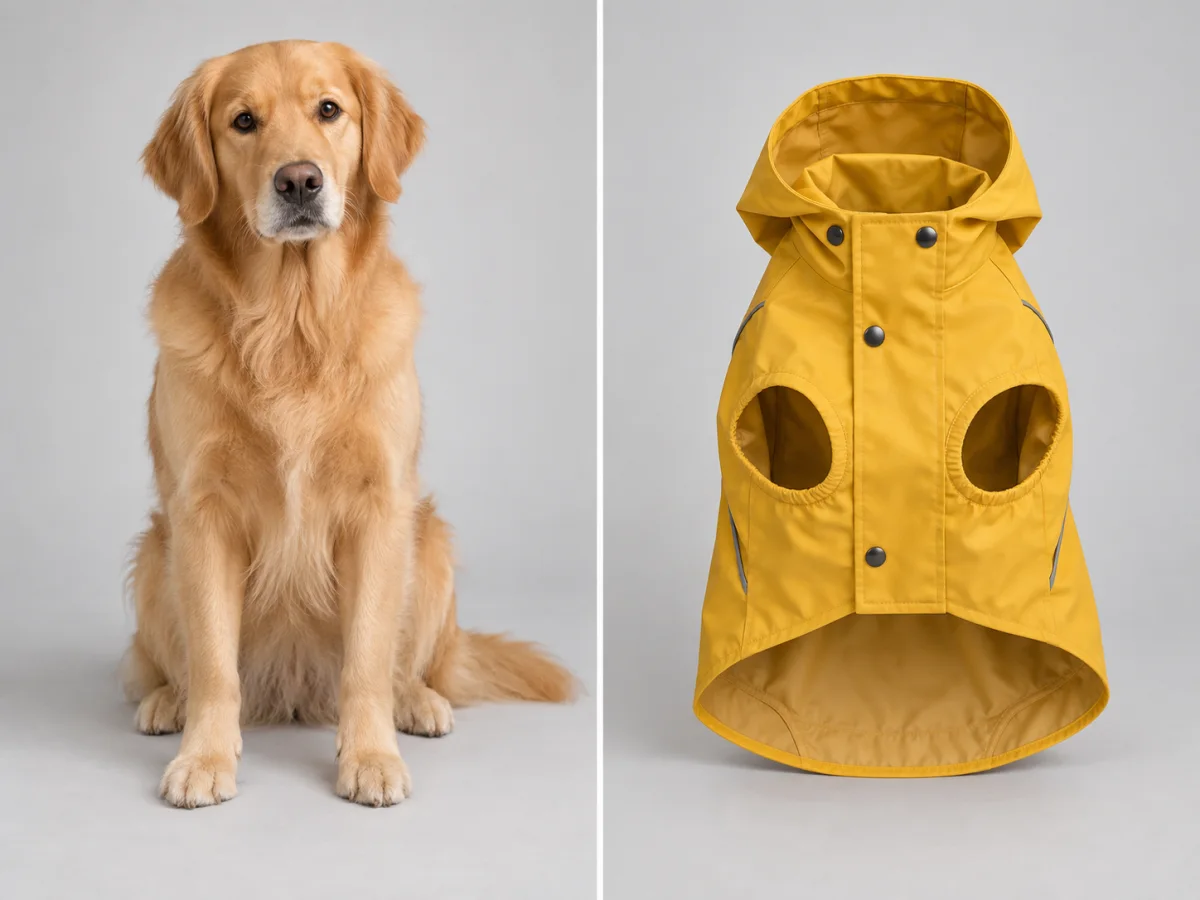
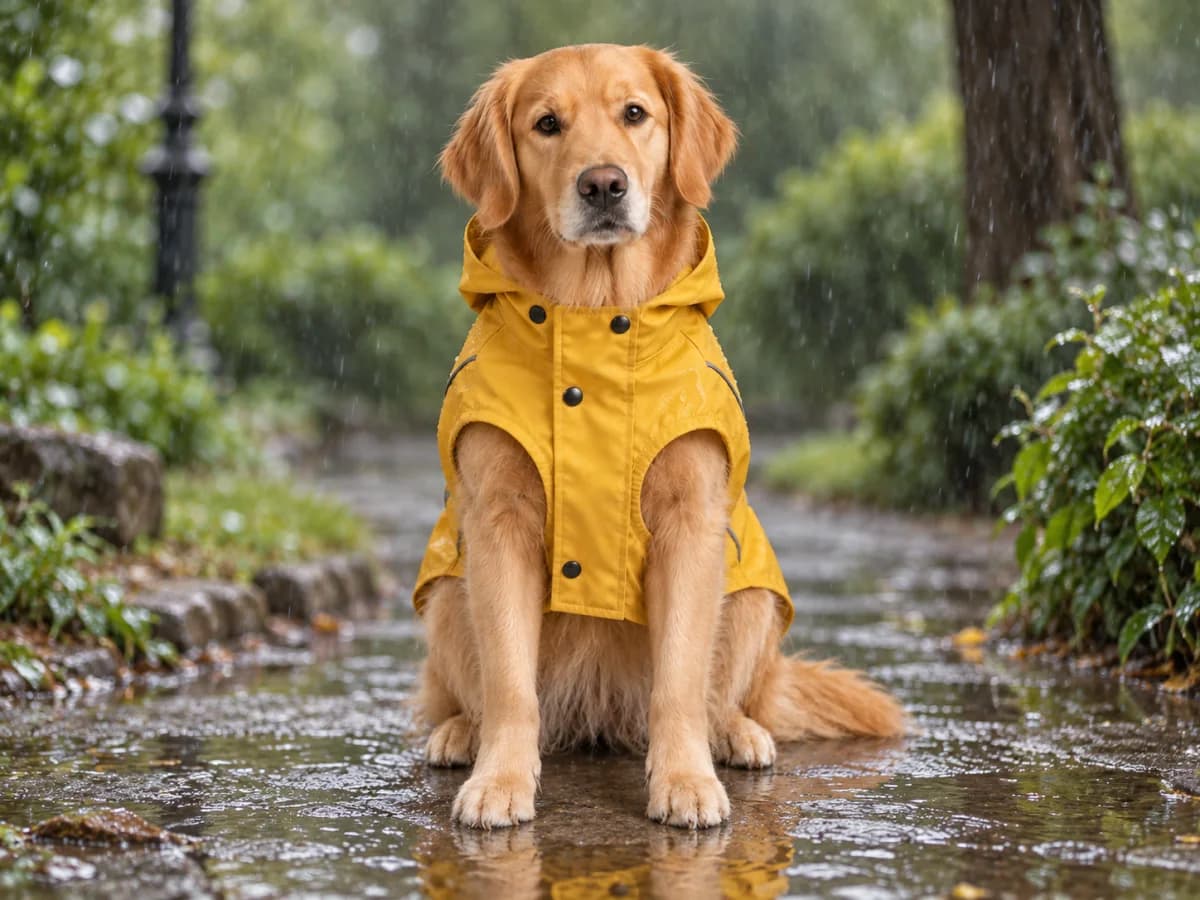
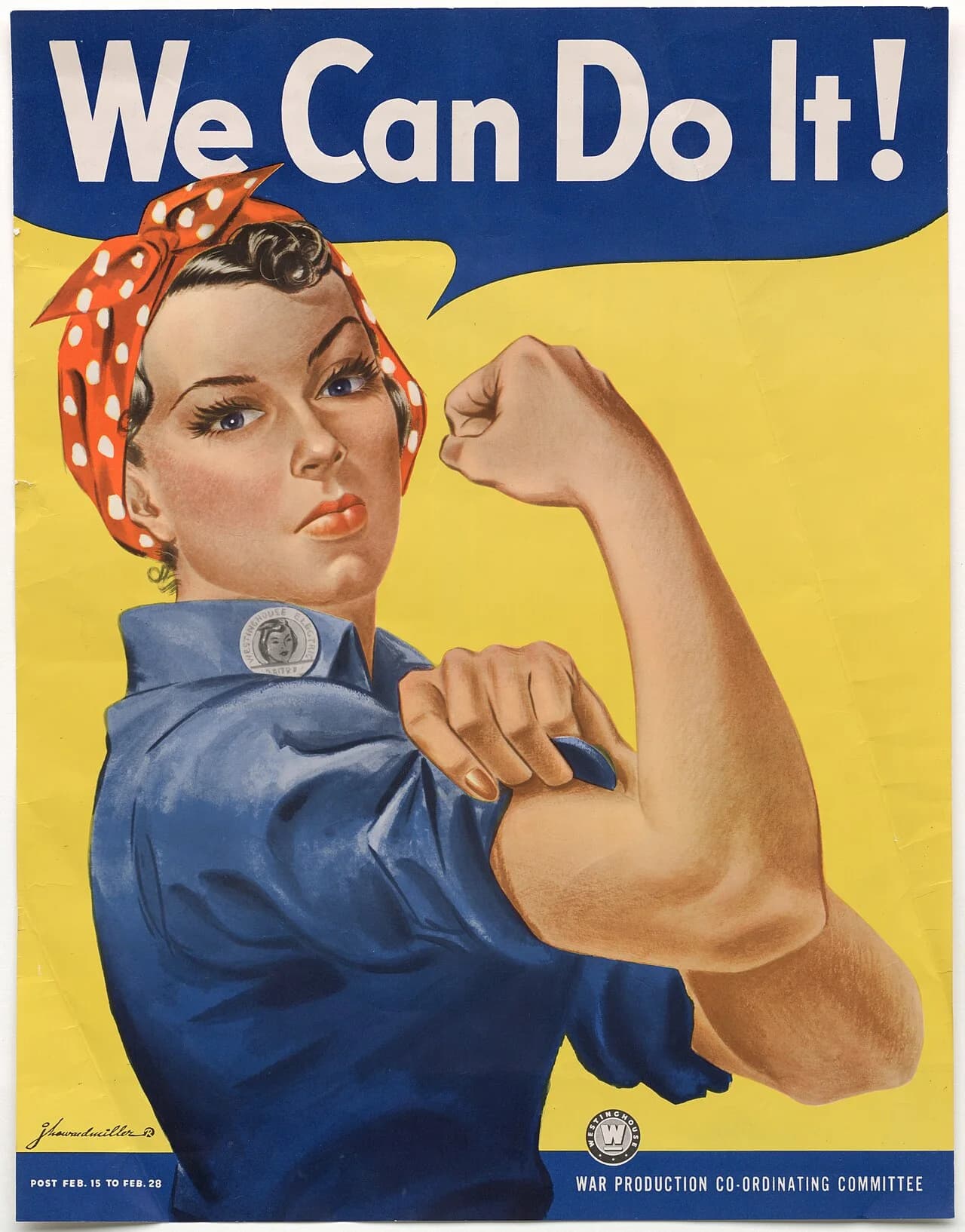
Prompt: BeforeBefore
Prompt: AfterAfter
Prompt

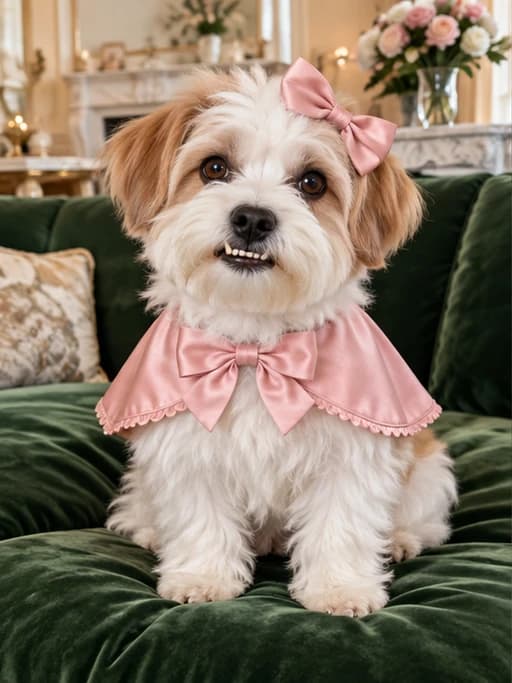
Put this raincoat on this dog, in a rainy park.

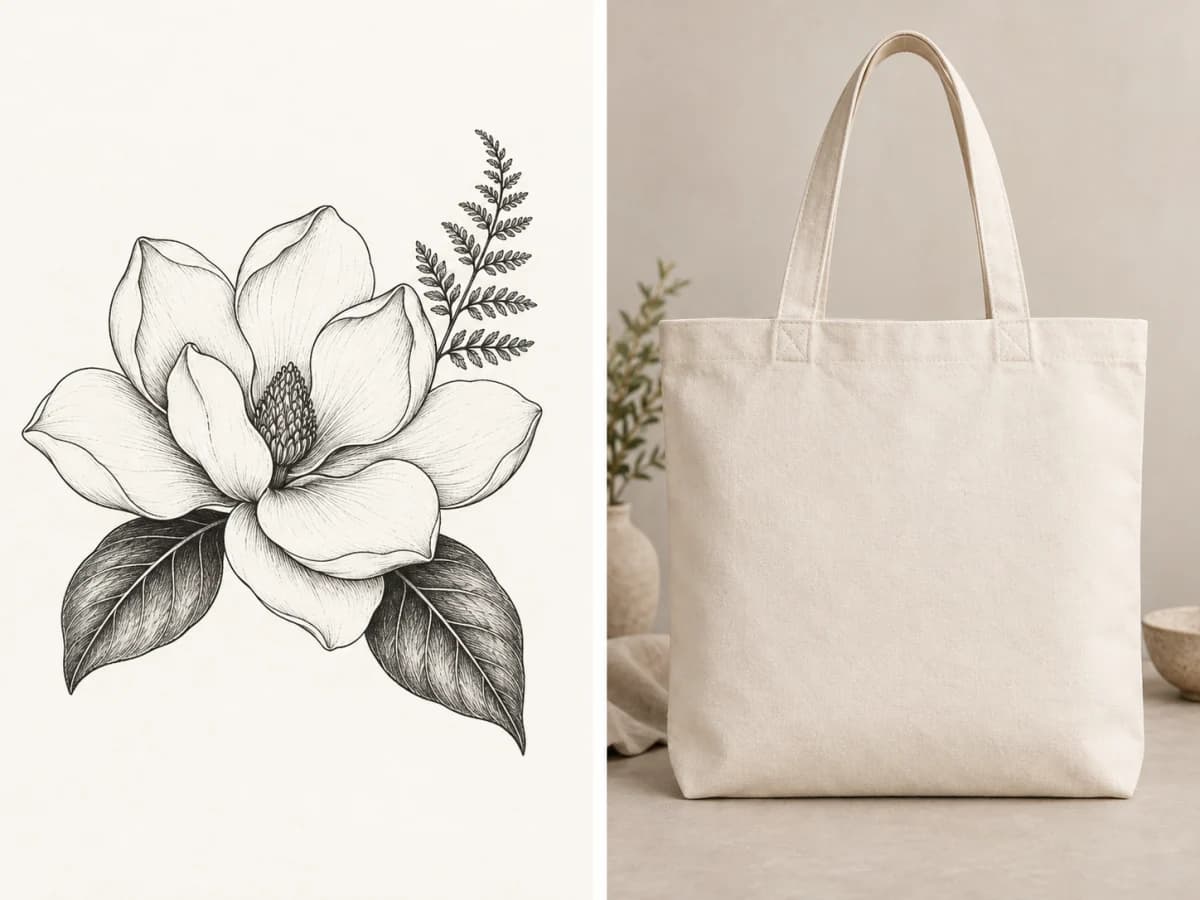
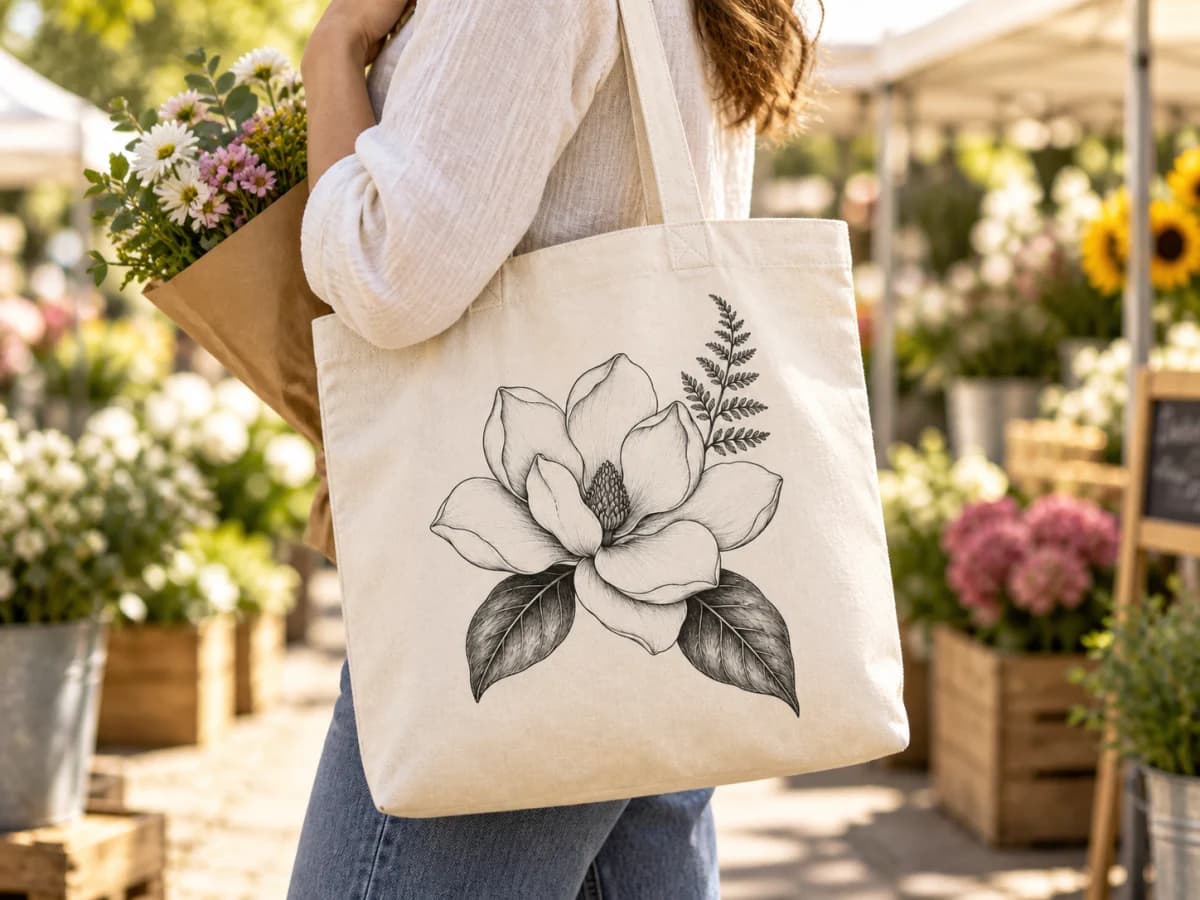
Bring images together

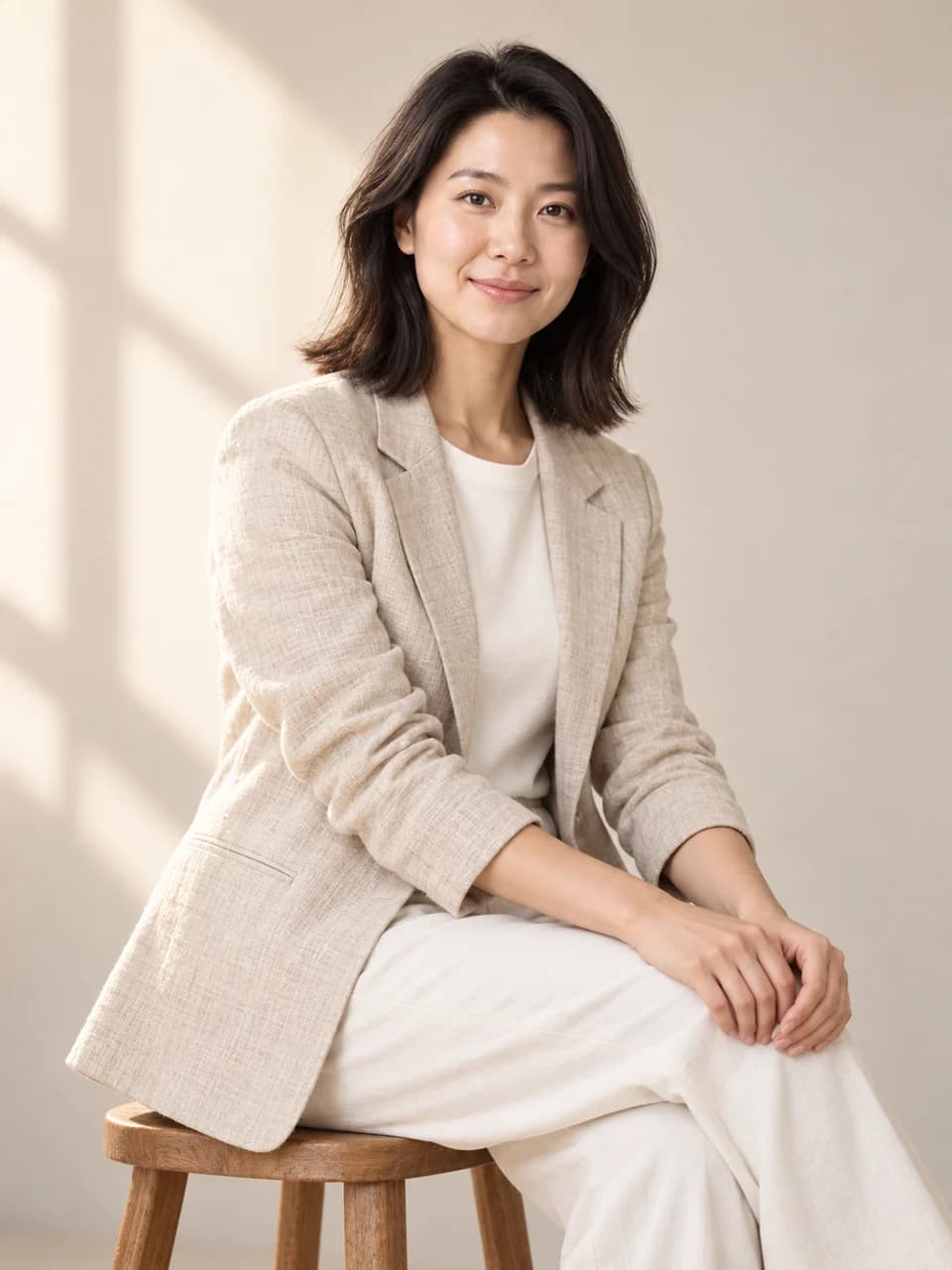
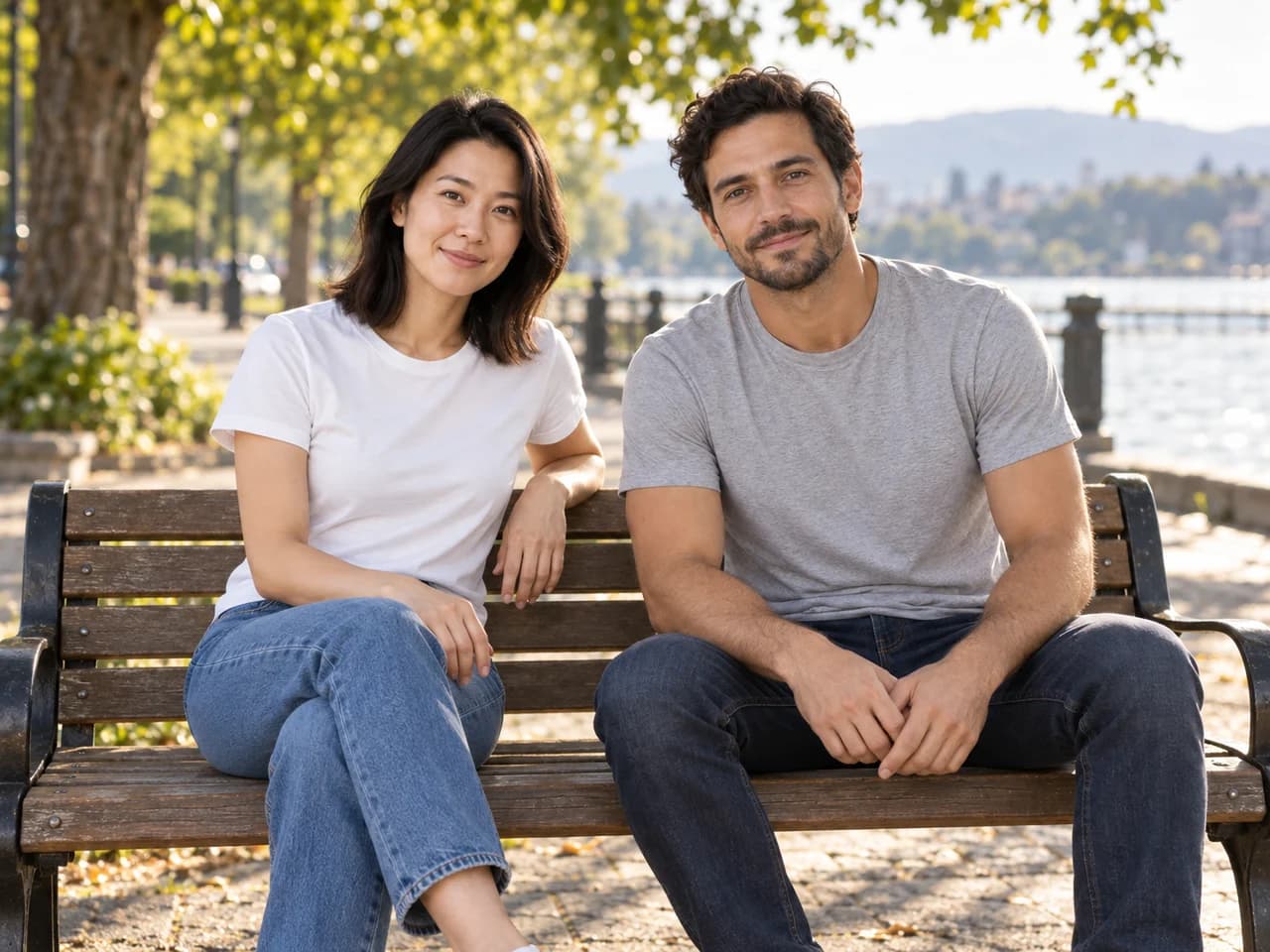
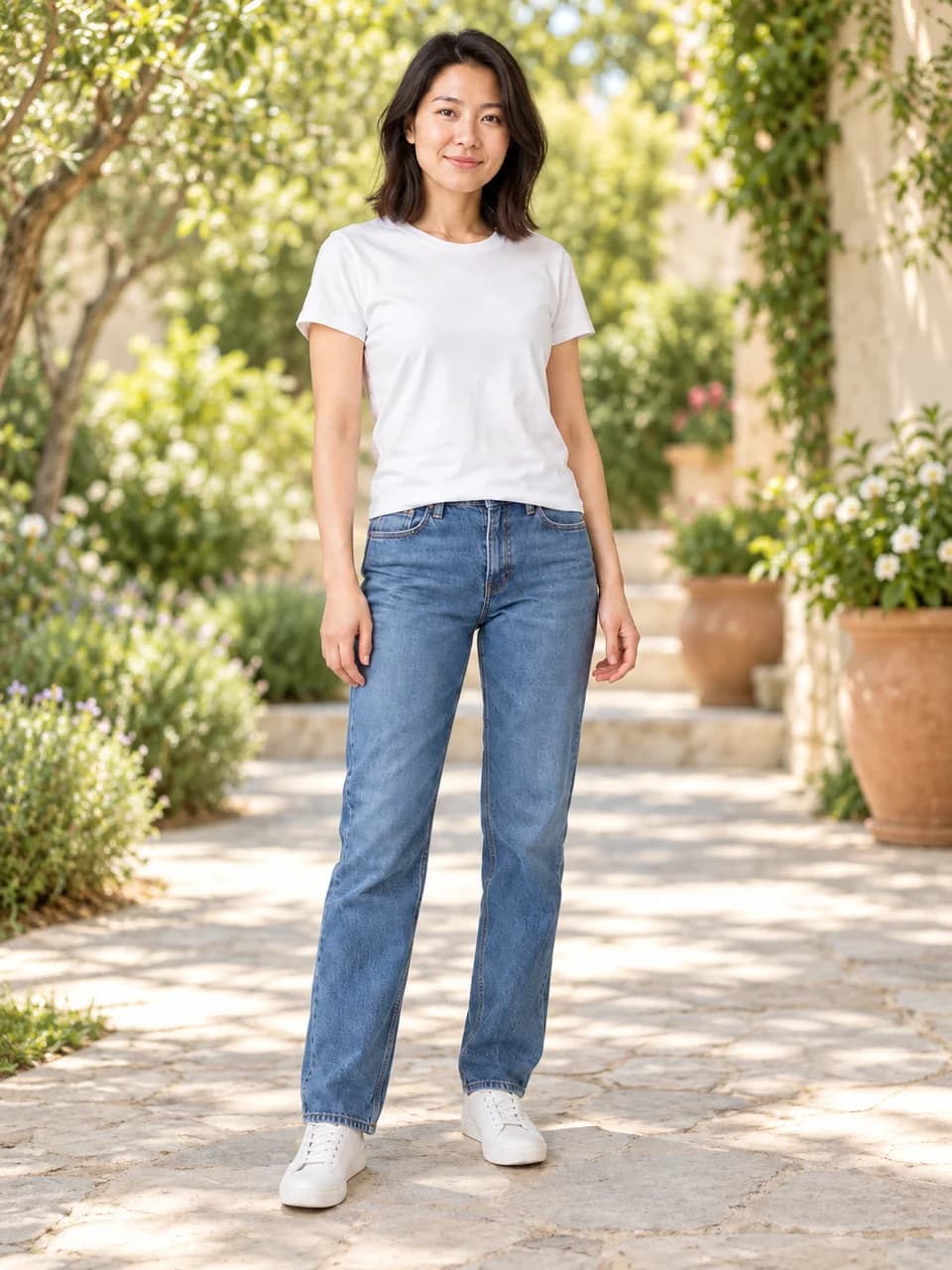
Bring subjects, objects and settings from separate images into a new composition. Upload your images and describe how their elements should fit together. Try combinations for a mood board, a product concept or a creative portrait. References can help communicate a subject, color palette or atmosphere that is difficult to describe in words alone.

Create an image
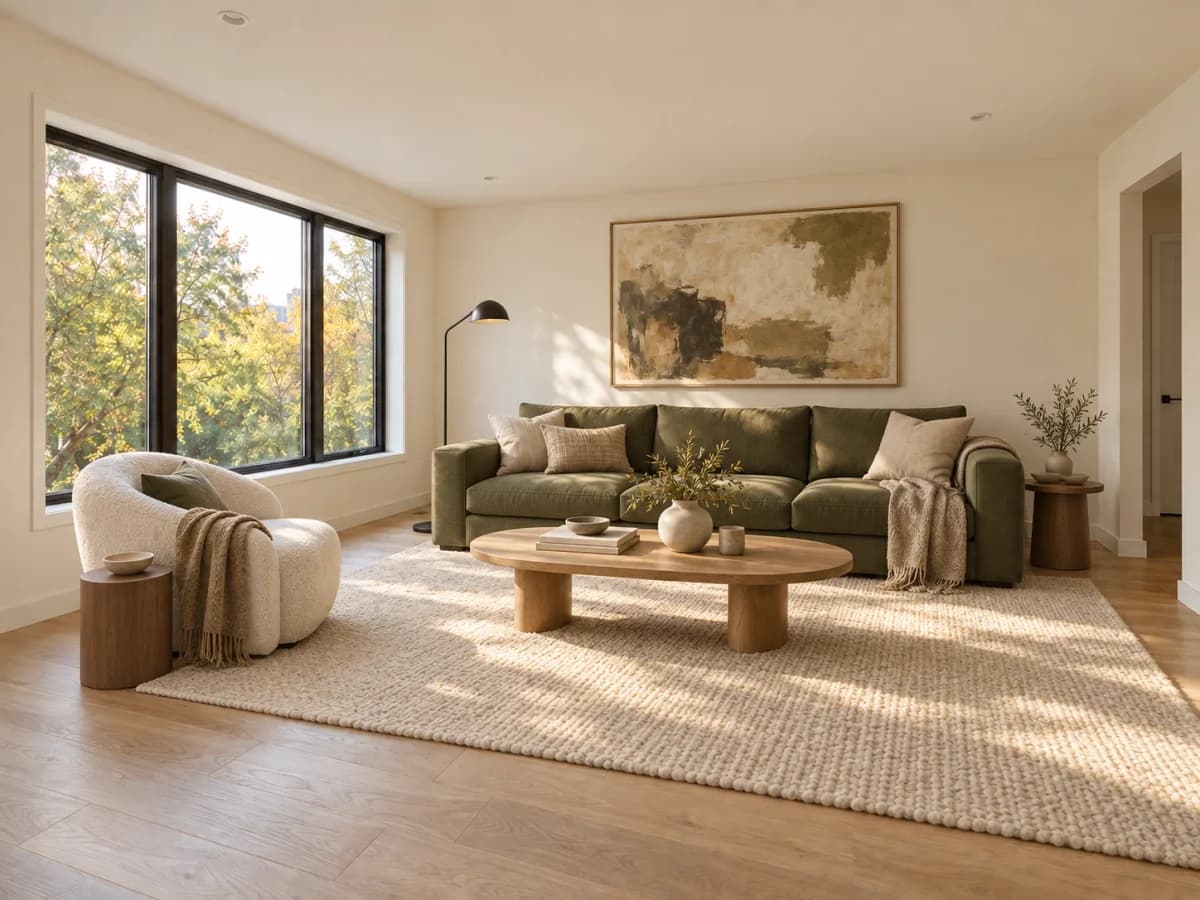
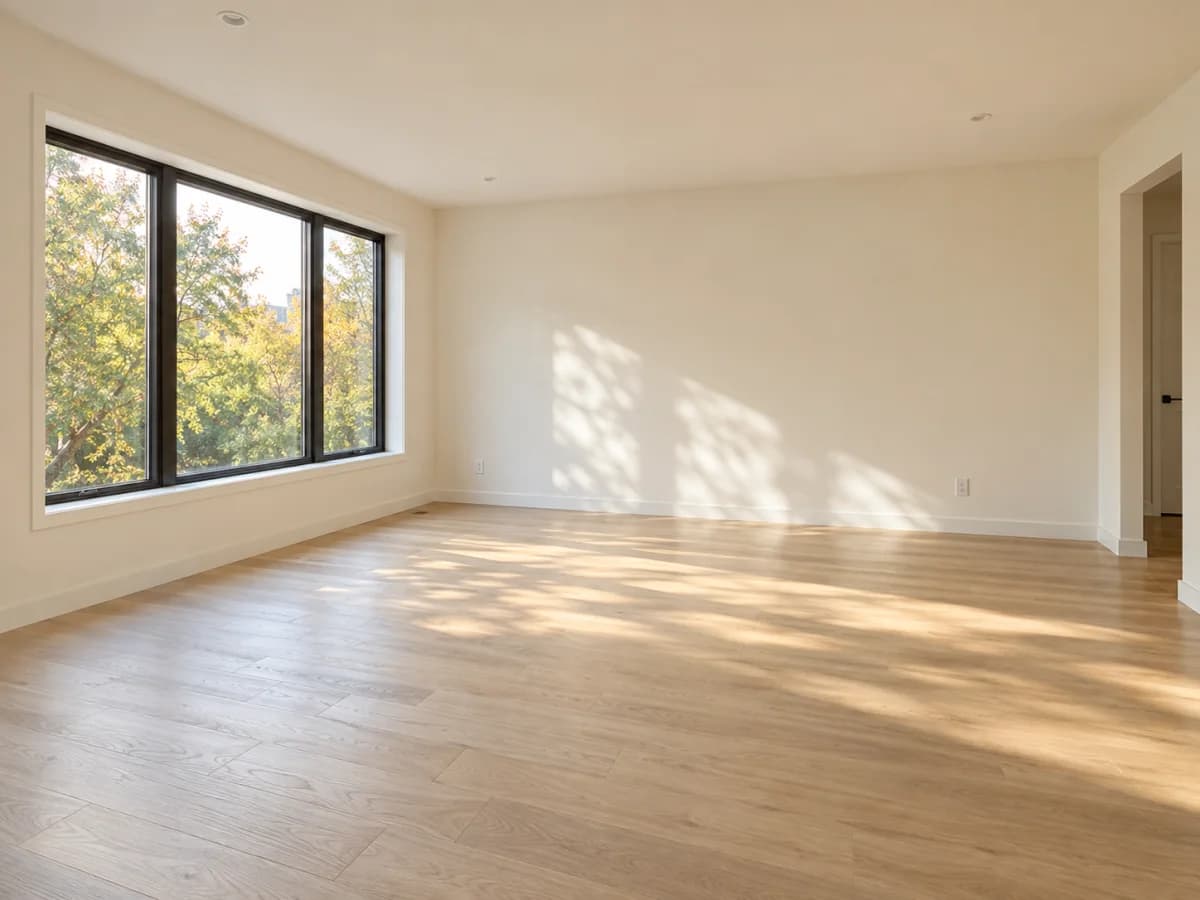
Redesign your space: AfterRedesign your space: BeforeBeforeAfter
Prompt
Furnish this room with a warm modern look. Keep the room and windows.

Redesign your space

Explore furniture, wall colors, materials and decor using a photo of your space. Describe the room style you want or add a reference image to suggest a direction. Compare ideas for a living room, bedroom, workspace or outdoor area to narrow down your shopping and decorating plans.
Create an image
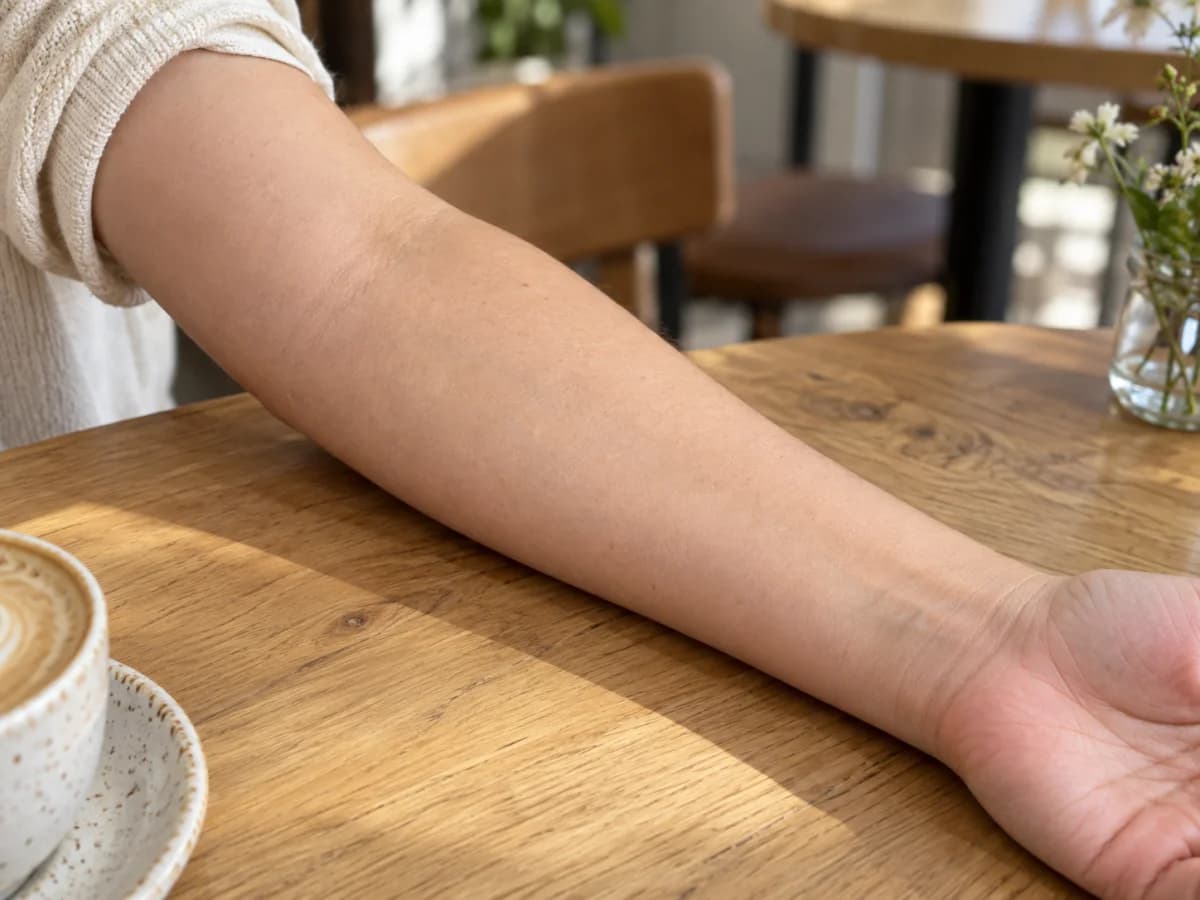
Try out tattoo ideas: BeforeBefore
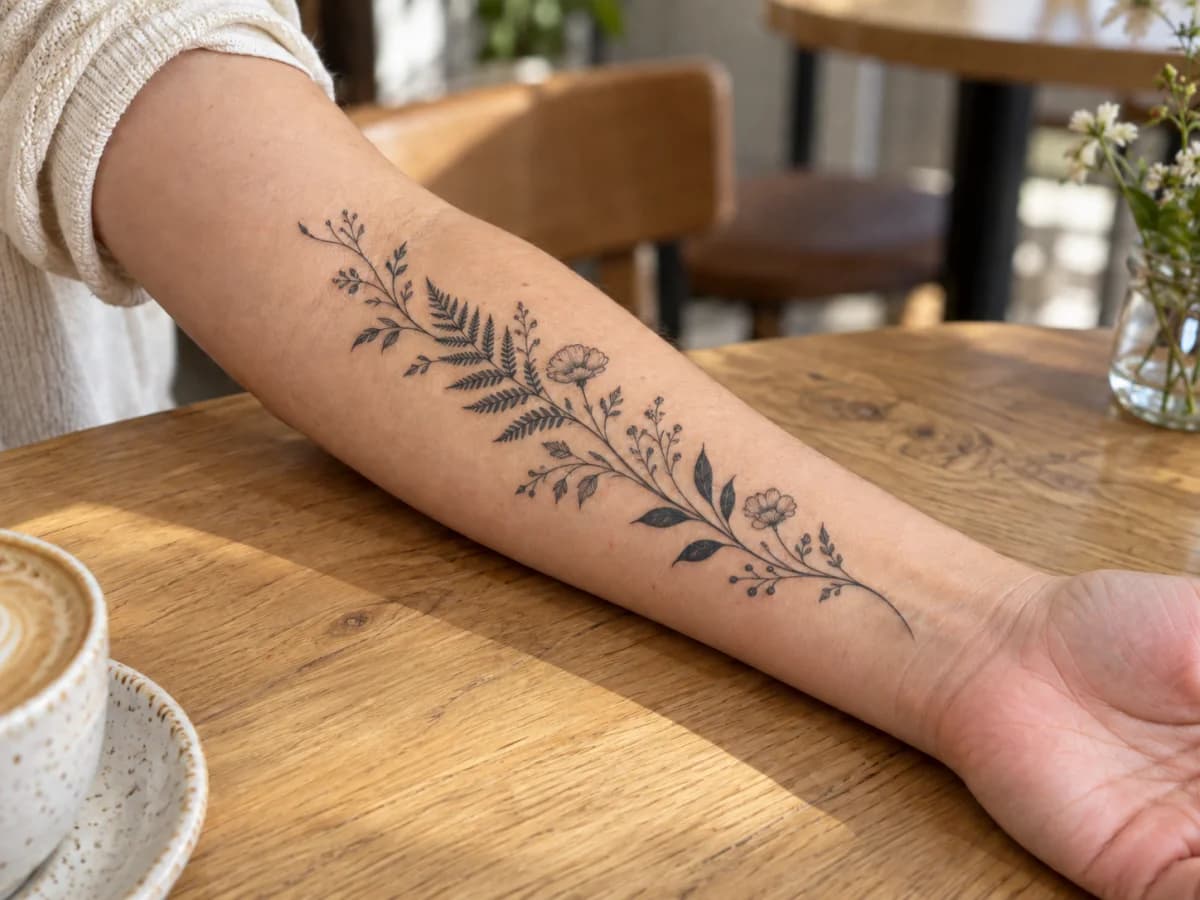
Try out tattoo ideas: AfterAfter
Prompt

Add a fine-line botanical tattoo along my forearm.

Try out tattoo ideas

Explore tattoo styles, sizes and placements using a photo of the area you have in mind. Describe a design direction such as botanical linework, geometric shapes, lettering or an illustrative motif. Compare arrangements and collect visual ideas for a conversation with your tattoo artist before committing to a design.

Create an image
What can you create with our AI photo generator?
Make images for your shop, your next post or a personal project. Start with a photo you already have and explore the changes that fit your idea.

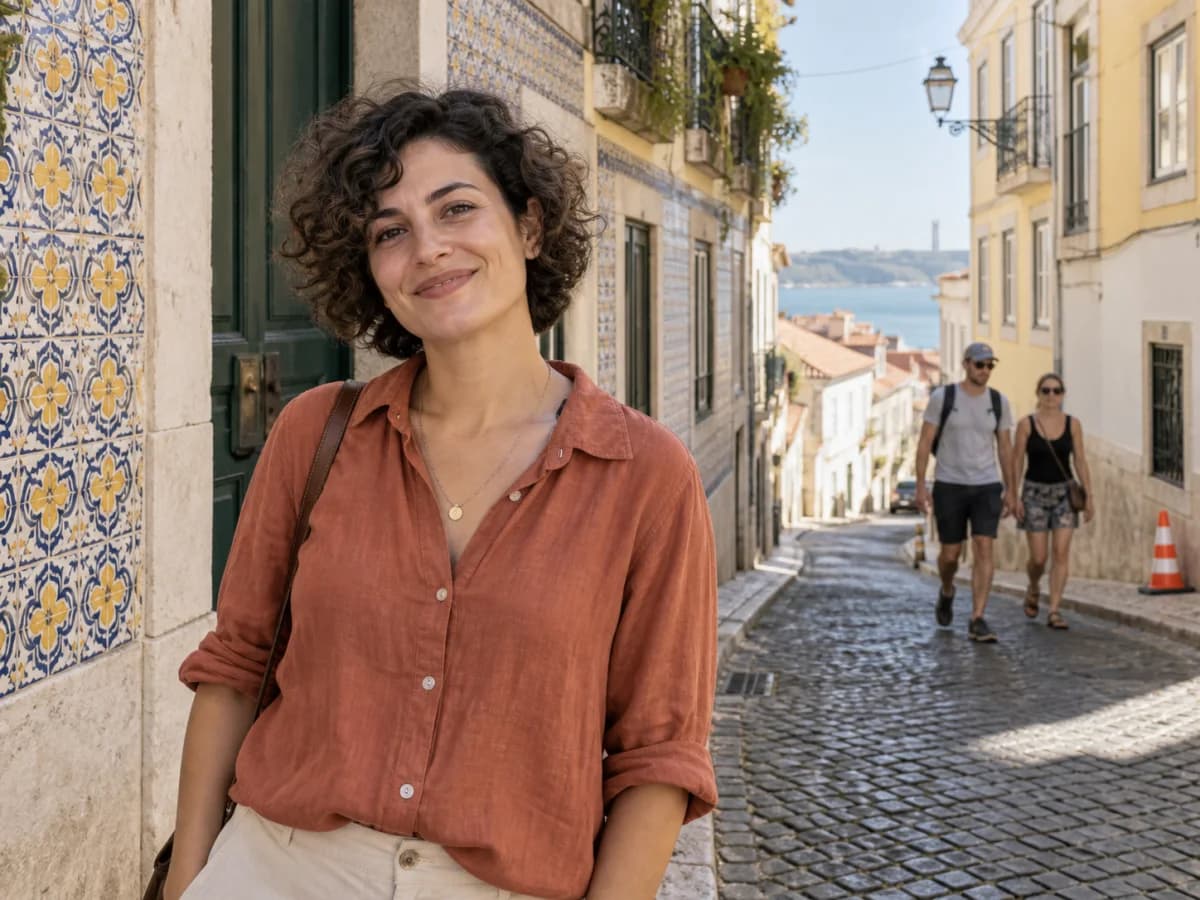
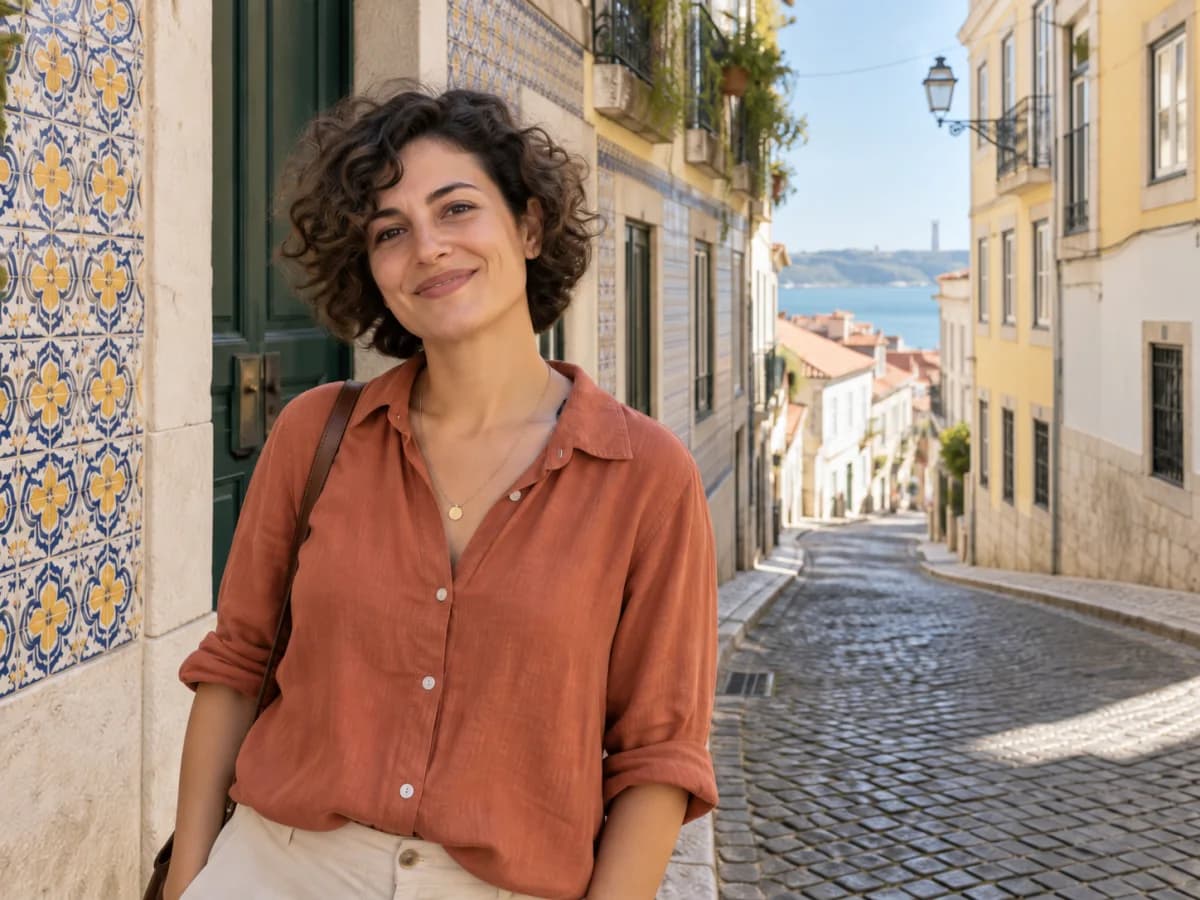
Travel portrait with two tourists and a traffic cone in the backgroundThe same travel portrait with the background people and cone removedBeforeAfter

Edit your photos

Add, remove or change elements in a photo using everyday language. Clean up distractions, replace a background or explore different lighting. Use travel photos, family pictures or images for a creative project, and describe both the changes you want and the details you would like to keep.

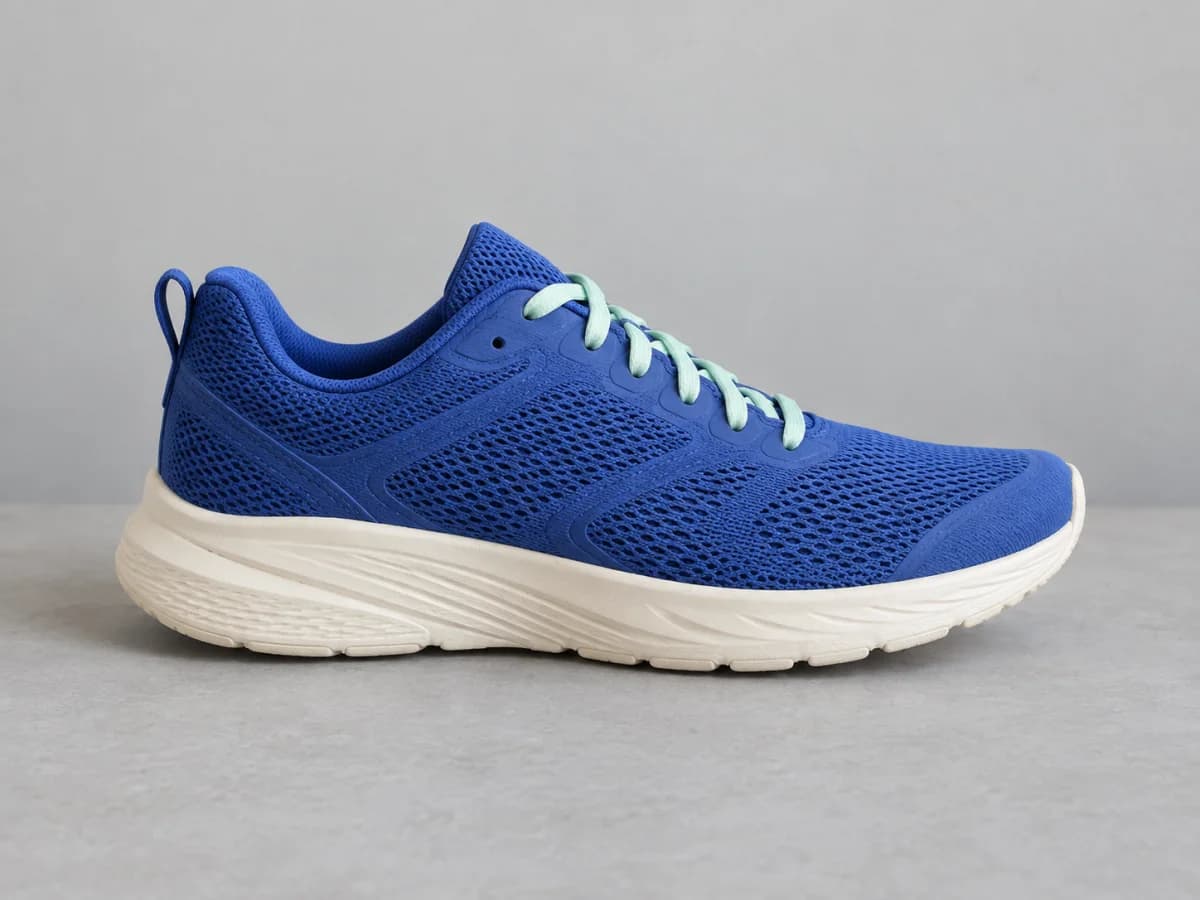
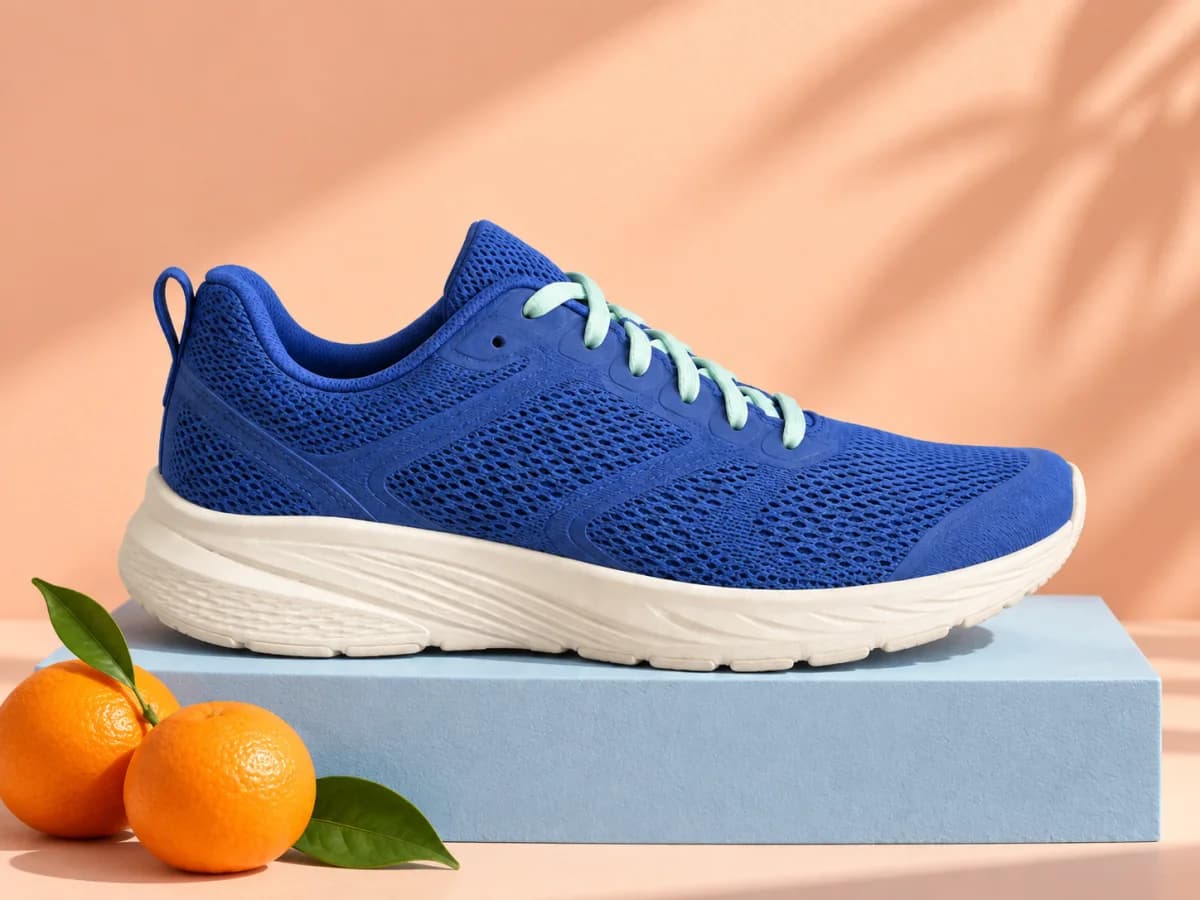
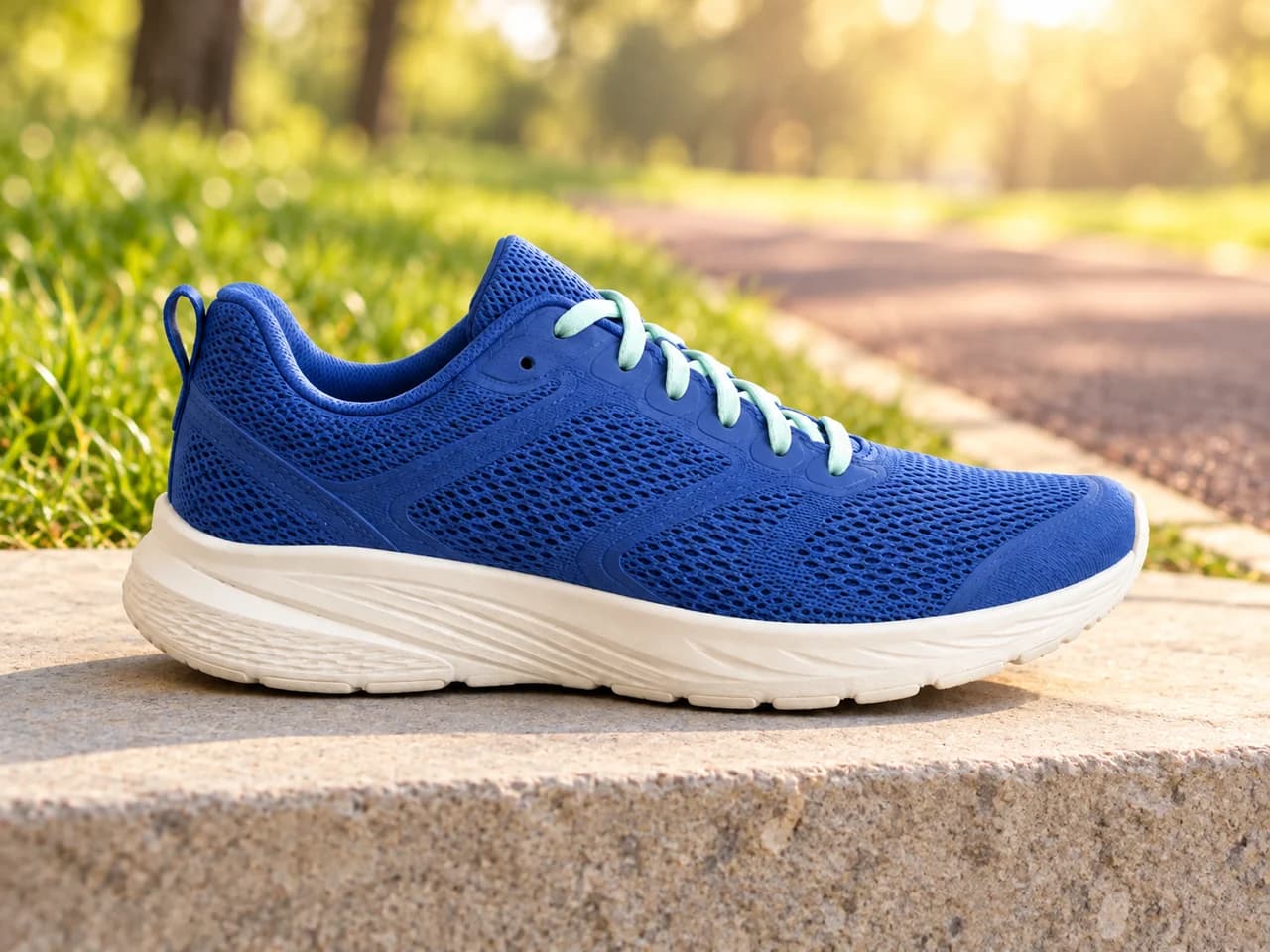
Blue sneaker on a plain grey surfaceThe same blue sneaker on a pastel product photography setBeforeAfter

Create product photos

Give your products a setting that fits your brand. Upload a product photo and explore studio backgrounds, seasonal scenes, display surfaces or different lighting. Try visual directions for shop listings, social posts and campaigns without building a new set for each idea.

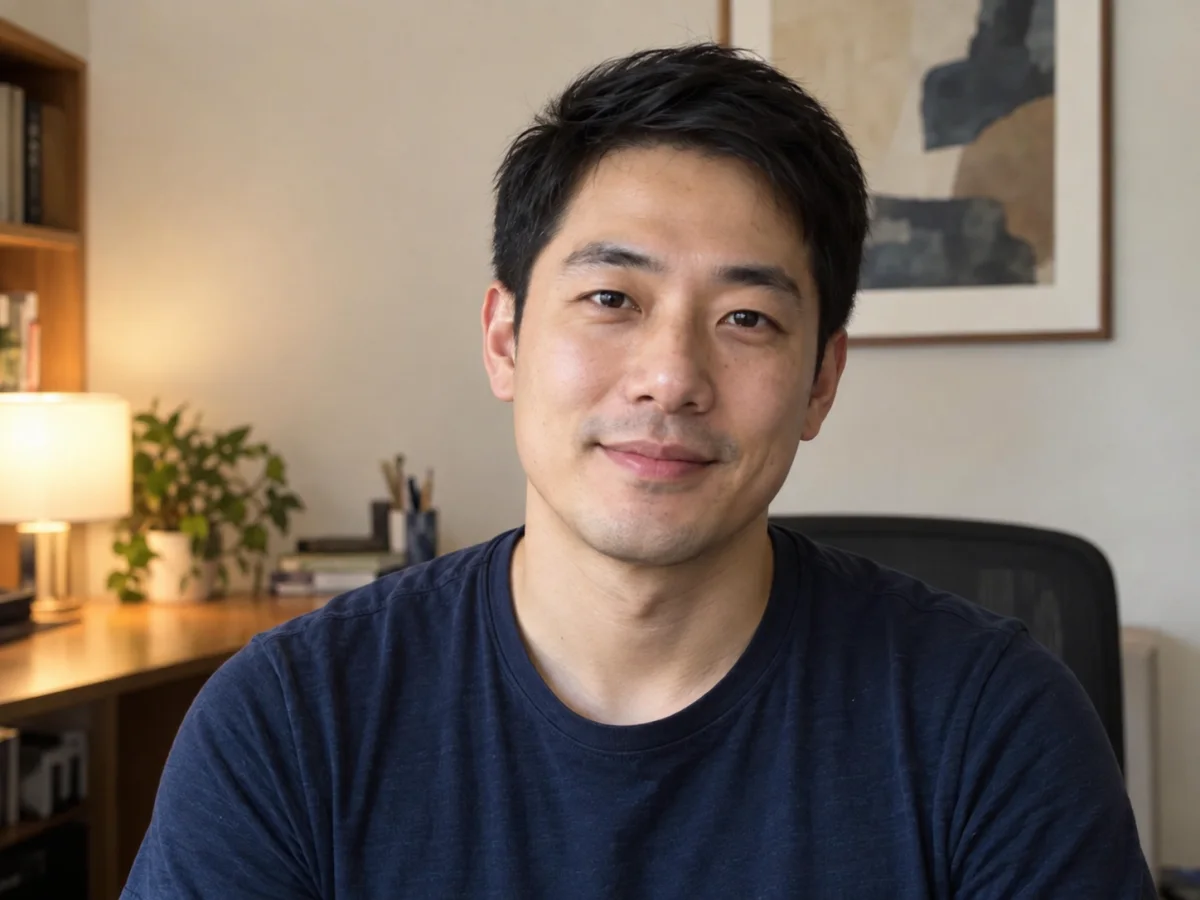
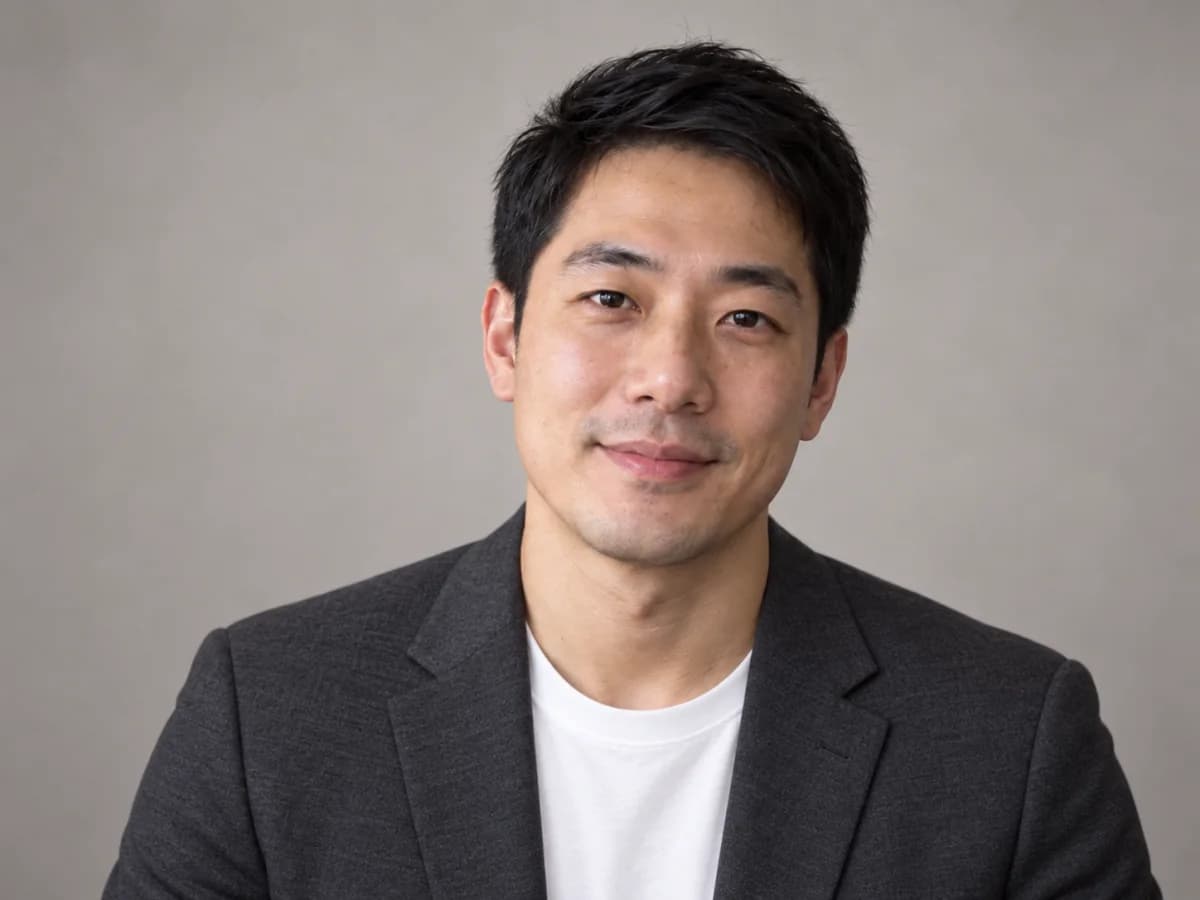
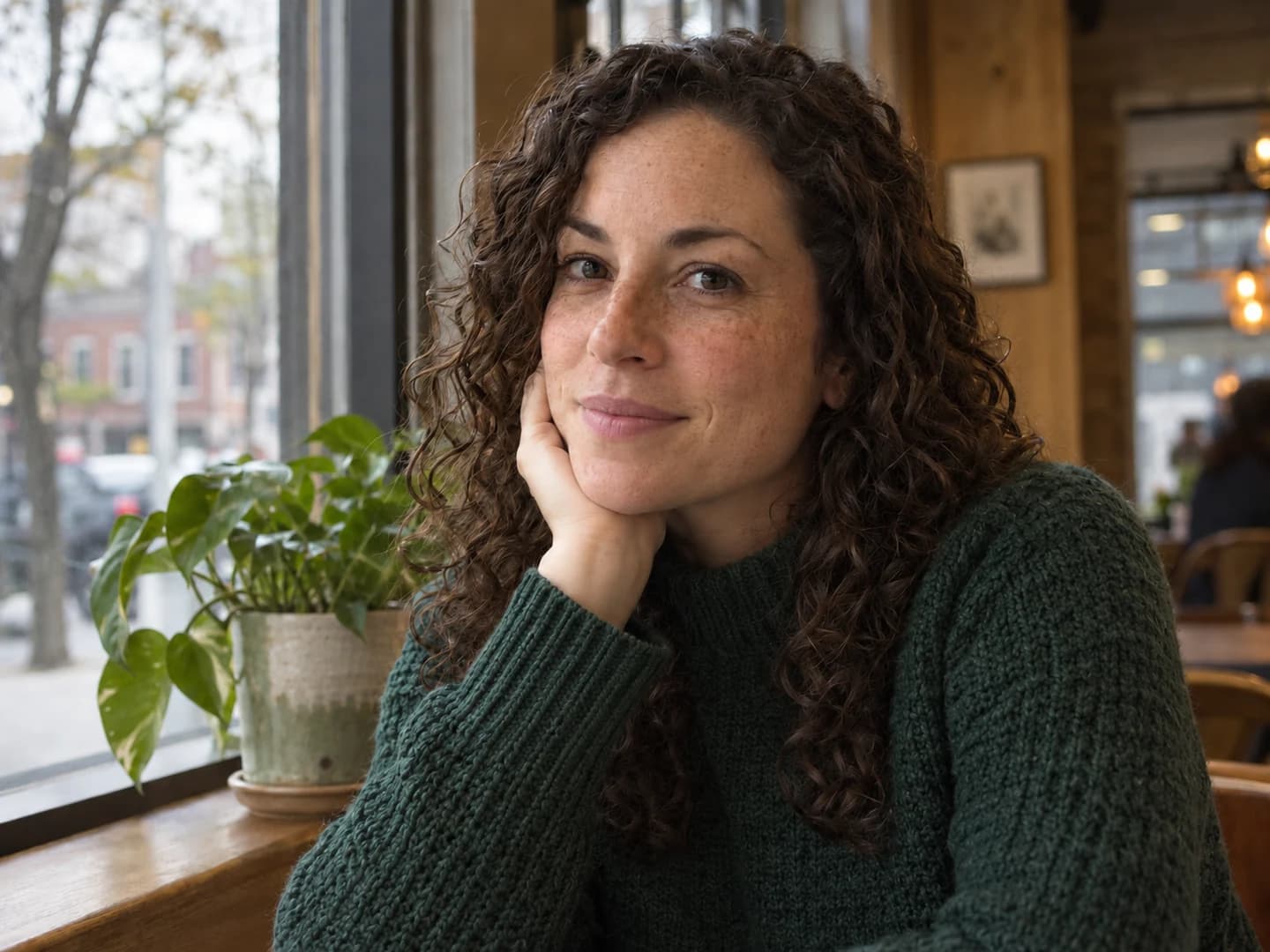
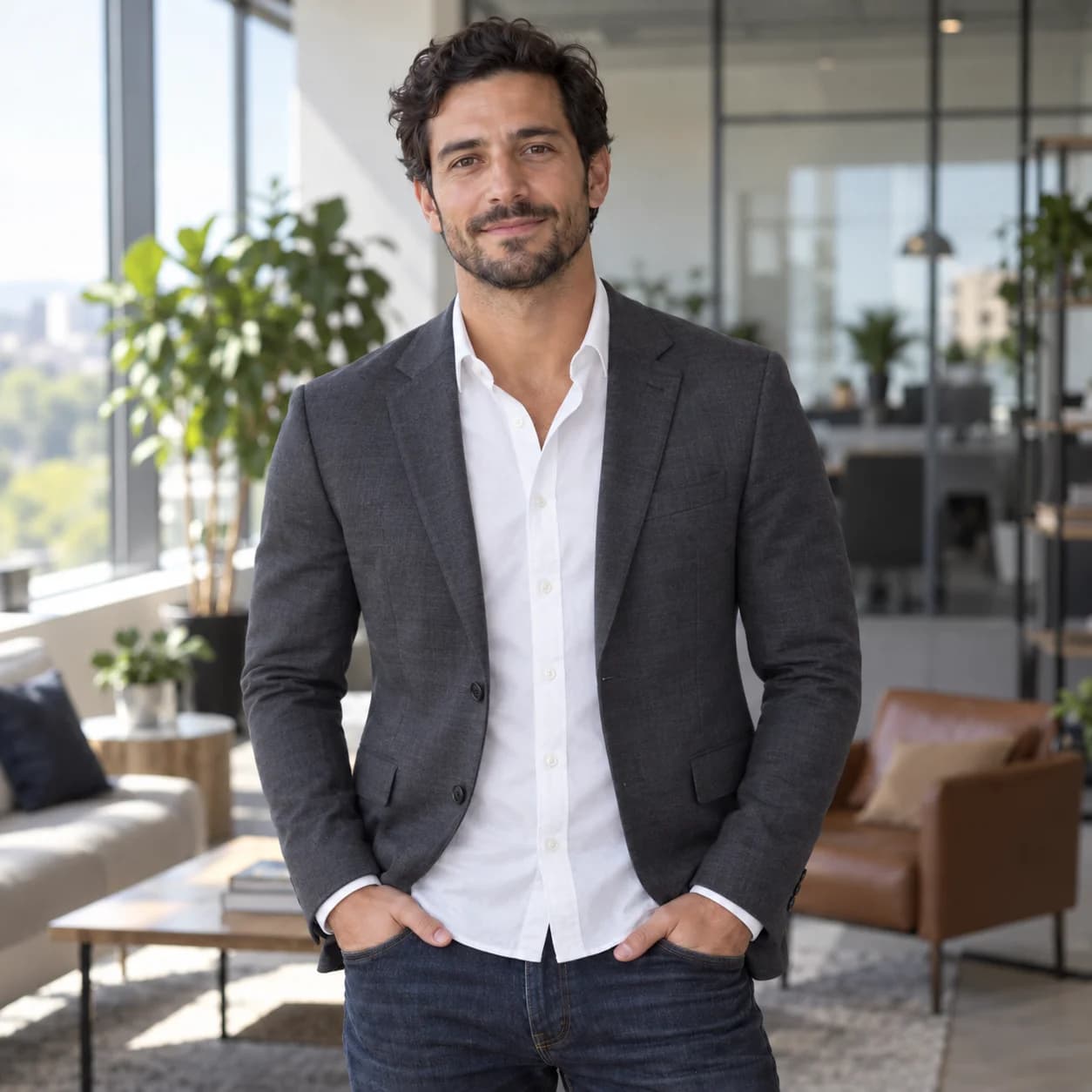
Casual portrait of a man in a navy T-shirt at homeThe same man in a blazer against a neutral studio backgroundBeforeAfter

Reimagine your portraits

Explore a new look for a profile photo, a personal project or a creative portrait. Use your photo as the starting point and describe a different outfit, background, lighting or mood. Try a studio setting, a casual outdoor scene or an imaginative treatment for your profile, portfolio or social feed.

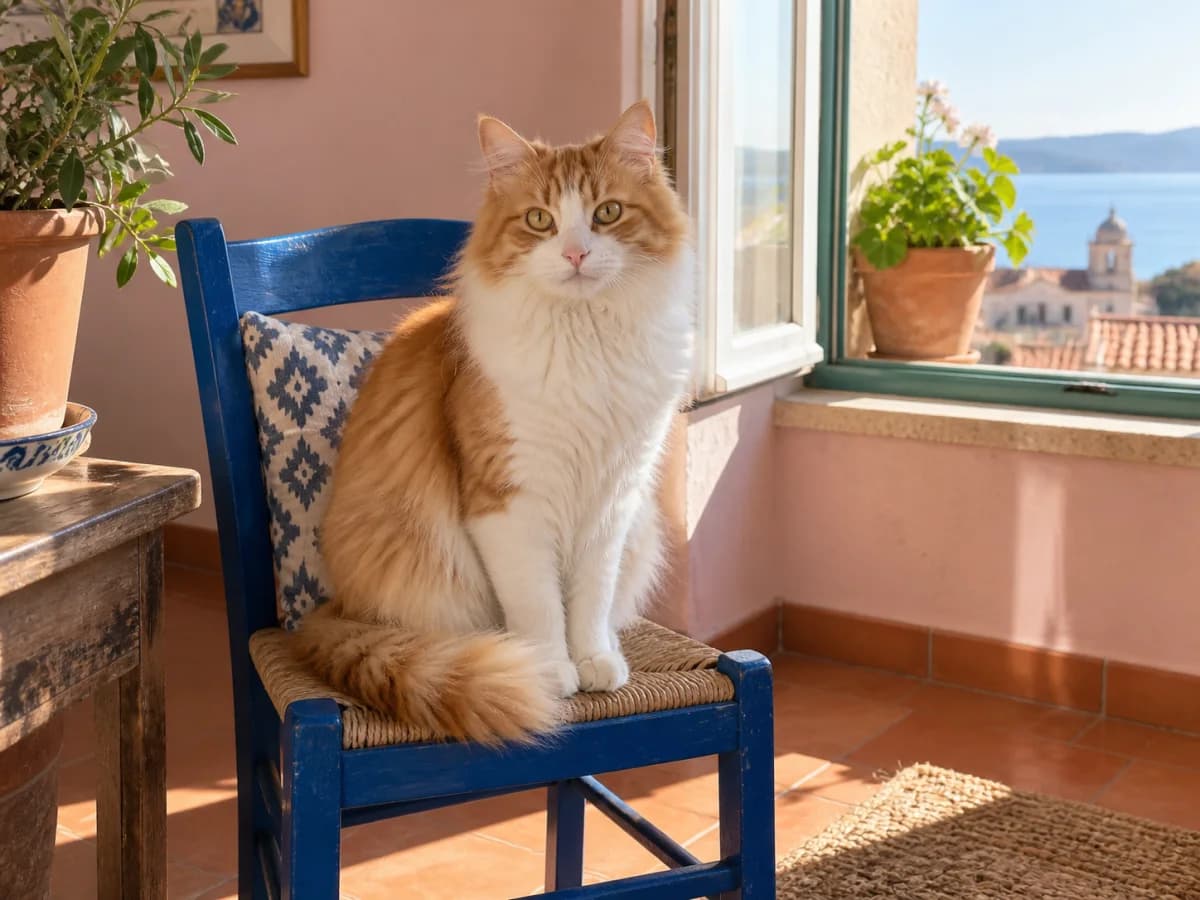
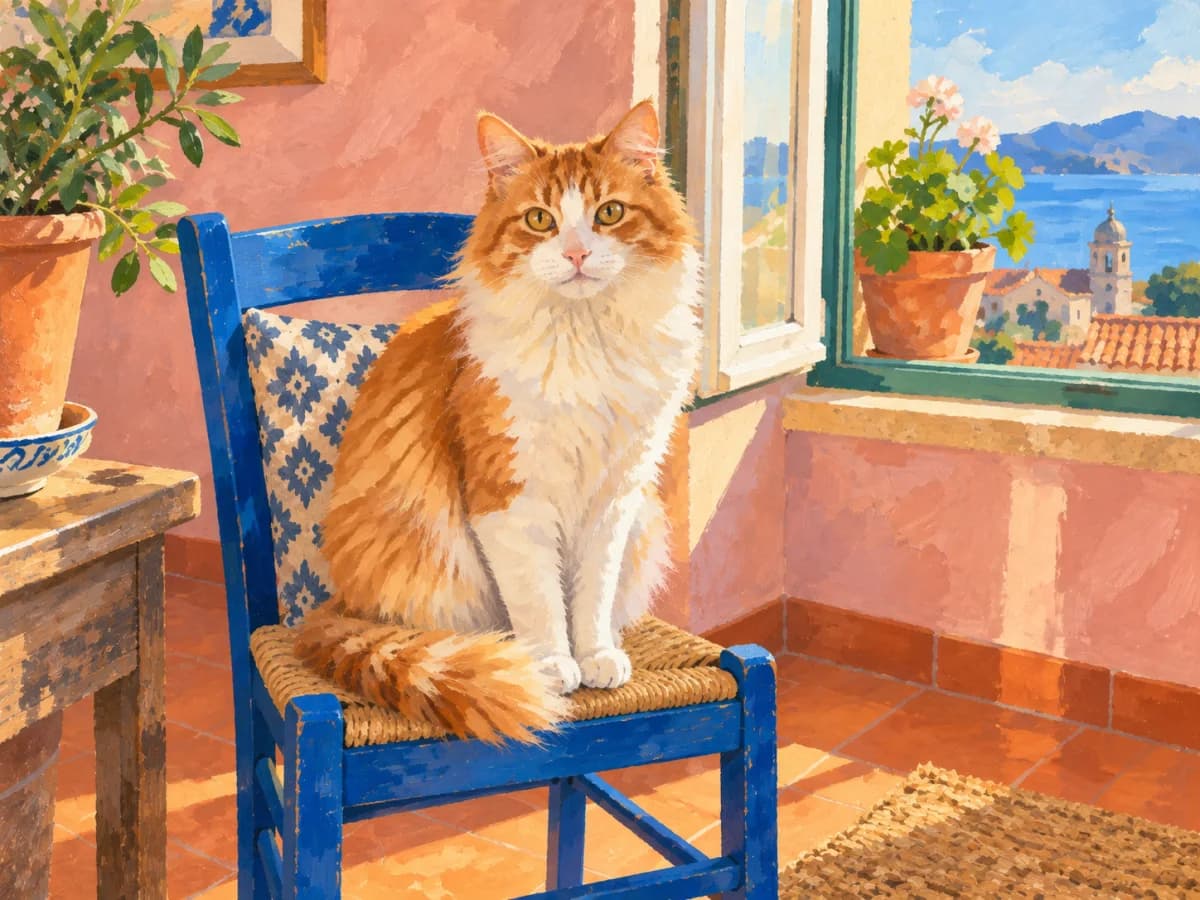
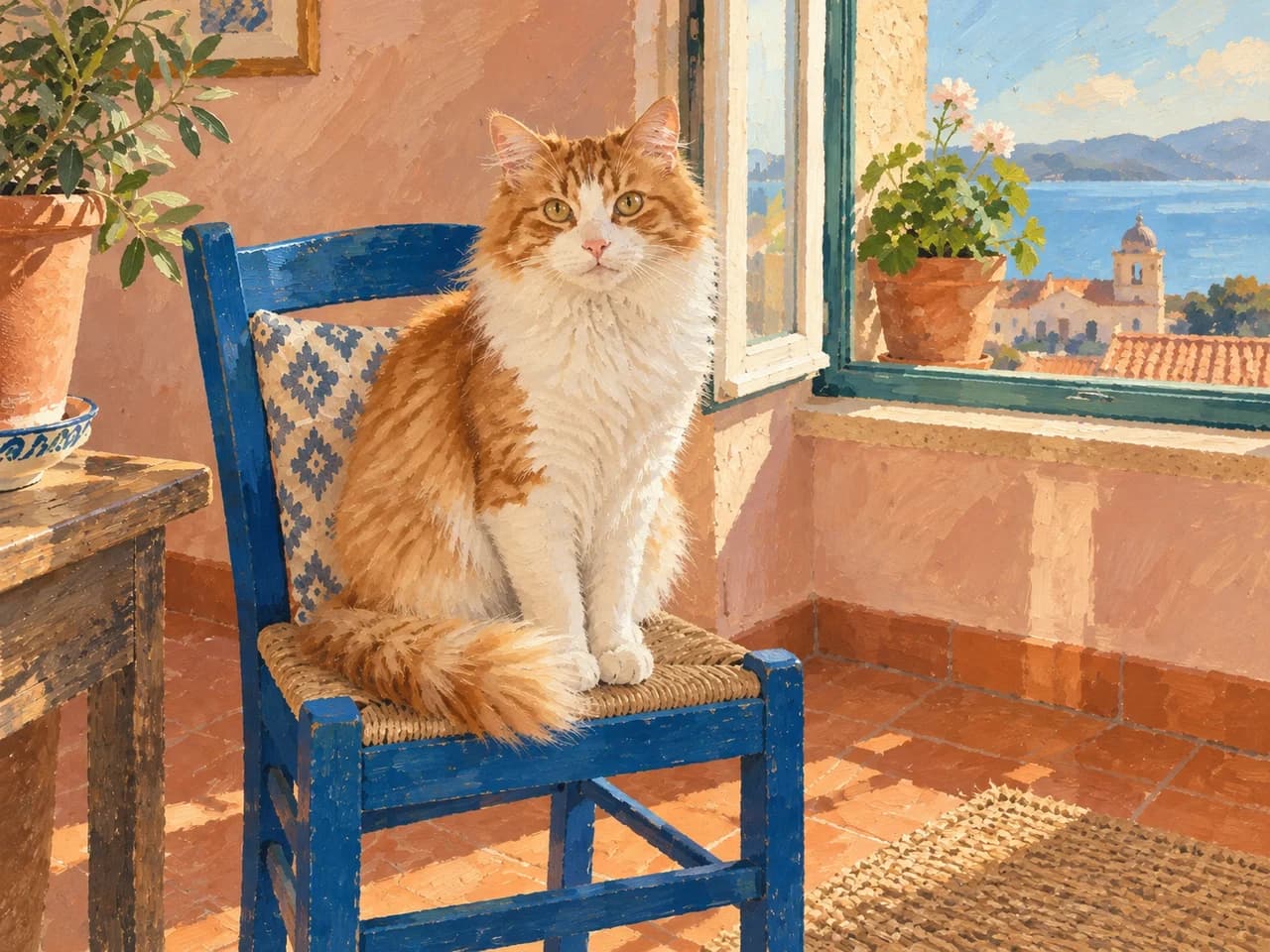
Photograph of an orange and white cat on a blue chairA gouache illustration of the same cat, chair and sunny windowBeforeAfter

Explore a new style

Upload an image and describe the visual style you want, such as watercolor, ink wash, oil painting or a graphic illustration. Try portraits, pets, everyday objects or landscapes as your subject. Explore soft washes, bold outlines, textured brushwork and different color palettes for a print, a gift or a personal project.

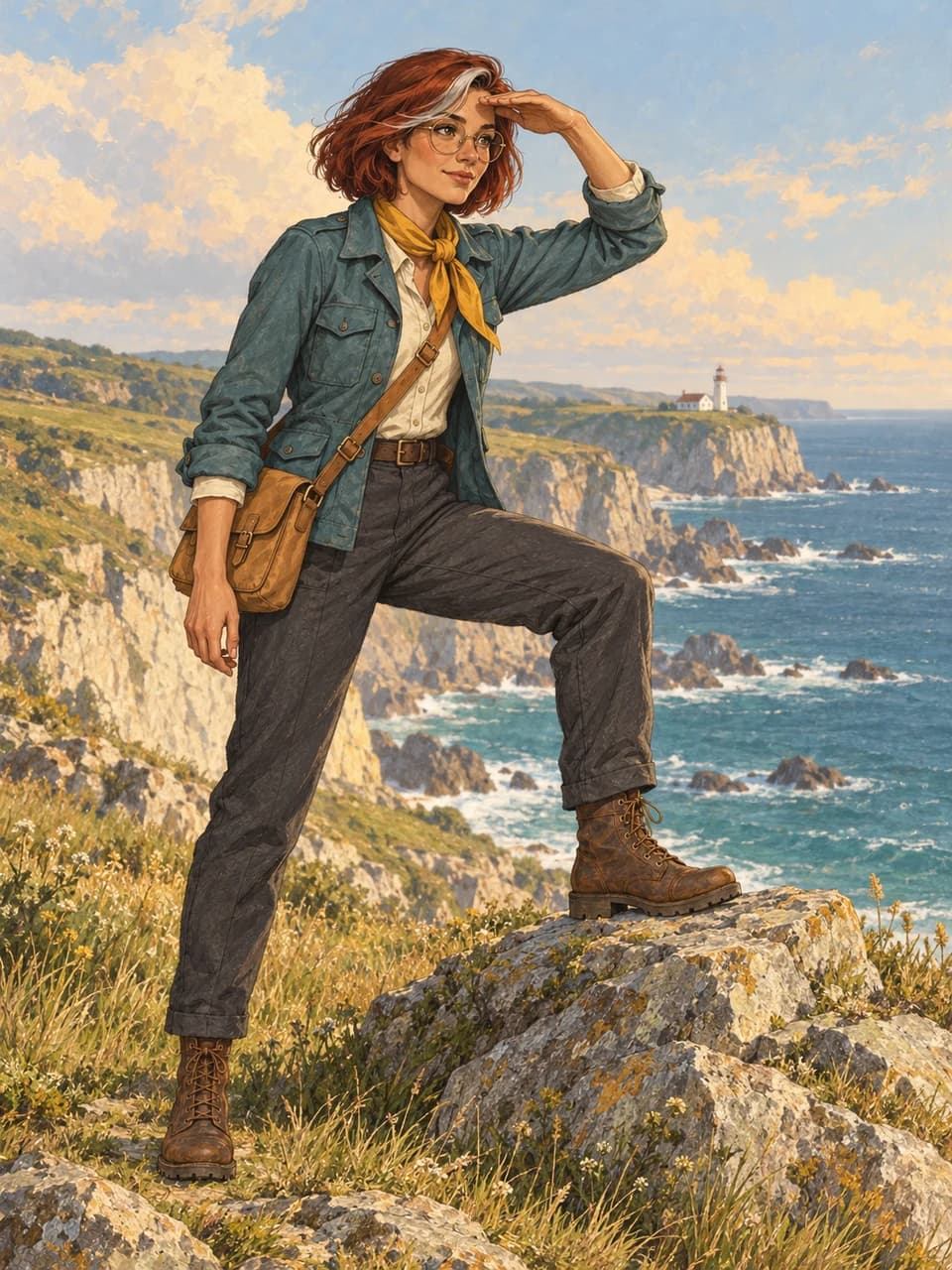
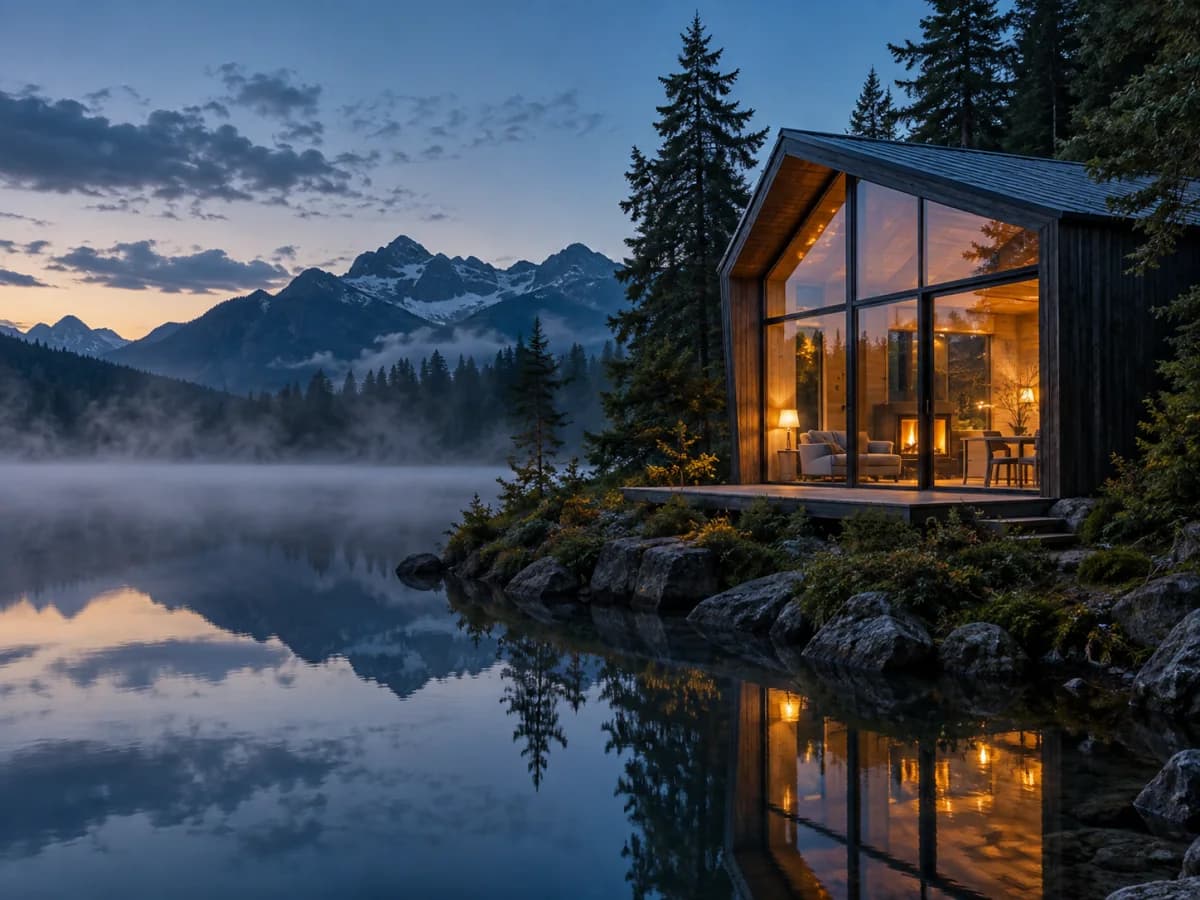
Lakeside cabin with warm lights and misty mountains at dusk

Generate AI photos from text

Create an image even when you have nothing to upload. Describe a subject, a setting and the look you want, from natural photography to hand-painted illustrations or imaginary worlds. Use text-to-image generation for a new background, an editorial concept, a social post or an idea you want to see before developing it further. Choose a square, portrait or landscape format to suit where the image will go.

Prompt

A glass cabin beside an alpine lake at blue hour, warm interior lights, mist over still water, cinematic photography.

Create an image

How to use the AI photo generator

  1. 01

    Start with words or a photo

    Describe something new, or upload an image you want to edit.

  2. 02

    Tell us what you have in mind

    Add the details, style or changes you want. Include reference images if they help.

  3. 03

    Generate, refine, download

    See the result, adjust your prompt and download the version you like.

Why we built PhotoGenerAI

From public community discussions

What I’m really looking for is a way to maintain the accuracy of my original photo—especially my face—while just tweaking one aspect like hair or lighting.

r/ChatGPTRead original

So i dont want to create bottles from scratch, i want to have my exact existing bottles to be in the images.

r/smallbusinessRead original

What I'm looking for is take two images, such as character portraits, and then input them to have it make an image of the two characters together

r/ChatGPTRead original

AI photo generator FAQ

PhotoGenerAI

What will you make with our AI photo generator?

Create photos, edit images and explore ideas with words.

Create an image