PhotoGenerAI

Transform an image with a prompt

Free Image to Image AI Generator

Upload a photo, sketch, or design. Describe what should change, then generate a new version that stays visually connected to your source image.

10 free credits every day. No account required.

Aspect ratio
Transformed image
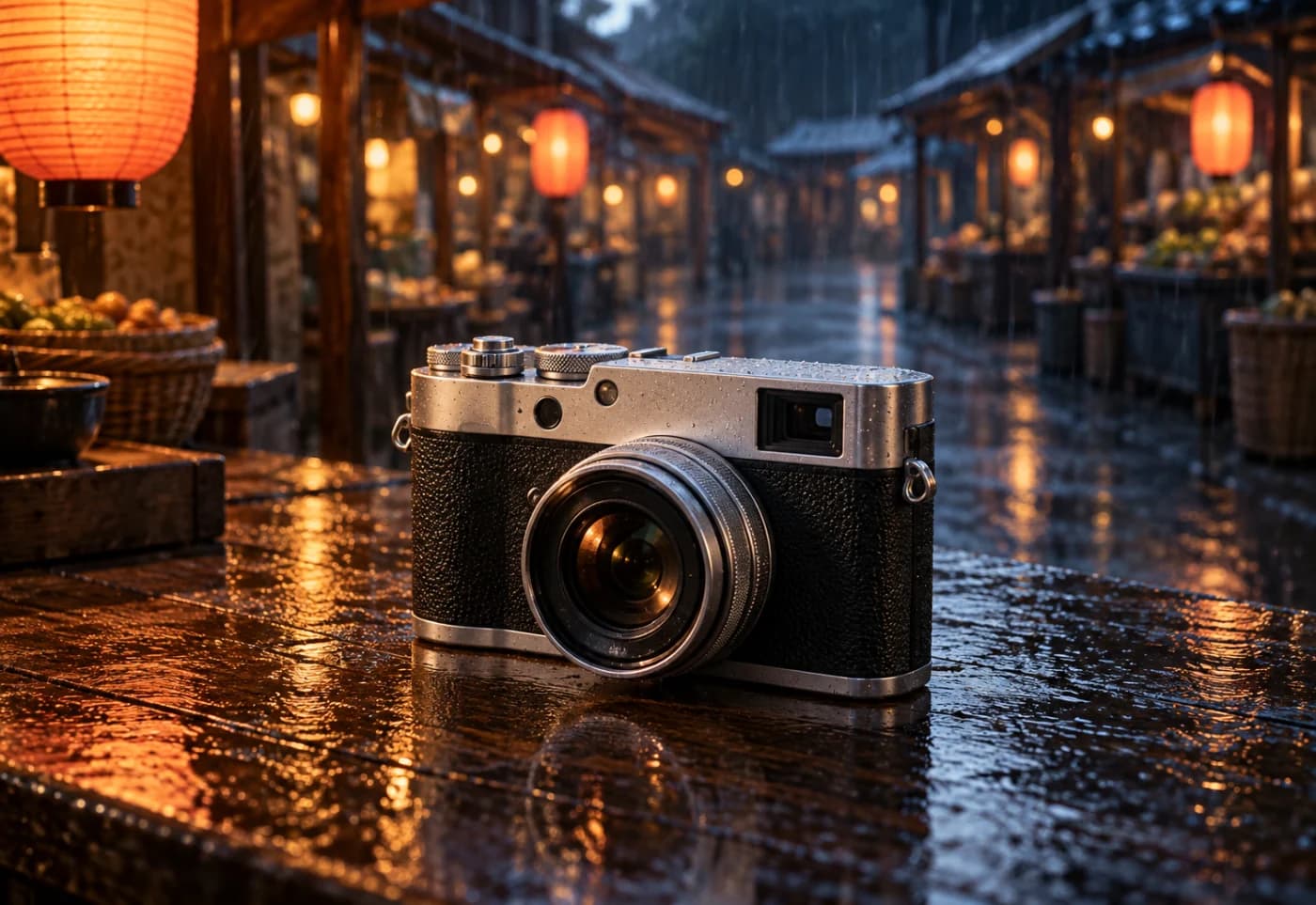
Silver camera on a rain-darkened night-market counter

Example transformation 1 of 3

A camera moved into the rain

Keep the compact silver camera, its three-quarter angle, and full silhouette. Move it onto a rain-darkened night-market counter with warm lantern reflections.

Before and after

Change the image without starting over

Use the source image to carry forward the parts that matter, then direct the new scene, style, setting, or finish in words.

Amsterdam canal and bicycles during the daySource
Amsterdam canal and bicycles at night with rain and warm lightsResult

Change the mood and time

Move a familiar composition into a different time, weather, and lighting setup.

Edit prompt

Turn this daytime canal scene into a rainy evening. Keep the buildings, bridge, bicycles, and camera angle. Add warm window lights and reflections on wet pavement.
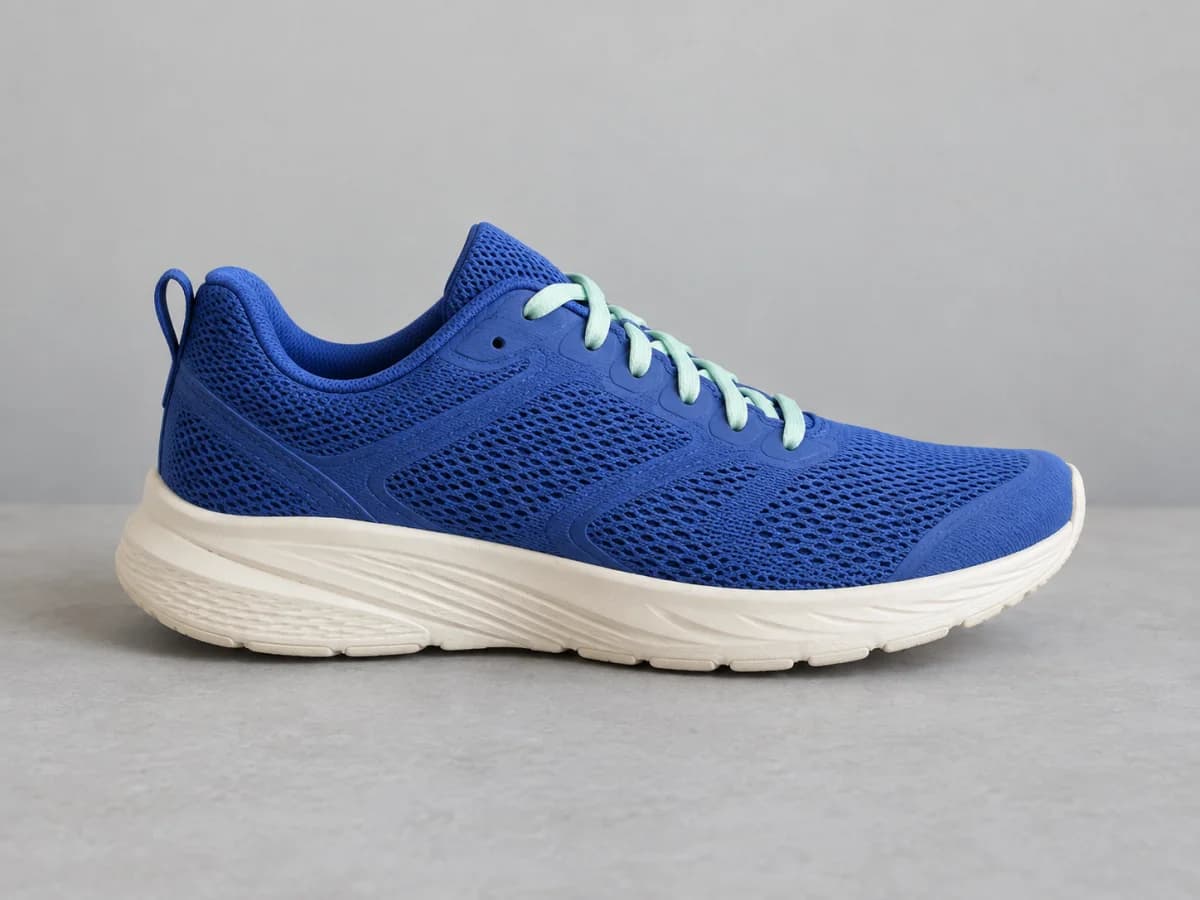
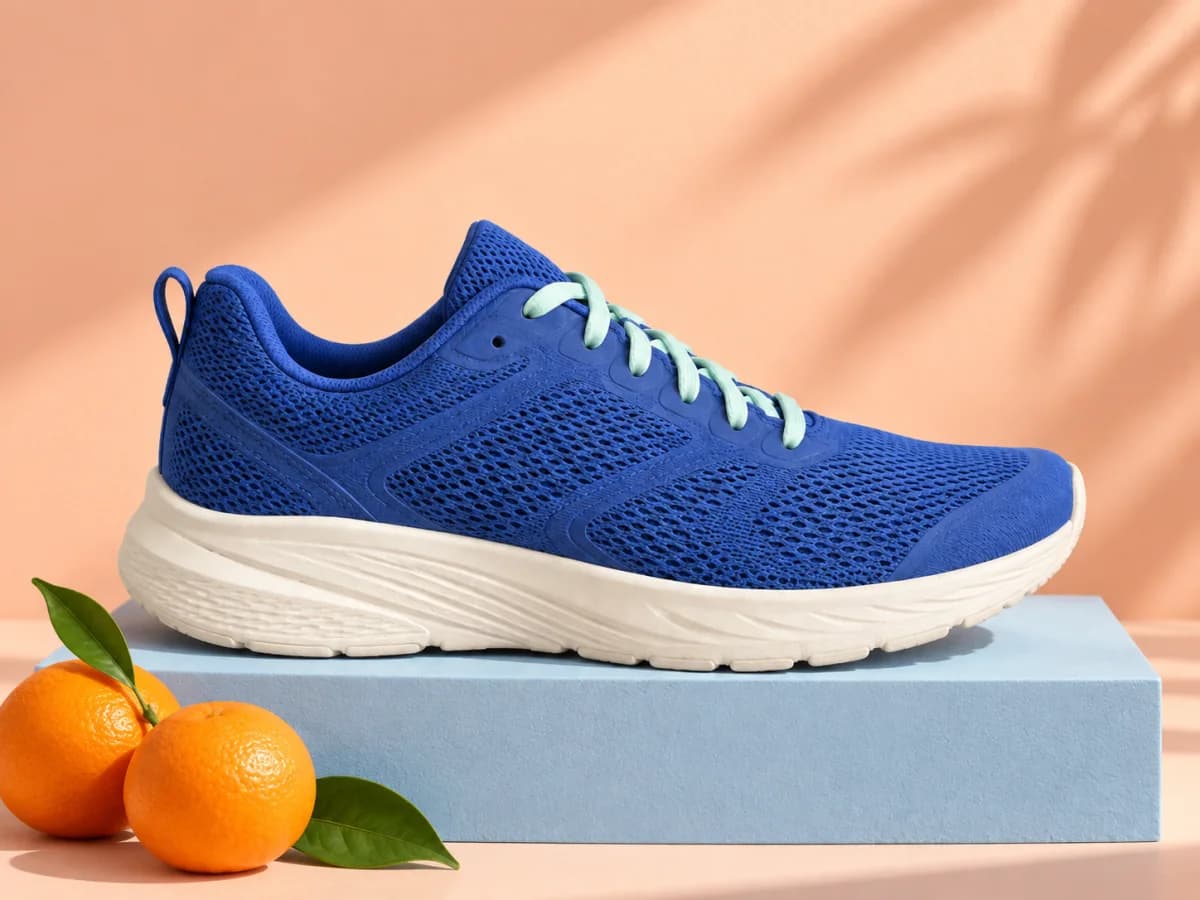
Blue sneaker on a plain white backgroundSource
Blue sneaker on a coral pedestal in a studio setResult

Build a product setting

Replace a plain setting while keeping the product as the center of the frame.

Edit prompt

Place this blue running shoe on a coral pedestal with a pale sky-blue studio backdrop and soft shadows. Keep the shoe shape, color, and side view.

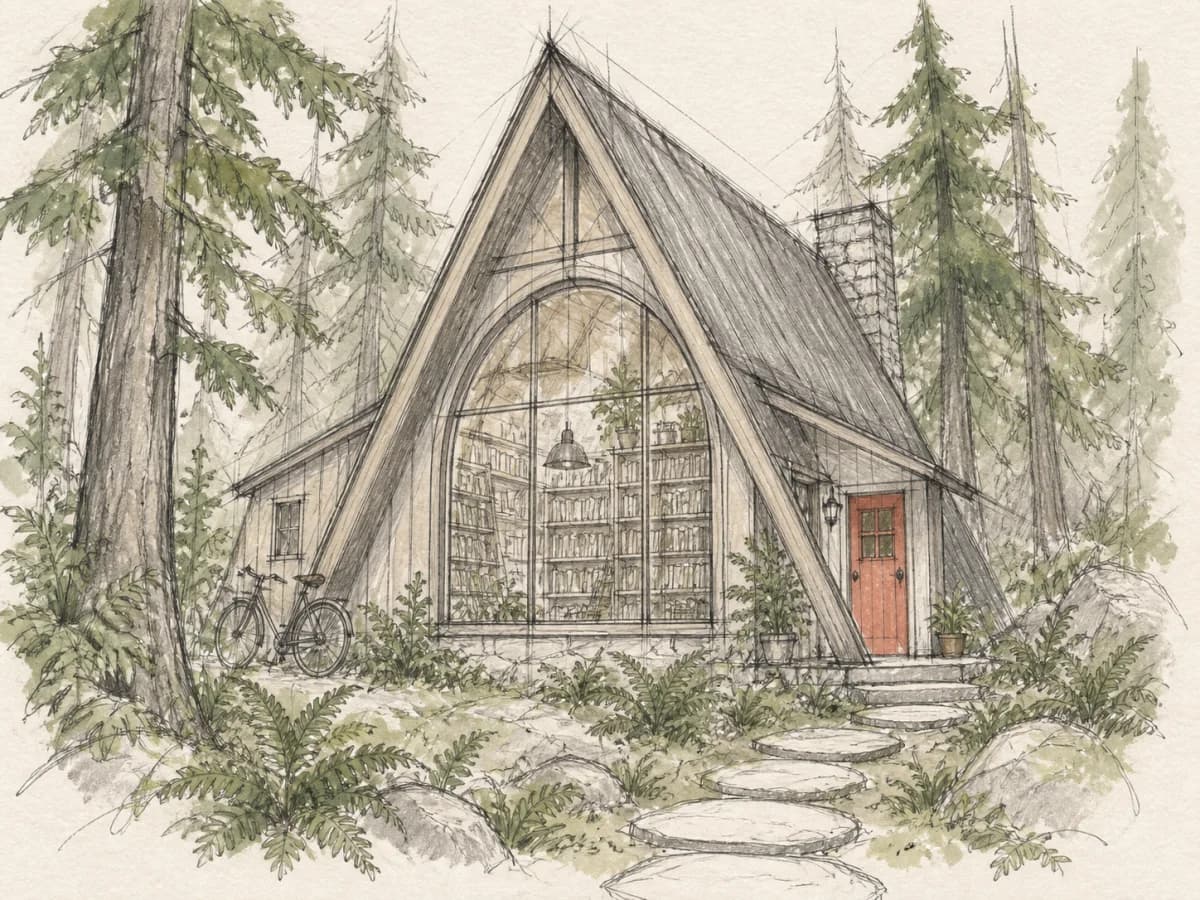
Loose line sketch of a small building among treesSource
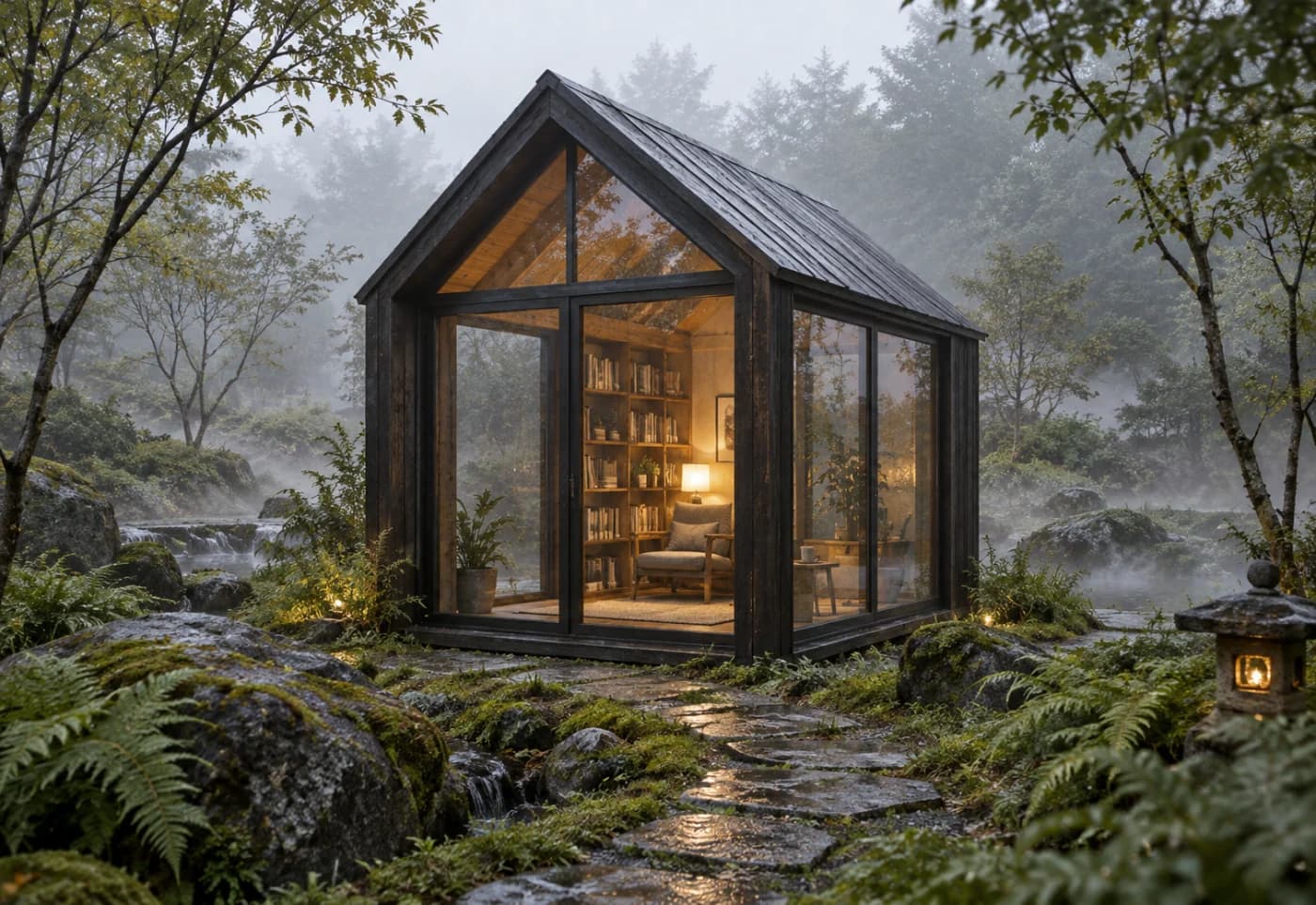
Finished timber bookshop in a misty forestResult

Develop a sketch

Let a rough drawing hold the layout while the prompt defines materials, light, and detail.

Edit prompt

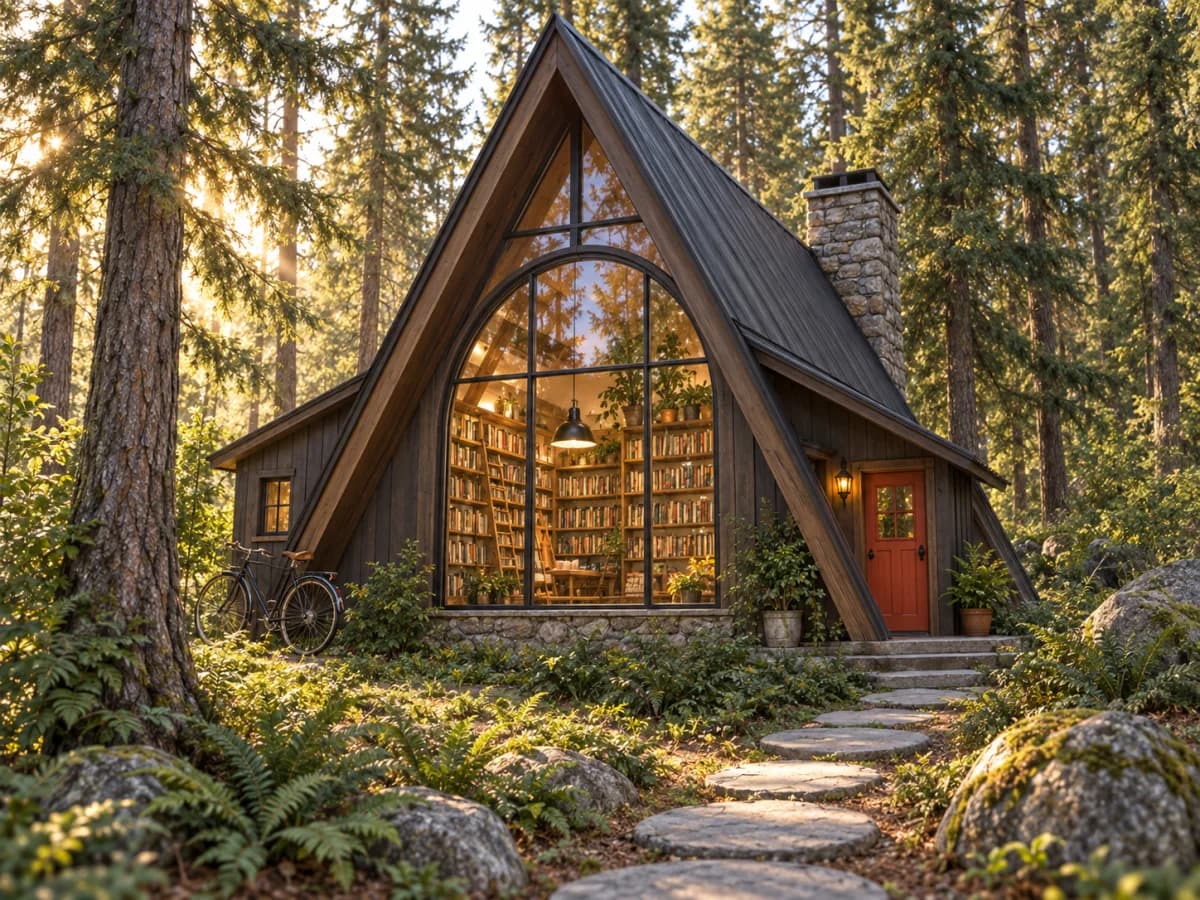
Turn this sketch into a small bookshop built from dark timber in a misty forest. Keep the building placement and viewpoint. Add warm windows and detailed storybook realism.

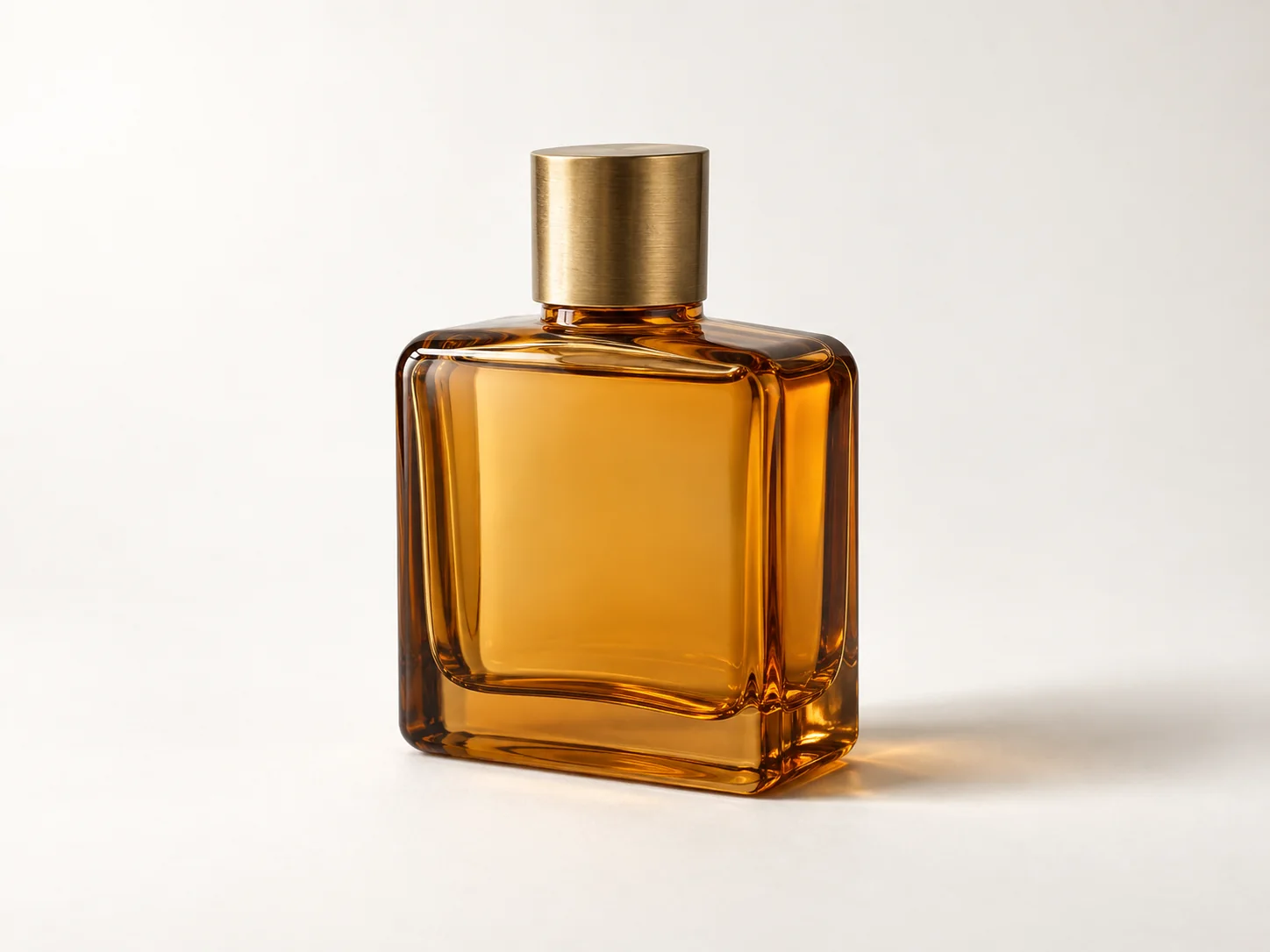
Unbranded amber glass perfume bottle on a warm white studio backgroundSource
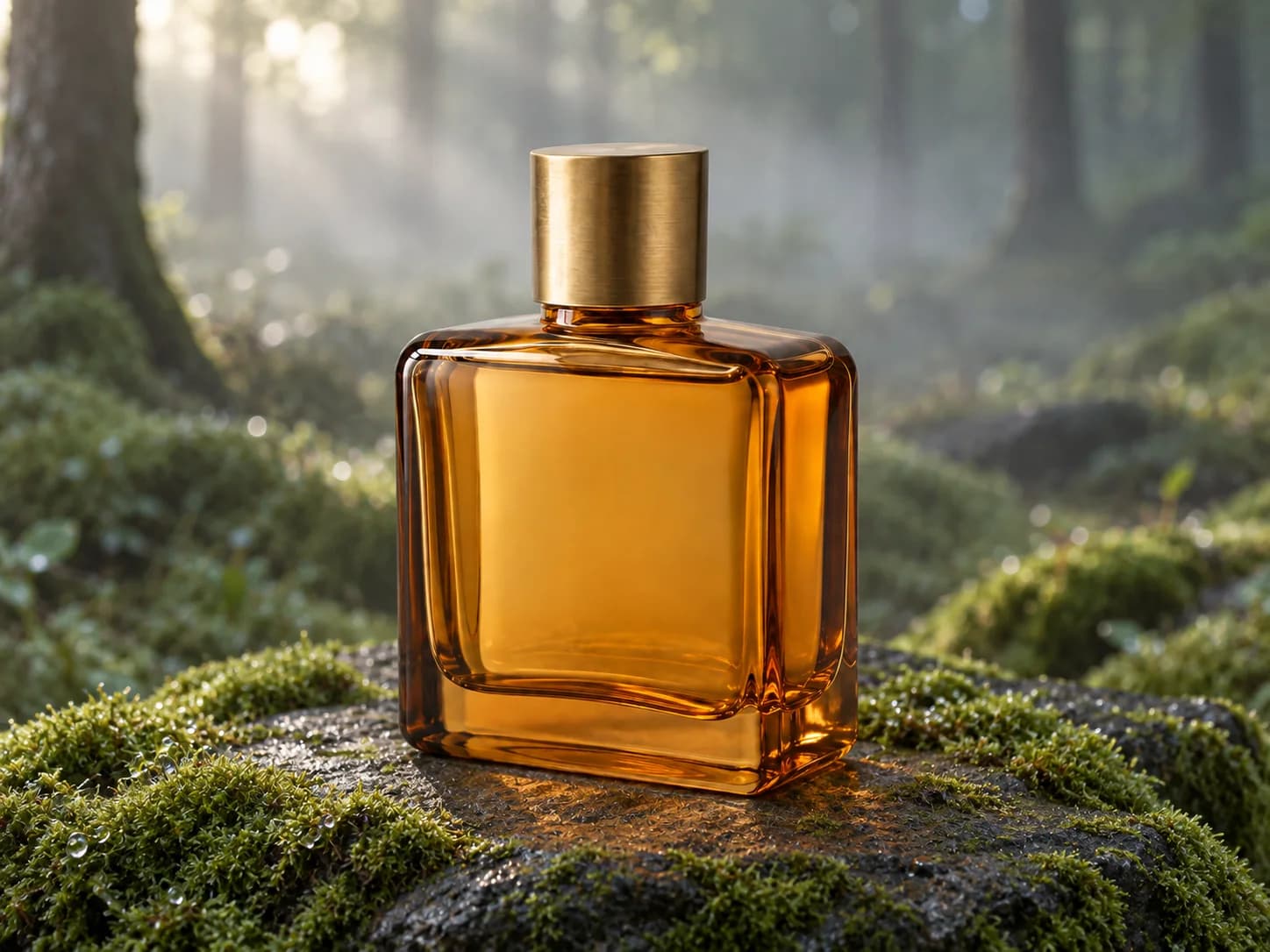
Unbranded amber glass perfume bottle on a mossy stone at dawnResult

Move a product into a scene

Move a clean catalog subject into a campaign setting while holding its shape and viewpoint steady.

Edit prompt

Place this exact amber glass perfume bottle on a moss-covered dark stone in a quiet forest at dawn. Keep the bottle shape, proportions, cap, amber color, camera angle, and position unchanged. Add soft mist, dew, and natural morning light. No label or text.

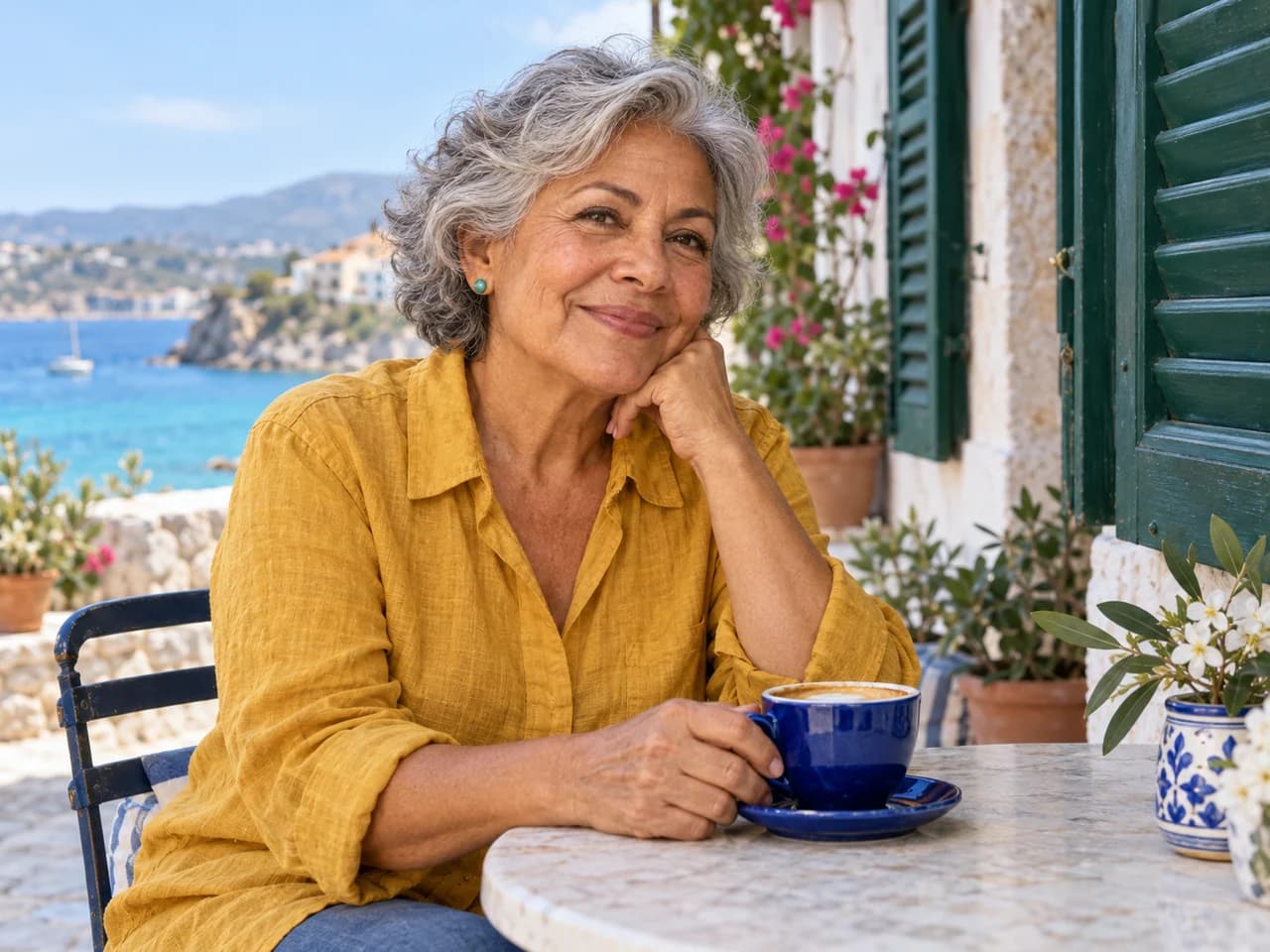
Travel portrait before distracting background elements are removedBefore
Cleaned travel portrait after an AI photo editAfter

Create before you transform

Make the source image you need

Do not have a starting image yet? Use the free AI photo generator to create one from a written description, then bring it back here for a controlled restyle. You can also edit a photo, combine references, or test a completely different direction from the same browser.

Three steps

How image to image editing works

A clear source and a specific instruction are usually enough for a useful first result.

  1. 01

    Upload your source image

    Choose the photo, drawing, or design you want to transform. A clear image gives the model more useful visual structure to follow.

  2. 02

    Describe the change

    Say what should change and what should remain recognizable, such as the subject, pose, layout, or camera angle.

  3. 03

    Generate, check, and refine

    Review the result, tighten the instruction if an important detail moved, then download the version you want to keep.

Better edit prompts

Write the edit like a short visual brief

Separate the fixed parts from the changes. Then name the visible finish you want. This gives the generator clearer priorities than a long list of vague adjectives.

Keep
The canal, bridge, bicycles, buildings, and camera angle
Change
Daylight into a rainy evening
Add
Warm window lights and wet reflections
Finish
Natural architectural photo
Amsterdam canal and bicycles during the daySource
Canal scene transformed from daylight into a rainy eveningResult

Complete edit prompt

Turn this daytime canal scene into a rainy evening. Keep the buildings, bridge, bicycles, and camera angle. Add warm window lights and reflections on wet pavement. Natural architectural photo.
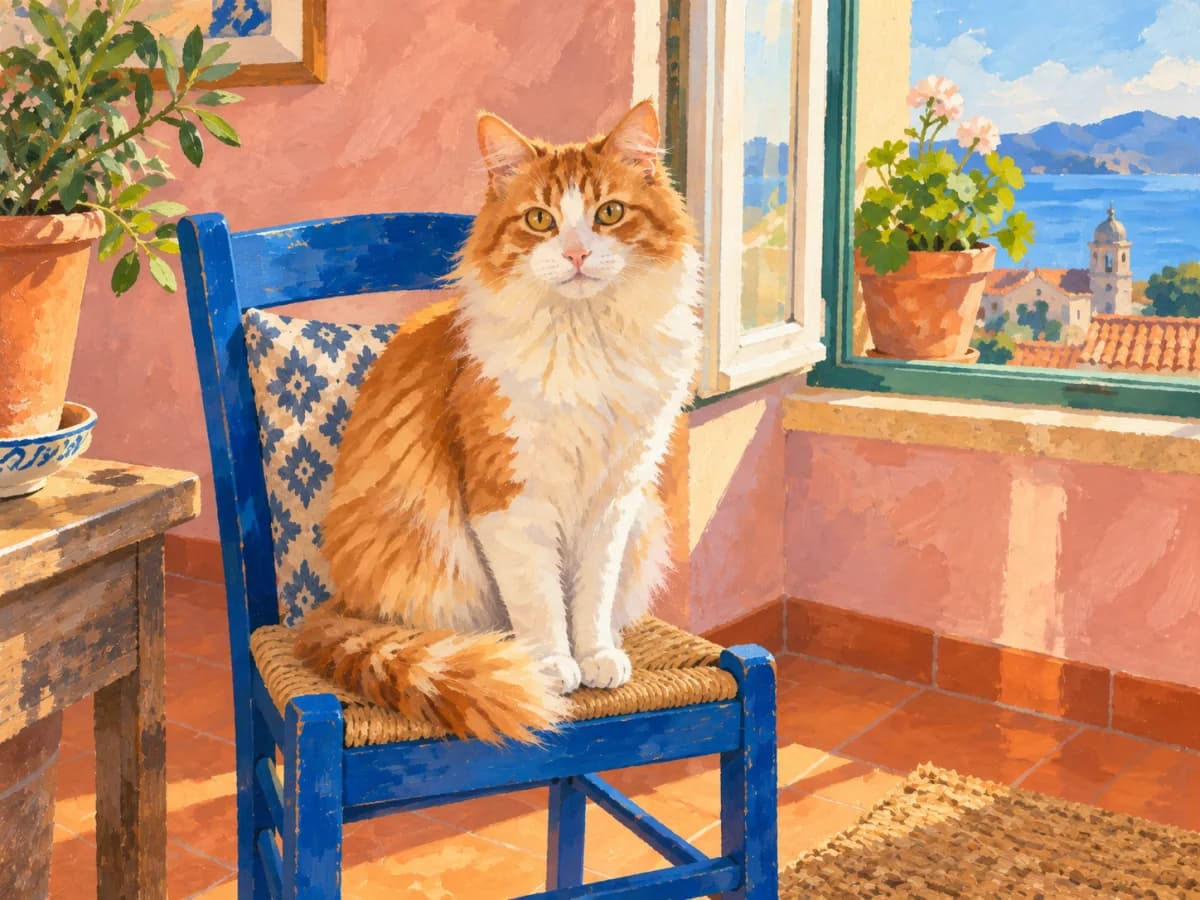
Orange and white cat restyled as a textured gouache illustration

Know what to check

How closely the result follows your source

Image to image generation can carry over the subject and composition, but it may redraw small details. Check anything that must be exact before you publish or deliver the result.

  • Name the features that must stay recognizable in the prompt.
  • Use a clean, well-lit source when identity or product shape matters.
  • Inspect faces, hands, logos, lettering, and fine product details.

Keep the reference. Change the scene.

Changing the scene should not mean losing the person in the photo. The discussions below focus on keeping reference details intact while making an edit. Start with your image, then name what should stay the same and what you want to change.

Background of it is that I am a cosplay photographer and am trying to edit the character into some special scenes too but the outcome are usually abit too pixelated on the character face

r/StableDiffusionRead original

Guys does anyone know if there is any image to image generator in perchance that actually follows the reference image and nor edit the image just randomly

r/perchanceRead original

Image to image generator questions

PhotoGenerAI

Transform an image with precise direction

Upload a source image, describe what to keep and what to change, then refine the result.

Transform an image