PhotoGenerAI

Text to image, with references when you need them

AI Image Generator

Turn a written idea into an image with this AI image generator, or add reference images to guide the subject, composition, and style. The AI generator follows concrete nouns and visible detail better than abstract labels, and everything runs directly in your browser.

Start with 3 free generations without an account. Sign in for up to 10 free credits per week.

Aspect ratio
Optional
Generated AI image
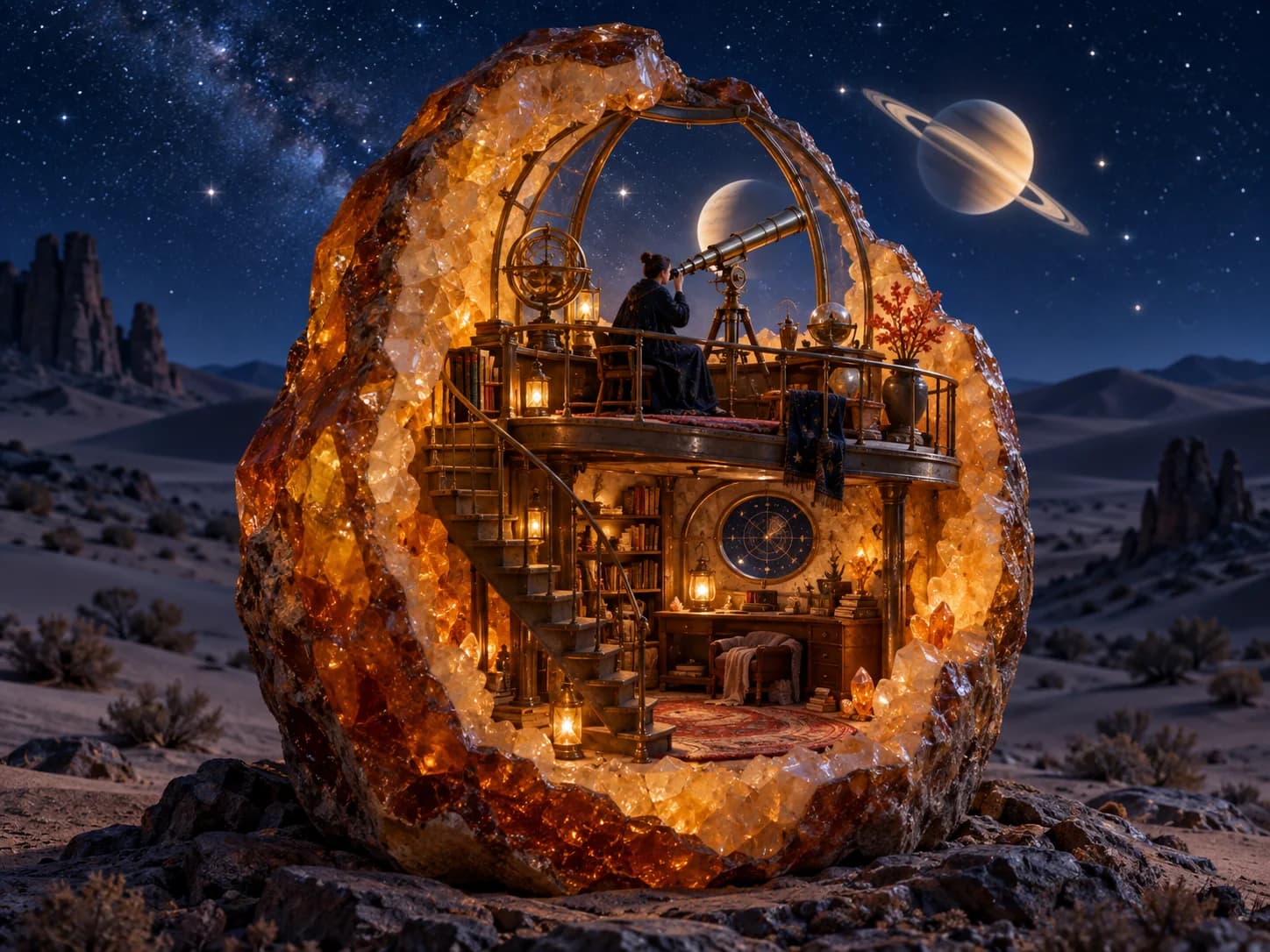
Amber geode observatory under a starry desert sky

Example output 1 of 3

An observatory inside an amber geode

A midnight observatory built inside a translucent amber geode, a brass telescope aimed at a luminous ringed planet, warm interior light against an indigo desert night, tactile cinematic 3D illustration.

Ways to create

Make the imagery your idea needs

The AI image generator moves you from a rough direction to a usable visual. Start with words alone, then refine the prompt or add reference images when the details matter. Each AI generation is a draft you can steer. For camera-like scenes with natural light and believable texture, try the realistic AI photo generator.

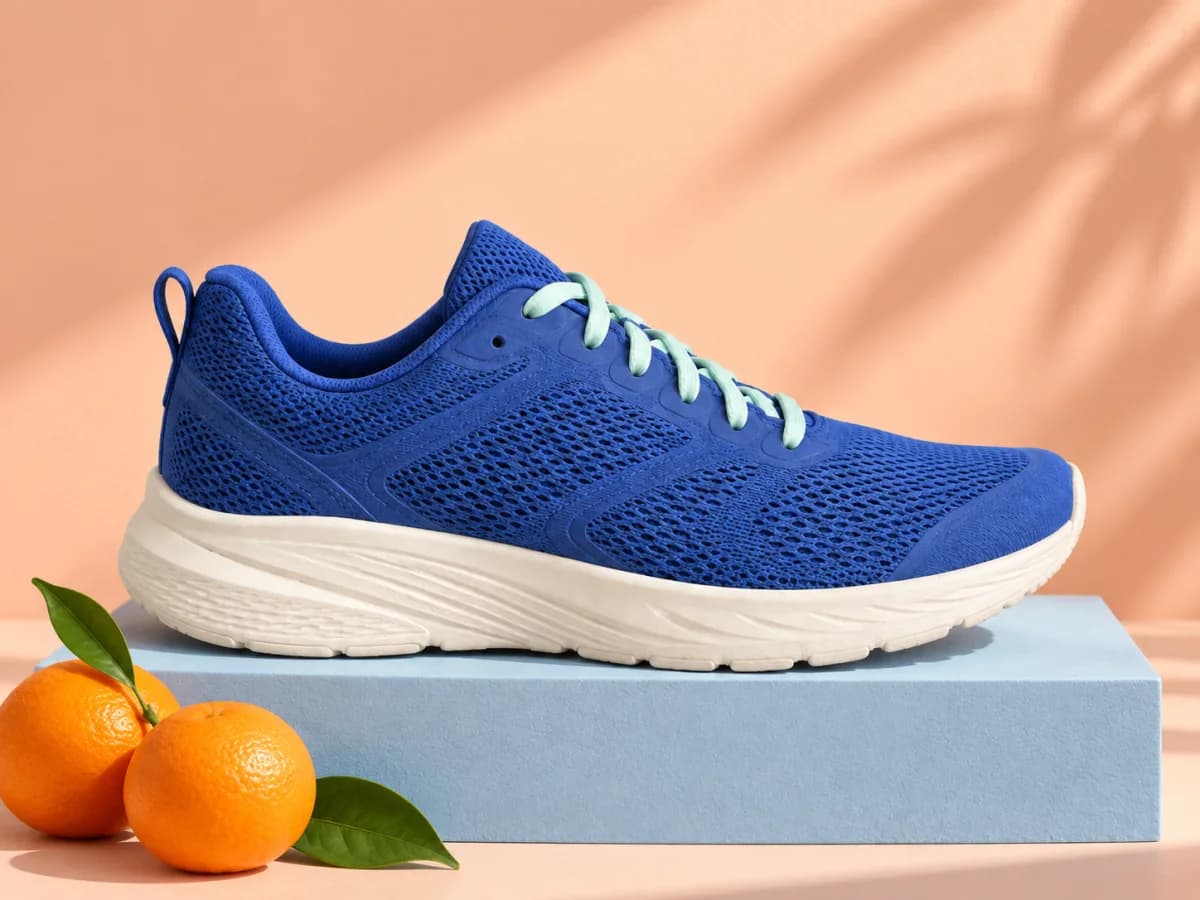
Blue sneaker on a pastel studio set

Build a product picture

Tell the AI generator the setting: a clean studio, a seasonal scene, or a backdrop that matches your campaign.

Prompt

A blue running shoe on a coral pedestal, soft studio light, pale sky-blue backdrop, clean campaign composition.
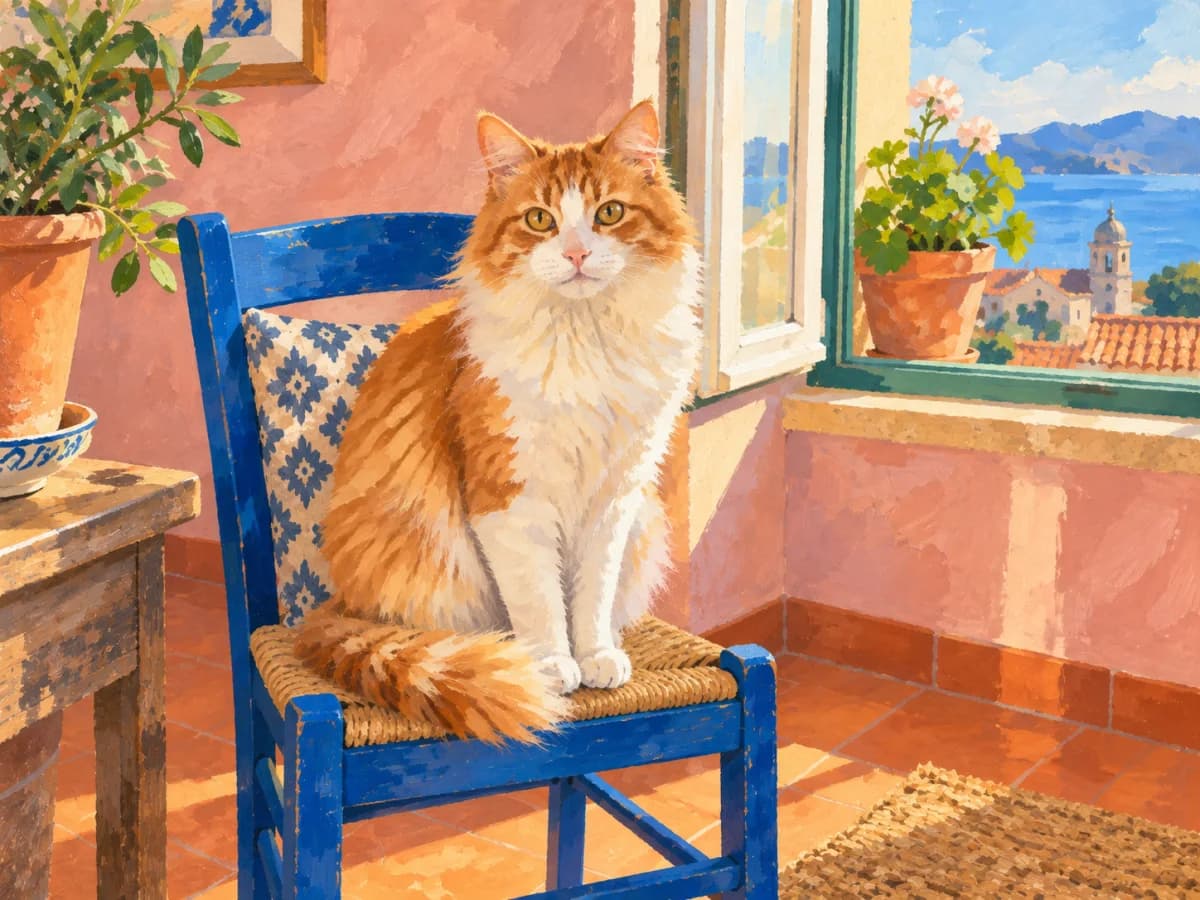
Painted orange and white cat beside a sunny window

Direct expressive imagery

Give the AI generator a medium, palette, texture, and mood instead of settling for a generic style label.

Prompt

An orange and white cat resting on a blue chair, gouache illustration, warm window light, visible brush texture.

Forest bookshop developed from a loose drawing

Turn a sketch into a finished image

Use a simple drawing to hold the composition while your prompt tells the AI generator the materials, light, and finish.

Prompt

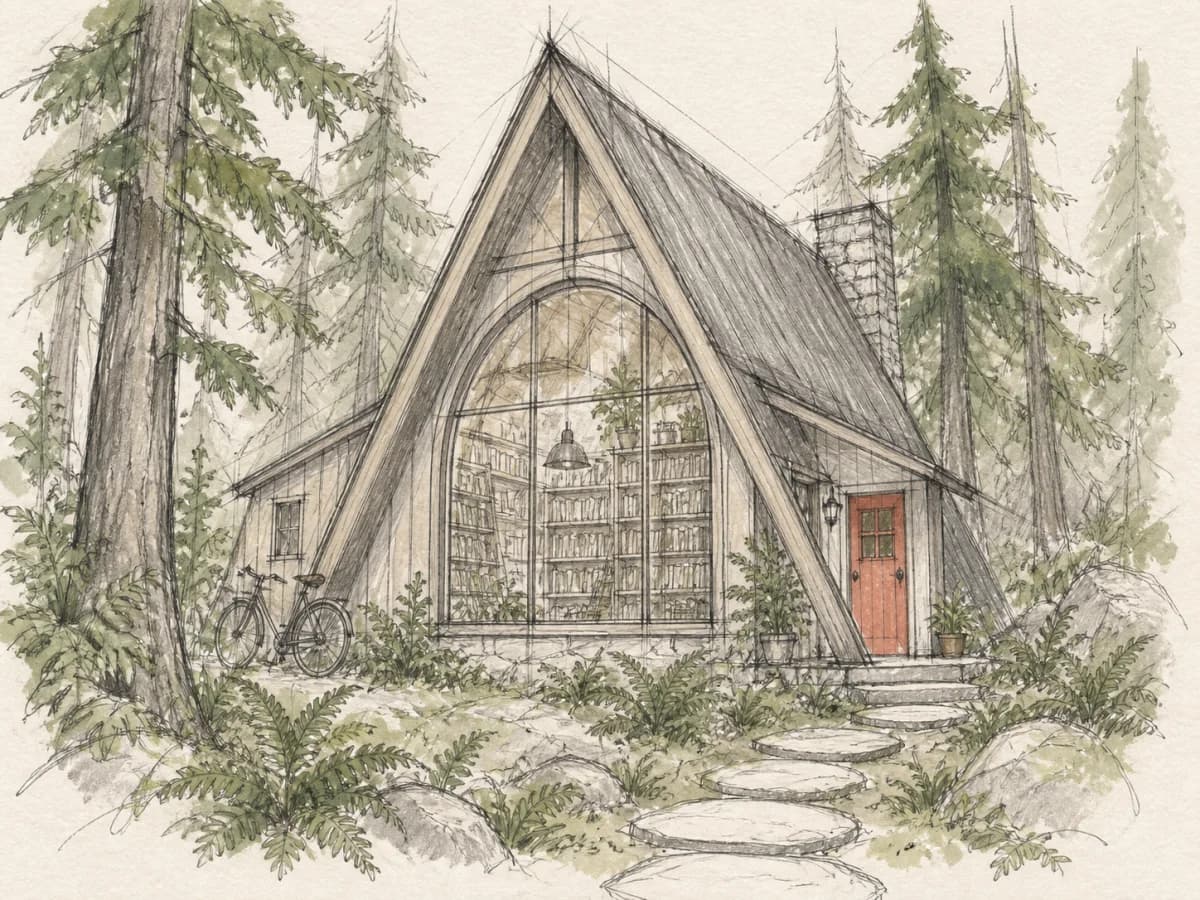
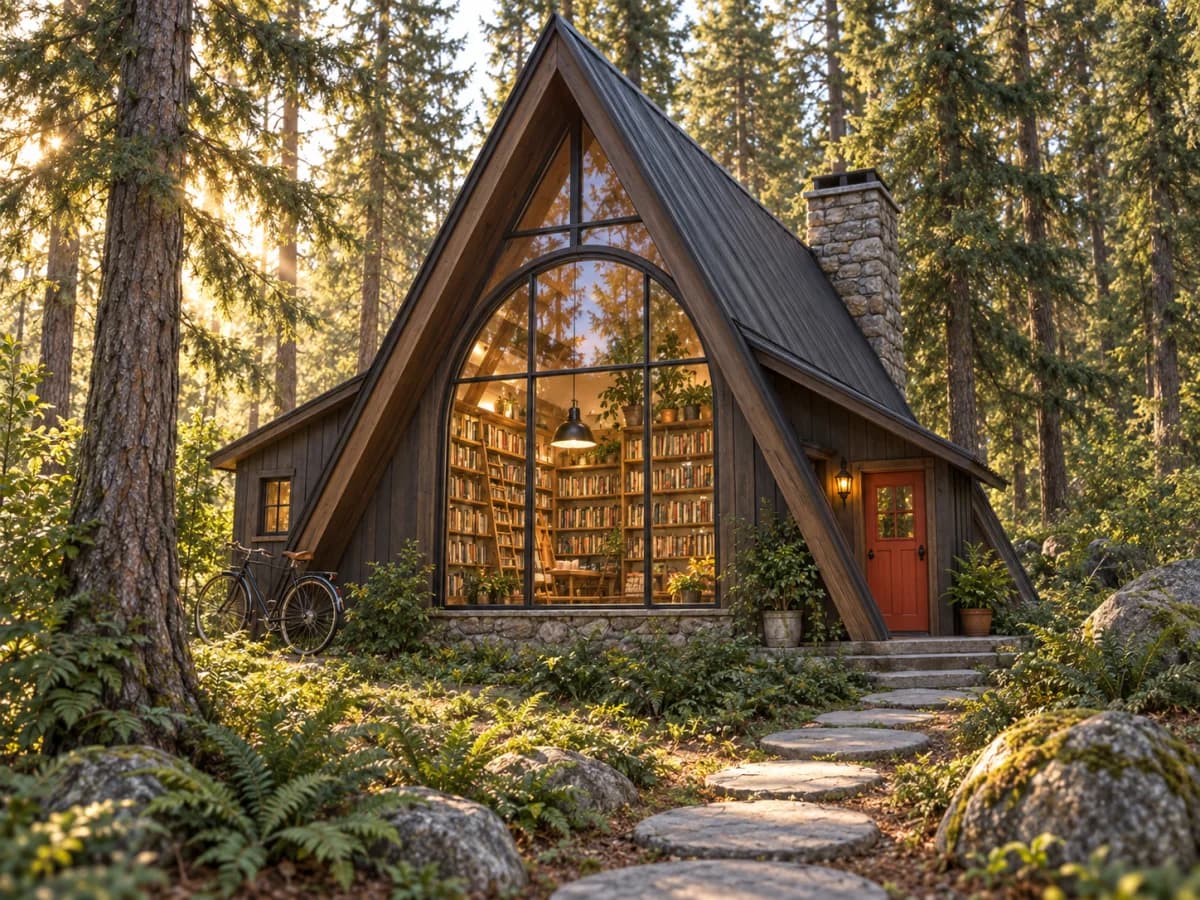
Turn this sketch into a forest bookshop built from dark timber, warm windows, misty morning, detailed storybook realism.

Rough sketch of a small bookshop among treesBefore
Finished forest bookshop developed from the sketchAfter

More ways to create

Make pictures from words, photos, or both

When a project grows beyond a single text prompt, open the AI photo generator to edit an existing photo, combine several references, or create a new image from scratch. It keeps those starting points in one workflow, so you can move from the first idea to a downloadable result without switching tools.

Three steps

How the AI image maker works

The shortest path through the AI image generator is prompt, generate, adjust. The AI generator reads references as visual facts when words alone are not enough.

  1. 01

    Describe the image

    Tell the AI generator the subject, setting, visual style, lighting, and composition you want.

  2. 02

    Add references if useful

    Upload references to guide the AI generator on a subject, object, color palette, or visual direction.

  3. 03

    Generate and refine

    Review the AI result, make the prompt more specific, generate again, and download the version you want to keep.

Better prompts

Give the image maker a clear brief

A useful prompt tells the AI generator what is in the image and how it should look. Add the details that affect the AI result; leave out adjectives that do not change a visible decision.

Subject
A glass cabin beside an alpine lake
Setting
Blue hour with mist over still water
Light
Warm interior lights
Composition
Wide cinematic view from the shore
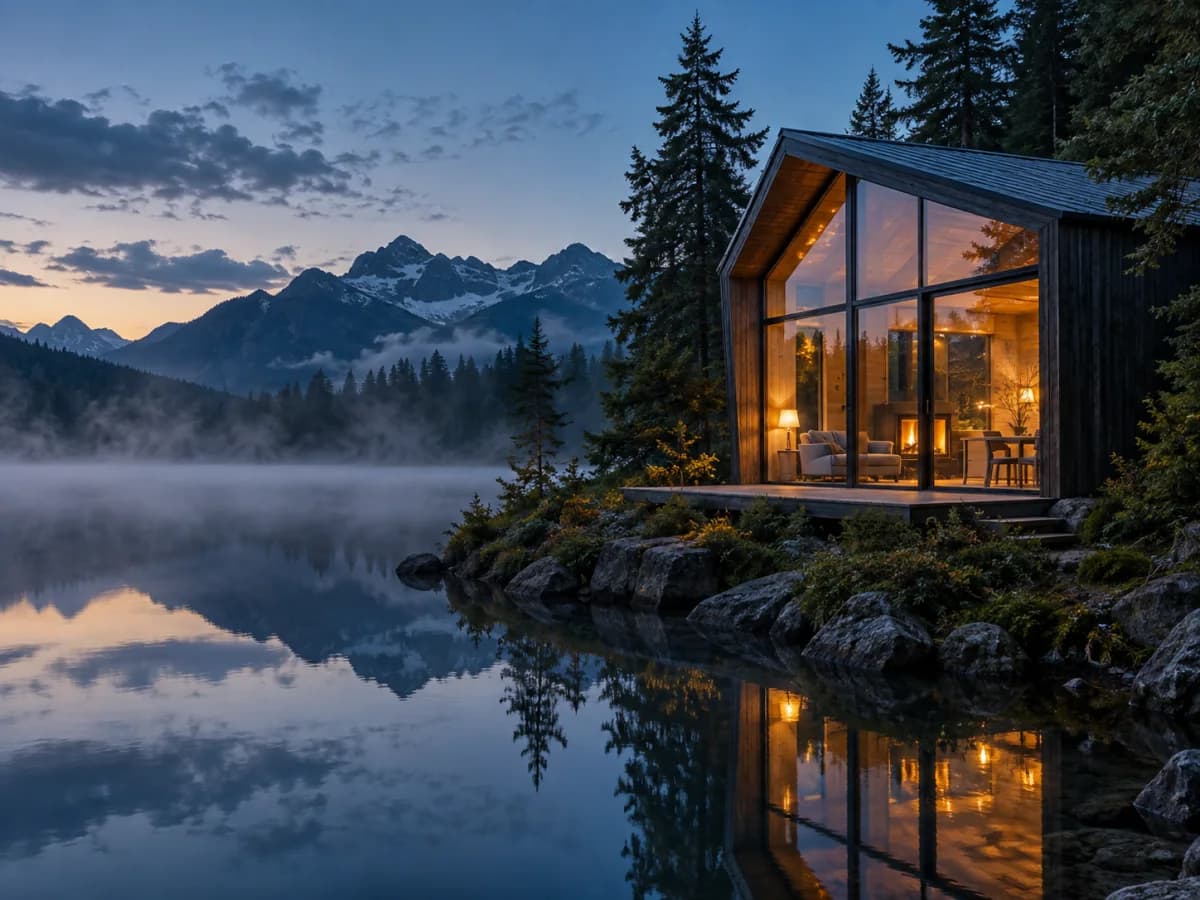
Glass cabin glowing beside a still mountain lake at blue hour

Complete prompt

A glass cabin beside an alpine lake at blue hour, warm interior lights, mist over still water, wide cinematic view from the shore.

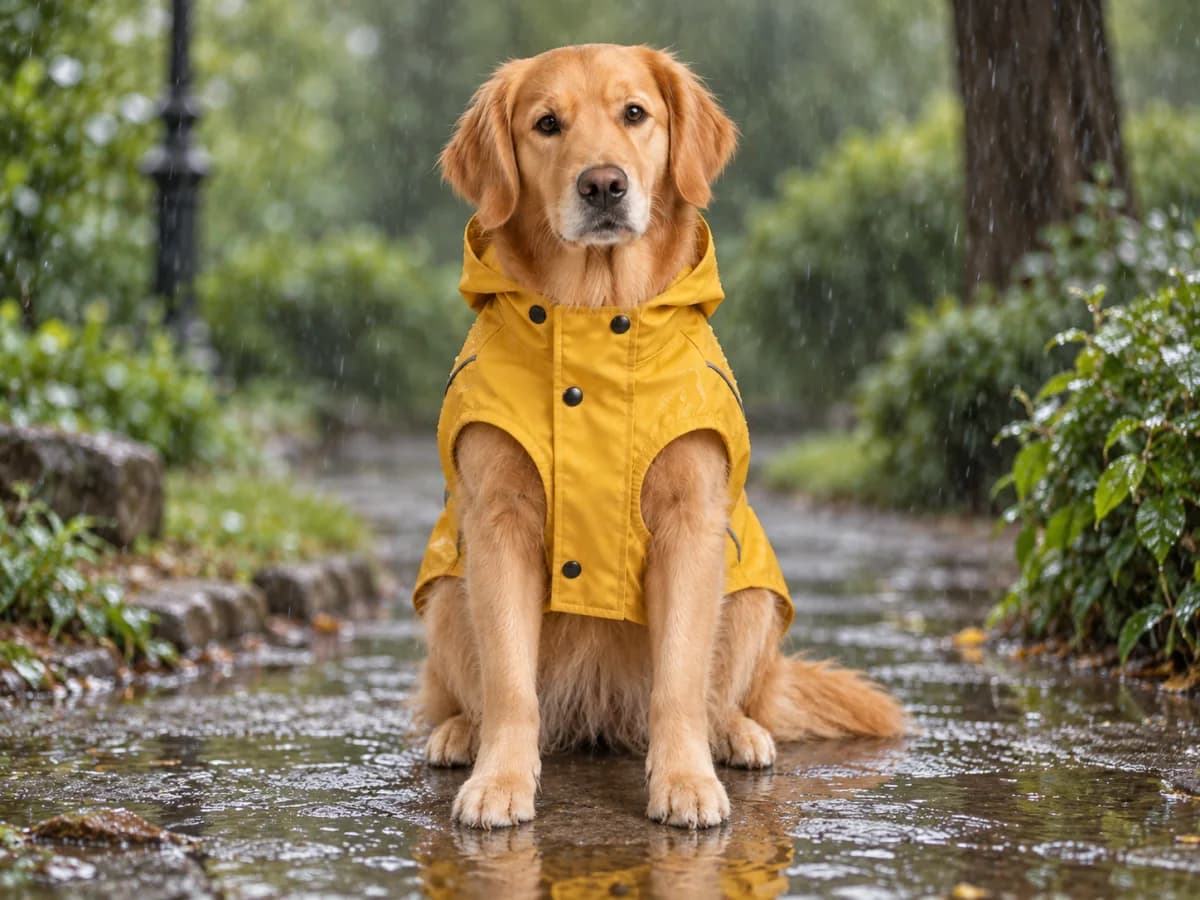
Dog wearing a yellow raincoat in a rainy park, created from reference images

Optional inputs

Use a reference image when words are not enough

A reference can communicate a shape, subject, palette, or mood that would take a long prompt to explain. Upload up to ten references and tell the AI generator what each one should influence. References guide the AI result; they do not promise an exact copy. If you want to transform an existing photo or sketch, start with image to image and describe what should change.

  • Keep the important visual traits in your written AI prompt.
  • Tell the AI generator whether a reference controls the subject, style, or composition.
  • Check faces, lettering, and product details in the AI output before publishing.

Getting the image you have in mind

An image can include the right subjects and still miss the idea. These community discussions ask for control over composition and a style that carries across a project. In your prompt, describe where the subjects belong and which visual details should stay consistent.

“I want the fish to appear as a figure in the distance to match the mood of the story.”

r/midjourneyRead original

“Can someone pls create a basic prompt that i can use to create Artworks in the same style.”

r/midjourneyRead original

AI image generator questions

PhotoGenerAI

Create your next image

Give the AI image generator one concrete idea, generate a first version, and refine the details that matter.

Generate an AI image