PhotoGenerAI

Write the realistic shot before you shoot it

Realistic AI Photo Generator

Create realistic images from a written brief. The realistic AI photo generator also accepts reference images when a subject, product, composition, or visual direction needs more than words. Name the light, framing, and texture and the realistic AI photo generator does the rest.

Start with 3 free generations without an account. Sign in for up to 10 free credits per week.

  • Create a realistic photo from text alone
  • Guide the realistic AI photo generator with up to ten references
  • Choose the AI generator's aspect ratio: square, portrait, landscape, or widescreen
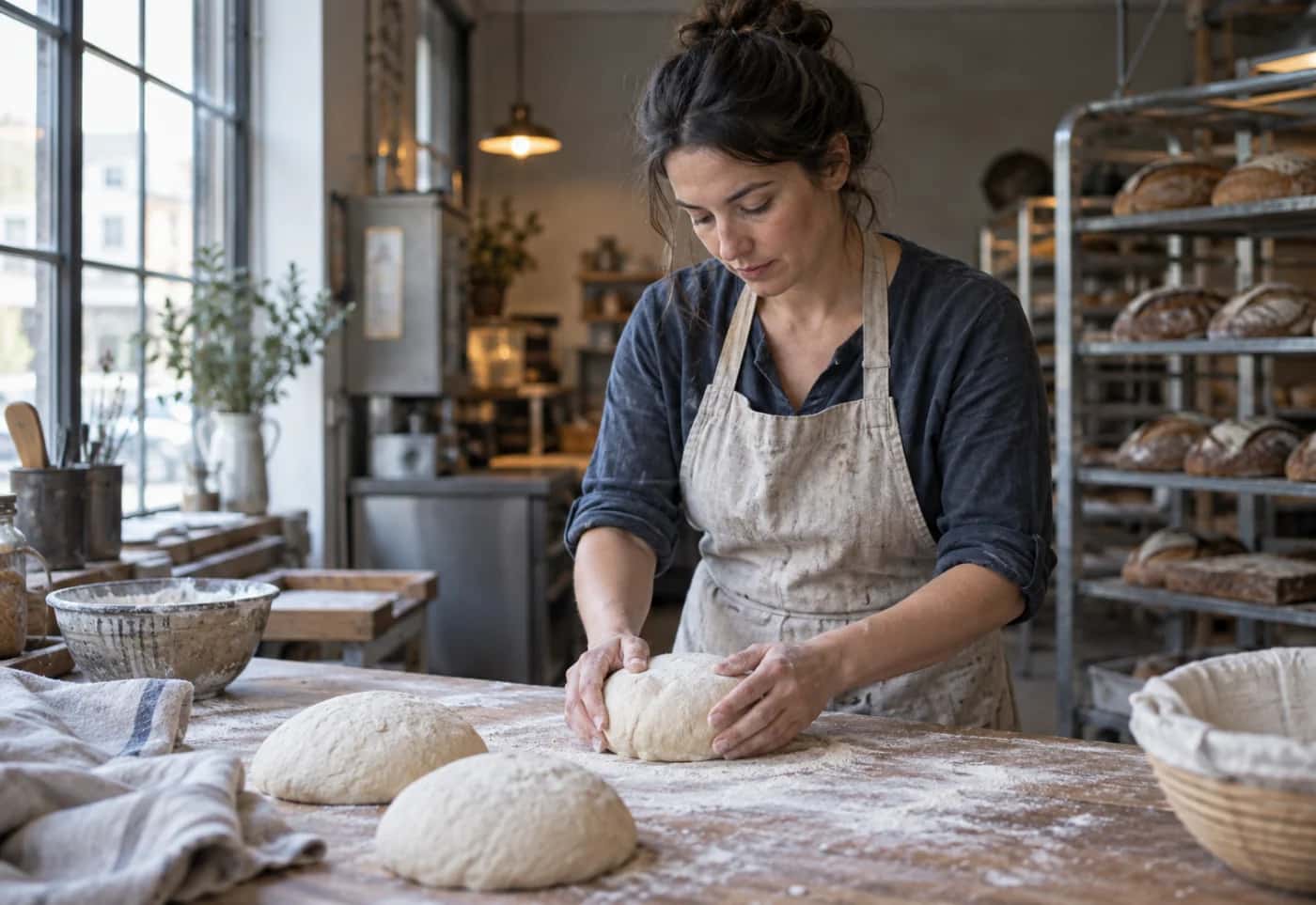
Artisan baker shaping sourdough at a flour-dusted counter
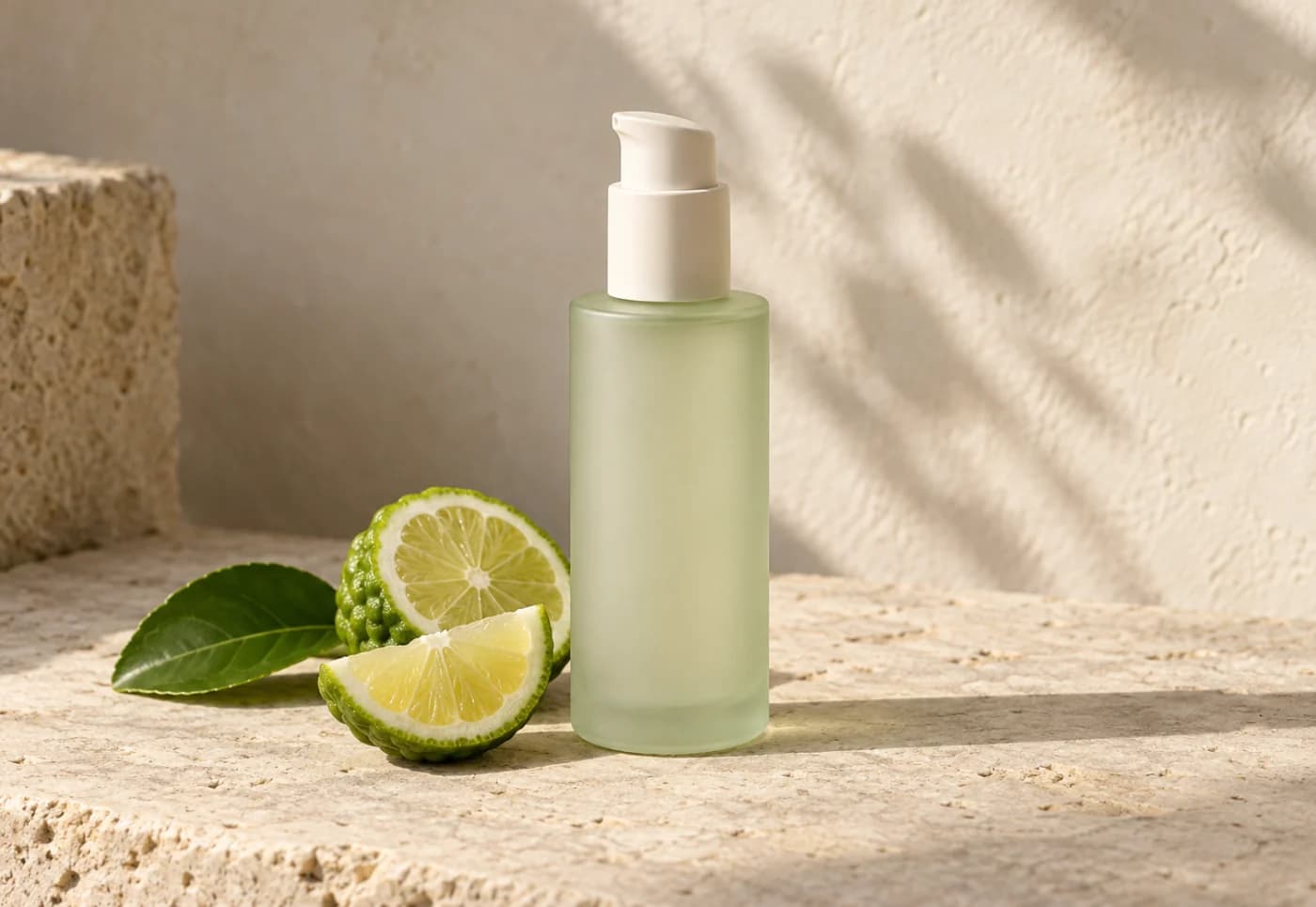
Unbranded pale-green skincare bottle with sliced bergamot
Light · framing · texture
Aspect ratio
Optional
Realistic AI photo
Artisan baker shaping sourdough at a flour-dusted counter

Photo brief 1 of 3

A baker before opening

An adult artisan baker shaping sourdough before opening, natural linen apron, flour-dusted wood, soft morning window light, documentary framing.

Photography briefs

Start with the realistic photo you need

A useful brief gives the realistic AI photo generator visible decisions. These examples name the subject, setting, light, framing, and surface detail instead of relying on the word realistic alone. Each prompt loads straight into the realistic AI photo generator.

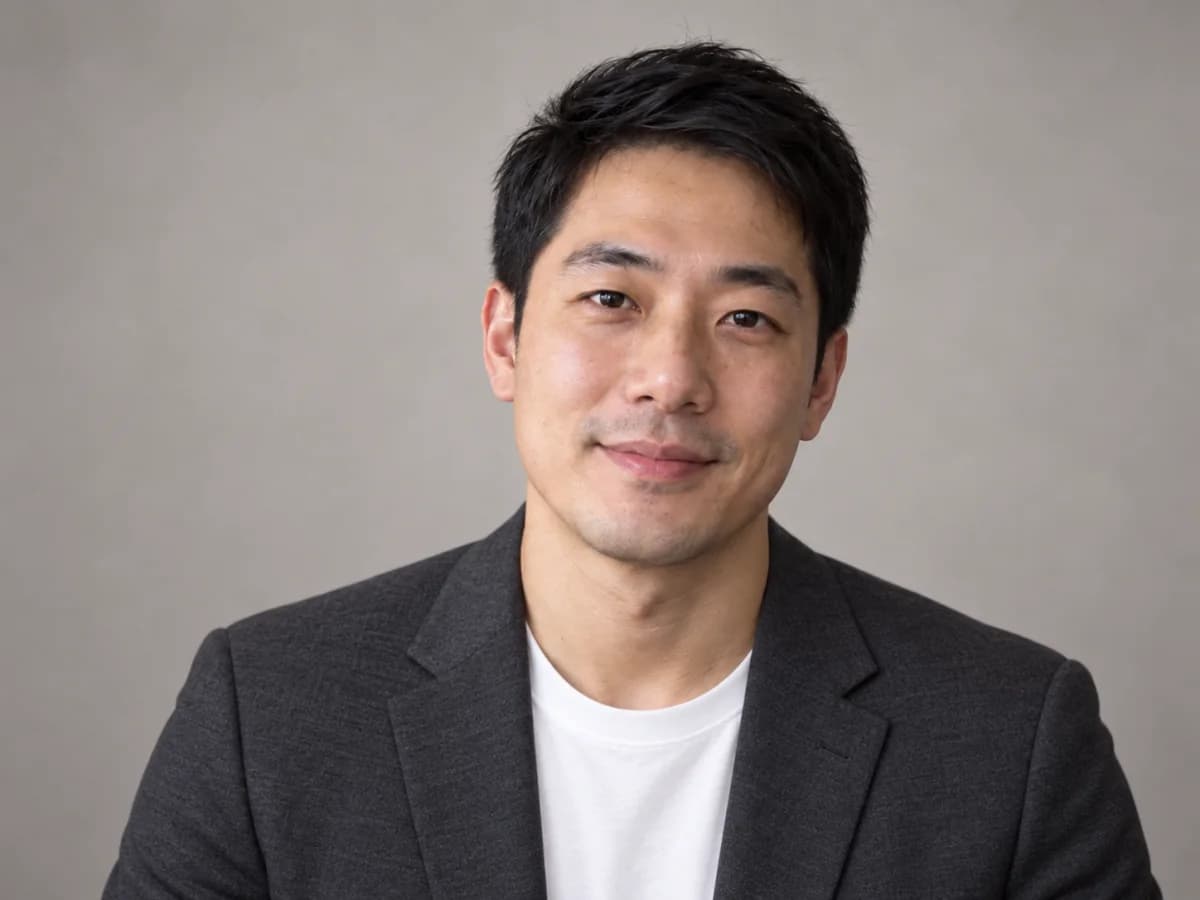
Professional portrait of a man against a warm grey background

A grounded portrait

Describe the person, expression, lens point of view, and light. Ask the realistic AI photo generator for natural skin texture when a polished result should still feel human.

Example brief

An approachable East Asian creative director in his early 30s, charcoal blazer over a white T-shirt, relaxed expression, eye-level 50 mm portrait, soft window light, warm grey backdrop, natural skin texture.
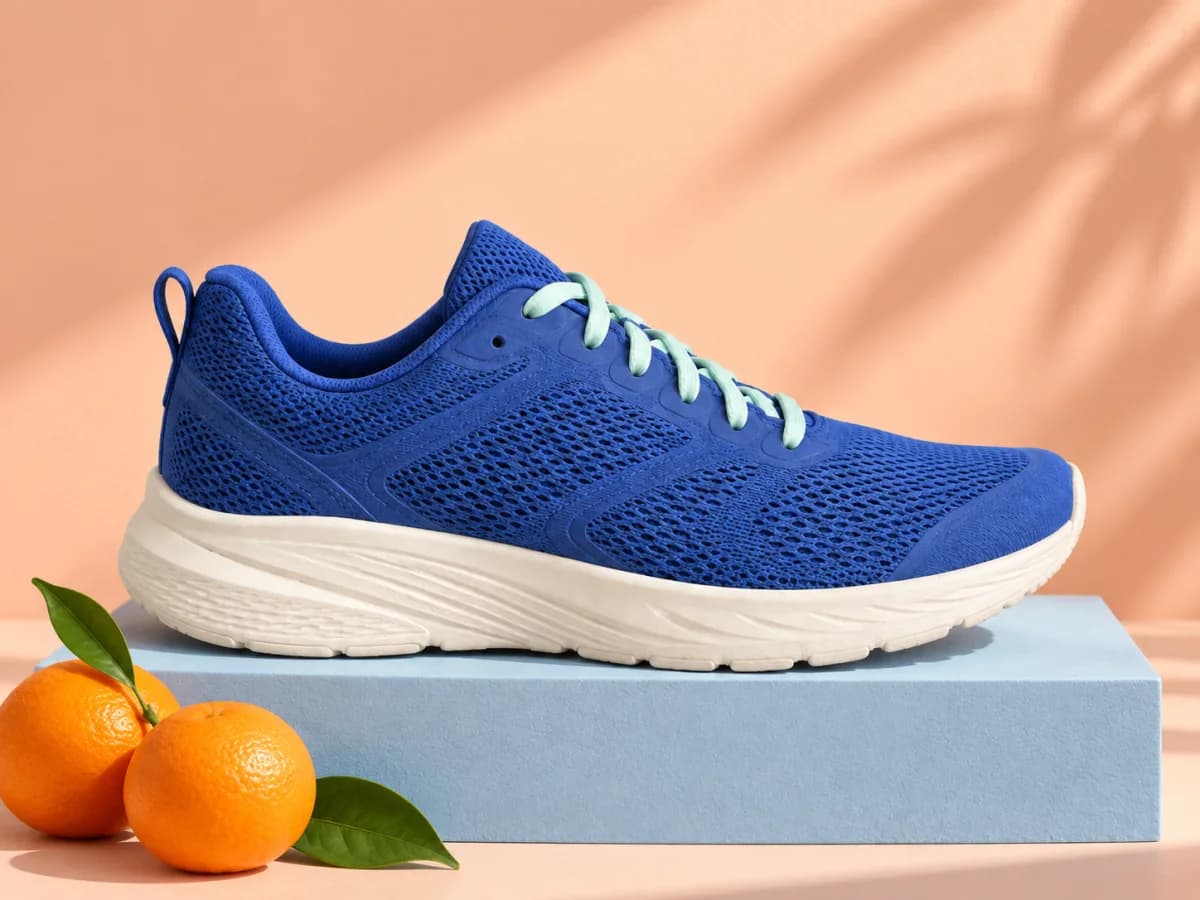
Blue running shoe on a pastel product photography set

A tactile product still

Tell the realistic AI photo generator the material, camera angle, background, and shadow so the object sits in the scene instead of floating above it.

Example brief

Unbranded cobalt running shoe, side view on a pale blue plinth, pastel peach studio, soft directional sunlight, crisp mesh and rubber texture, natural contact shadow, clean campaign photo.

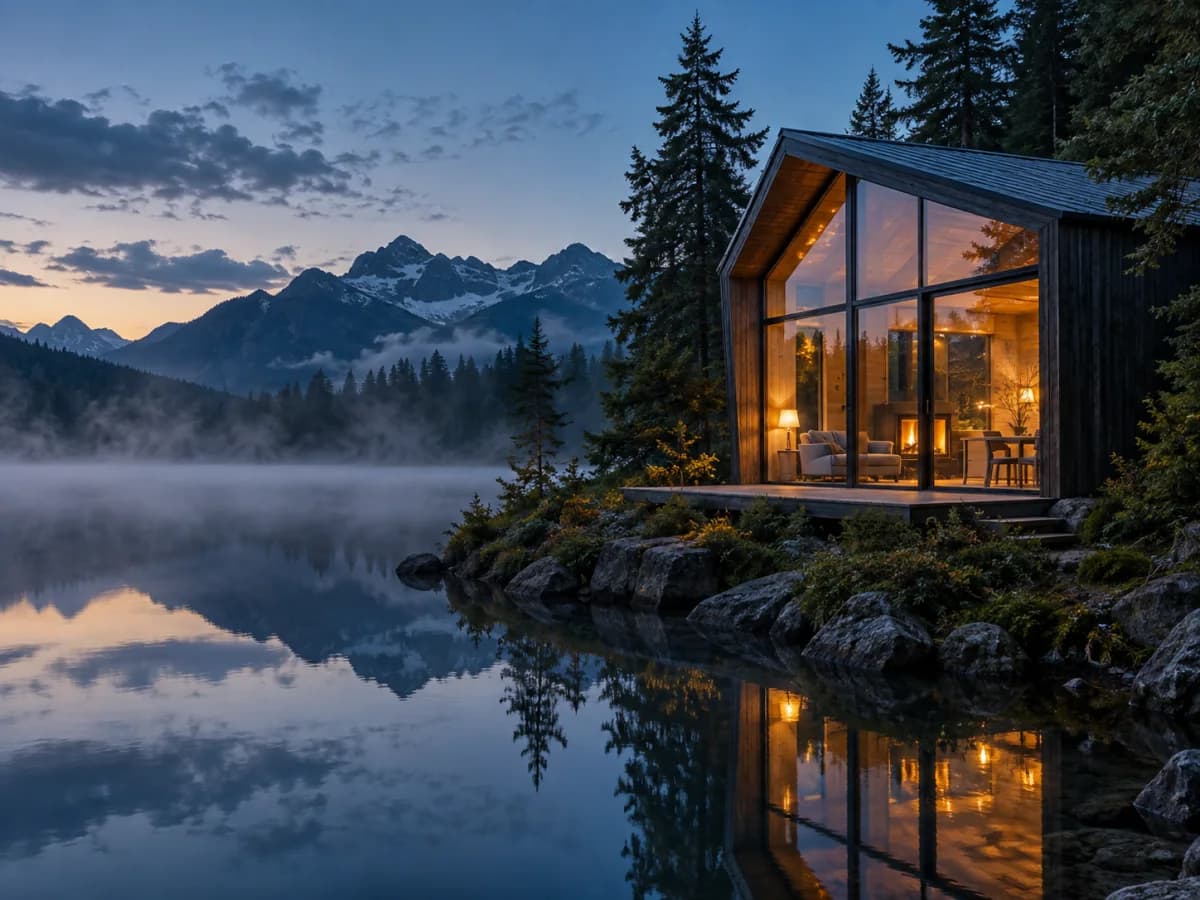
Glass cabin glowing beside a misty alpine lake at blue hour

A believable imagined place

Tell the realistic AI photo generator the time of day and the source of every important light. Reflections, haze, and depth cues help a landscape read as one place.

Example brief

Dark timber cabin beside a still alpine lake at blue hour, warm interior light, low mist over the water, pine silhouettes, wide shore-level composition, natural reflections and fine wood texture.

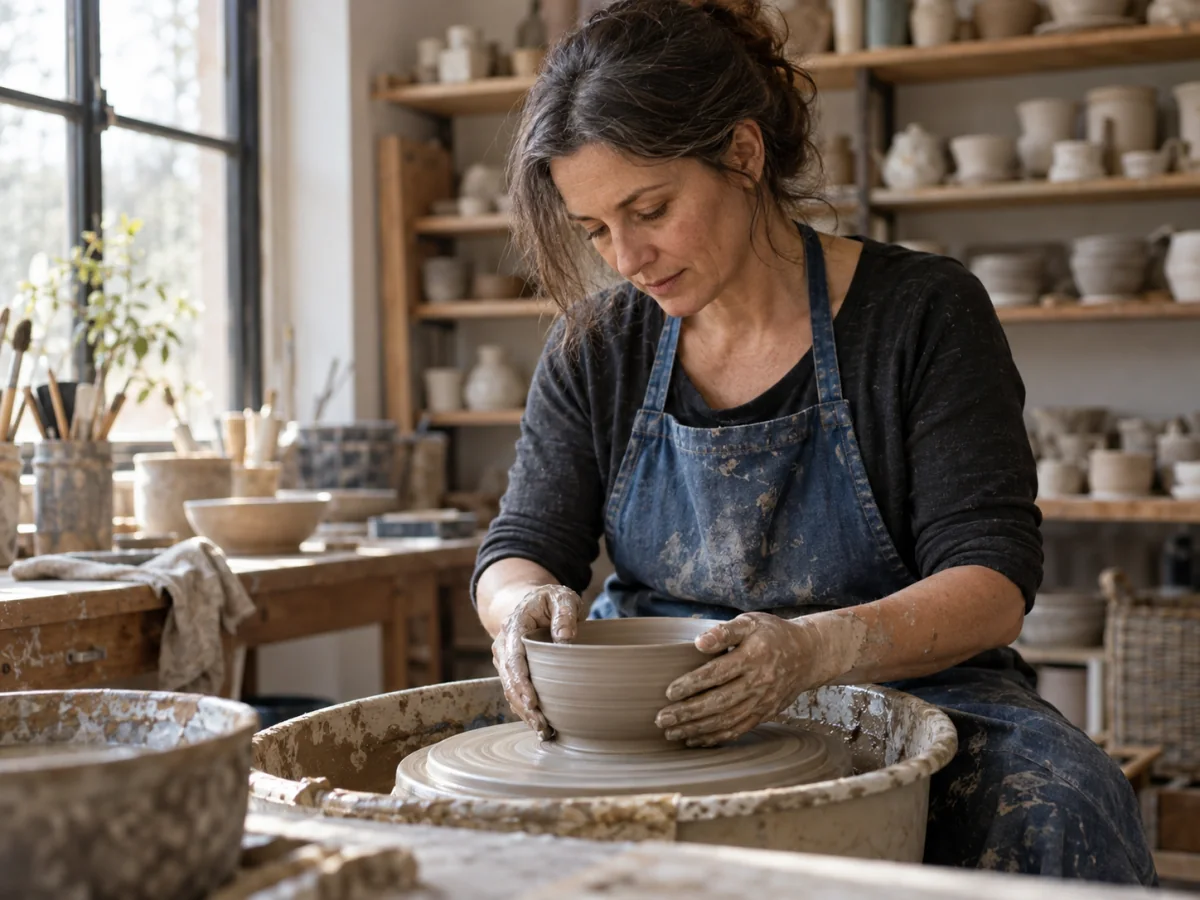
Ceramic artist shaping a wet clay bowl at a pottery wheel in a sunlit studio

A craft scene in natural light

Give the realistic AI photo generator the action and the materials in contact. Side lighting and small working marks give a craft scene its texture.

Example brief

An adult ceramic artist shaping a wet clay bowl at a pottery wheel, worn blue cotton apron, quiet studio with shelves of unglazed pottery, soft window sidelight, waist-up three-quarter framing, 50 mm lens, natural skin texture, clay-covered hands and fine grooves in the wet bowl.

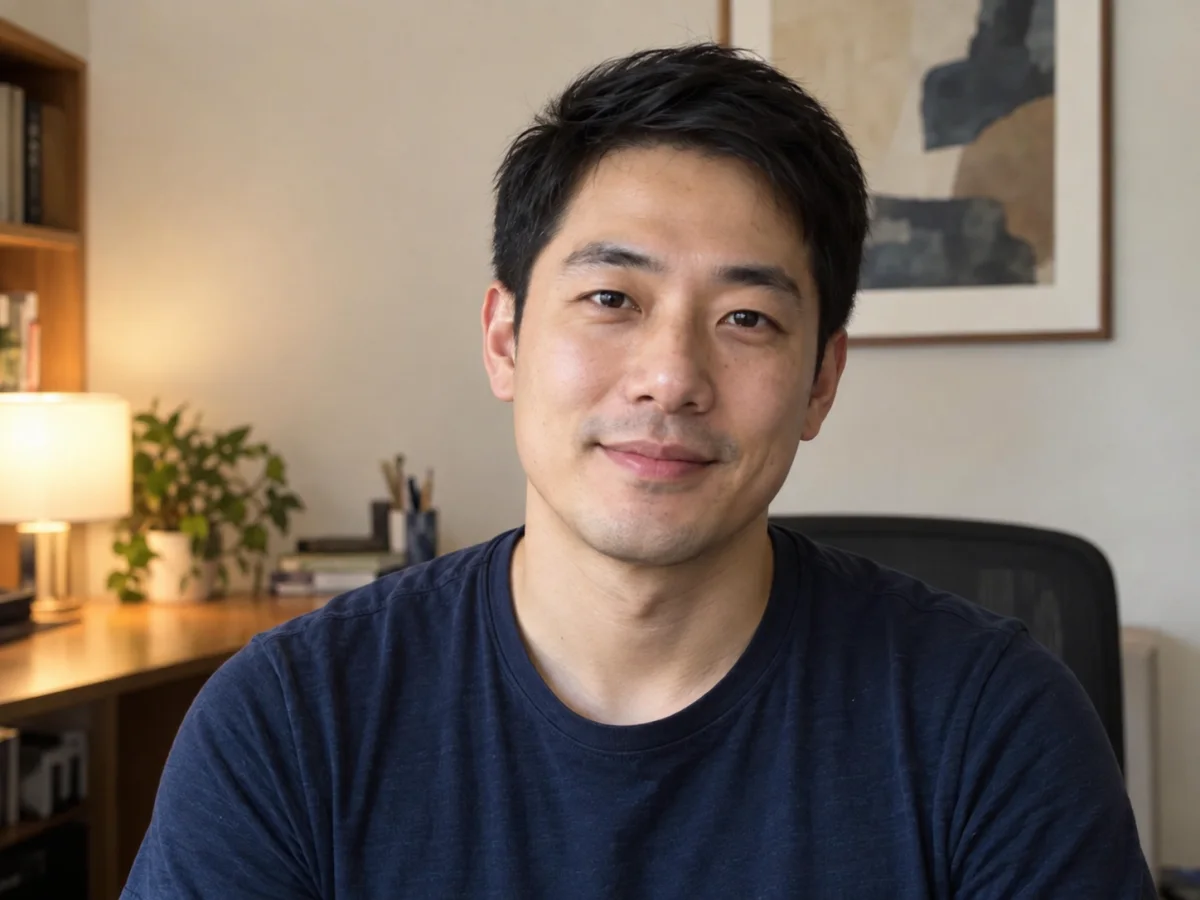
Casual portrait photographed in a home officeBefore
Studio portrait created from the casual photoAfter

Beyond a photorealistic brief

Use the same workflow for edits and new ideas

Realism is one direction, not a limit. The AI photo generator can also edit uploaded photos, combine visual references, and create illustrations or stylized images from text. Start with the material you have and choose the look that fits the job.

The realism brief

Build a complete photography brief

Photorealism comes from details that agree with one another. Give each part of the image a concrete job for the realistic AI photo generator, then remove anything that does not change a visible choice.

Subject
Who or what is in frame, plus the defining traits to preserve for a realistic result.
Environment
The place, time of day, weather, and nearby objects.
Light
Name a plausible source, such as a large north-facing window.
Camera
Choose eye level or overhead, close or wide, and the framing.
Texture
Describe skin, fabric, glass, wood, metal, or other surfaces.
Imperfection
Keep small wrinkles, stray hairs, scuffs, or uneven reflections when they suit a realistic photo.
Ceramic artist shaping a wet clay bowl in a naturally lit pottery studio

Put the parts together

A ceramicist shaping a wet clay bowl at a pottery wheel in a small daylight studio, worn blue cotton apron, soft window sidelight, waist-up documentary framing, 50 mm lens feel, natural skin texture, clay-covered hands and fine grooves in the bowl.

Casual portrait of a man in a navy T-shirt in a home office
Reference
The same man presented as a professional studio portrait
Directed realistic result

Optional references

Use a reference for visual facts words cannot hold

A reference can carry a face, product shape, pose, palette, or composition. Keep the prompt to the realistic AI photo generator explicit about what should stay and what may change. A reference guides the realistic AI photo generator; it does not guarantee an exact copy. If you already have a photo and want to change its background or remove a distraction, use the AI photo editor.

  • Tell the realistic AI photo generator which reference controls the subject, object, or composition.
  • State the traits that must remain visible in the AI-generated photo.
  • Keep references visually relevant; the AI photo generator only needs the useful ones.

Before you use the image

Realistic is a visual style, not evidence

A convincing AI photo can still contain invented or incorrect details. Review the AI photo in context before you publish, print, or use the AI generator's output in a campaign.

  1. 01

    Inspect people closely

    Check hands, teeth, eyes, jewelry, hair edges, and interactions between people or objects in the AI photo.

  2. 02

    Verify product facts

    Compare logos, labels, controls, proportions, colors, and materials with an approved reference photo.

  3. 03

    Read every word

    Generated lettering can be malformed. Add important copy with a design tool after the image is settled.

  4. 04

    Do not present fiction as a record

    Use real photography instead of generated output when the image must document a person, place, event, condition, or result.

Real skin, not a plastic finish

Smooth skin can make an otherwise convincing image feel artificial. These community voices ask for natural texture rather than a plastic finish. When describing a realistic photo, include skin detail and lighting, then check those details in the generated result.

“The result is this: in the Ksampler preview they look almost realistic but the final result looks like a plastic picture. How can I improve?”

r/comfyuiRead original

“Would love to see realistic skin textures such as wrinkles and cellulite.”

r/KindroidAIRead original

Realistic AI photo generator questions

PhotoGenerAI

Create your next realistic image

Describe the subject, setting, light, and framing. The realistic AI photo generator returns a first version, then refine the details that matter and generate again.

Create a realistic AI image