
Black Forest Labs · FLUX 3 Image
FLUX 3 AI Image Generator
Turn an idea into an image with FLUX 3 Image, the latest image model from Black Forest Labs. Generate from text or add photos for editing and visual references.
1K images · Text and photo inputs · Purchased credits
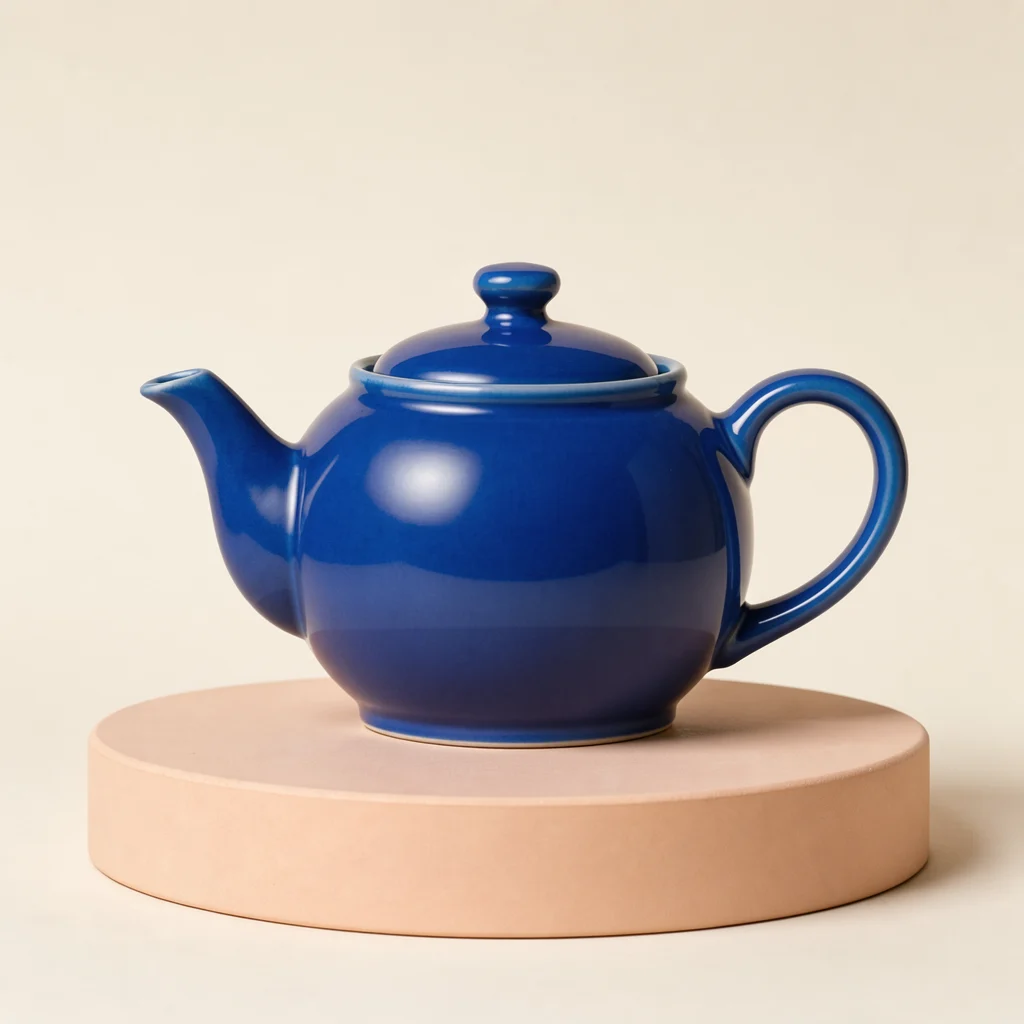
One prompt, different models
Made with FLUX 3 Image
Actual outputs from the models available above. These examples use the same prompt and square format; they show one result per model.
FLUX 3 Image
4 creditsThe newest FLUX image generation and editing model, with a dedicated 1K resolution tier here.
Example prompt
A cobalt blue ceramic teapot with a curved handle, on a pale peach pedestal, soft studio lighting, cream background, product photography. No text.
From an idea to an image
Describe the subject, composition, lighting and details you want to see. Add a photo for an edit, then say what should change and what should stay. This page uses the 1K resolution tier.
- 1. Choose your model. Pick a FLUX model and an aspect ratio in the form.
- 2. Describe the result. Start from text, or add photos and explain the change.
- 3. Generate and download. Check the credit total, create your image and save the result.
Keep your prompt concrete
“A ceramic teapot” gives the model a subject. “Cobalt blue, curved handle, peach pedestal, soft studio lighting” gives it decisions to make. For edits, name the detail you want to change and the parts you want to keep.
Try your own prompt