
Black Forest Labs · Klein 4B / Klein 9B
FLUX.2 Klein AI Image Generator
Explore image ideas with FLUX.2 Klein 4B and 9B. Generate from a prompt, guide the composition with references, or edit a photo in your browser.
1K images · Text and photo inputs · Purchased credits
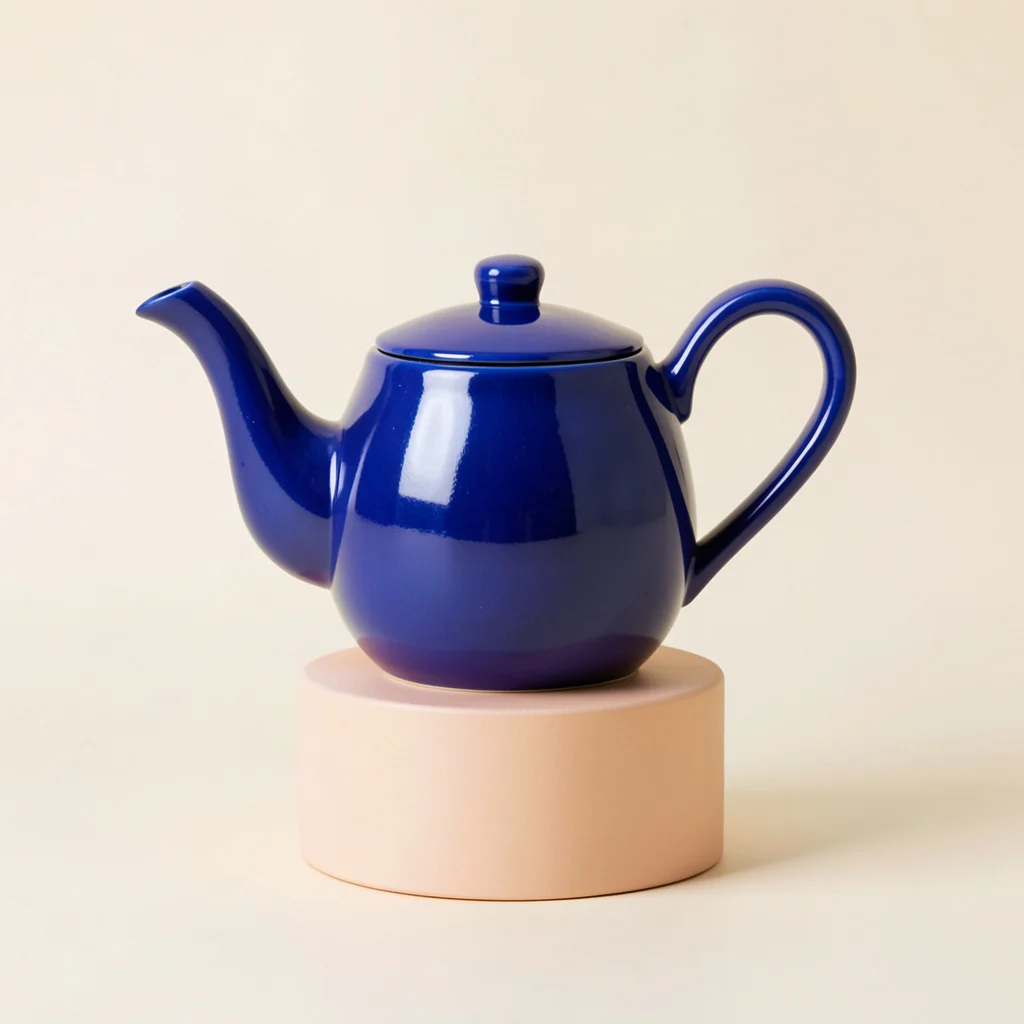
One prompt, different models
Made with Klein 4B / Klein 9B
Actual outputs from the models available above. These examples use the same prompt and square format; they show one result per model.
FLUX.2 Klein 4B
2 creditsThe smaller Klein model for fast exploration of prompts and image edits.
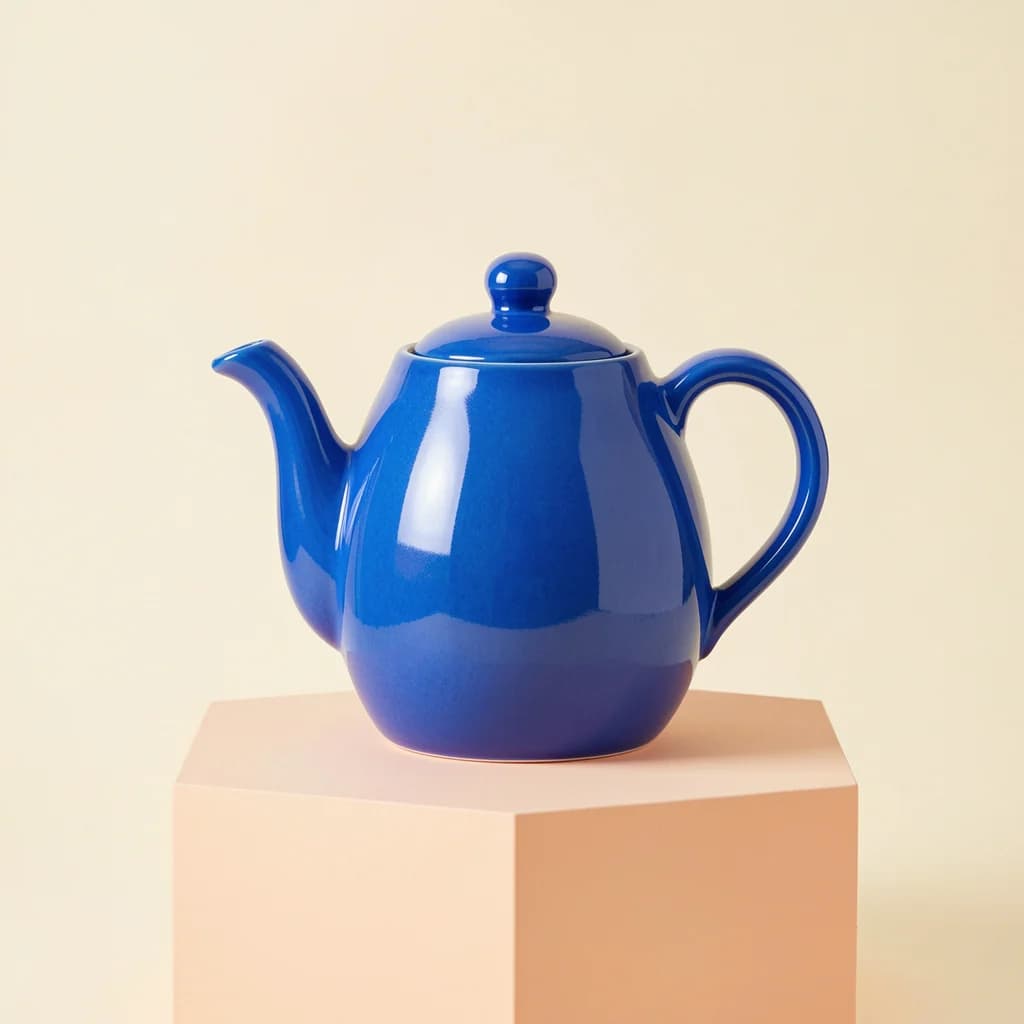
FLUX.2 Klein 9B
2 creditsThe larger Klein model for a different balance of speed and visual detail.
Example prompt
A cobalt blue ceramic teapot with a curved handle, on a pale peach pedestal, soft studio lighting, cream background, product photography. No text.
From an idea to an image
Klein is the faster FLUX.2 family. Start with 4B for quick visual exploration and try 9B for a larger model. Keep the same prompt and aspect ratio when comparing their results.
- 1. Choose your model. Pick a FLUX model and an aspect ratio in the form.
- 2. Describe the result. Start from text, or add photos and explain the change.
- 3. Generate and download. Check the credit total, create your image and save the result.
Keep your prompt concrete
“A ceramic teapot” gives the model a subject. “Cobalt blue, curved handle, peach pedestal, soft studio lighting” gives it decisions to make. For edits, name the detail you want to change and the parts you want to keep.
Try your own prompt