Black Forest Labs · Pro / Max / Flex
FLUX.2 AI Image Generator
Create product photos, illustrations and image edits with FLUX.2 Pro, Max or Flex. Choose a model, describe your idea and add references when you need them.
1K images · Text and photo inputs · Purchased credits
One prompt, different models
Made with Pro / Max / Flex
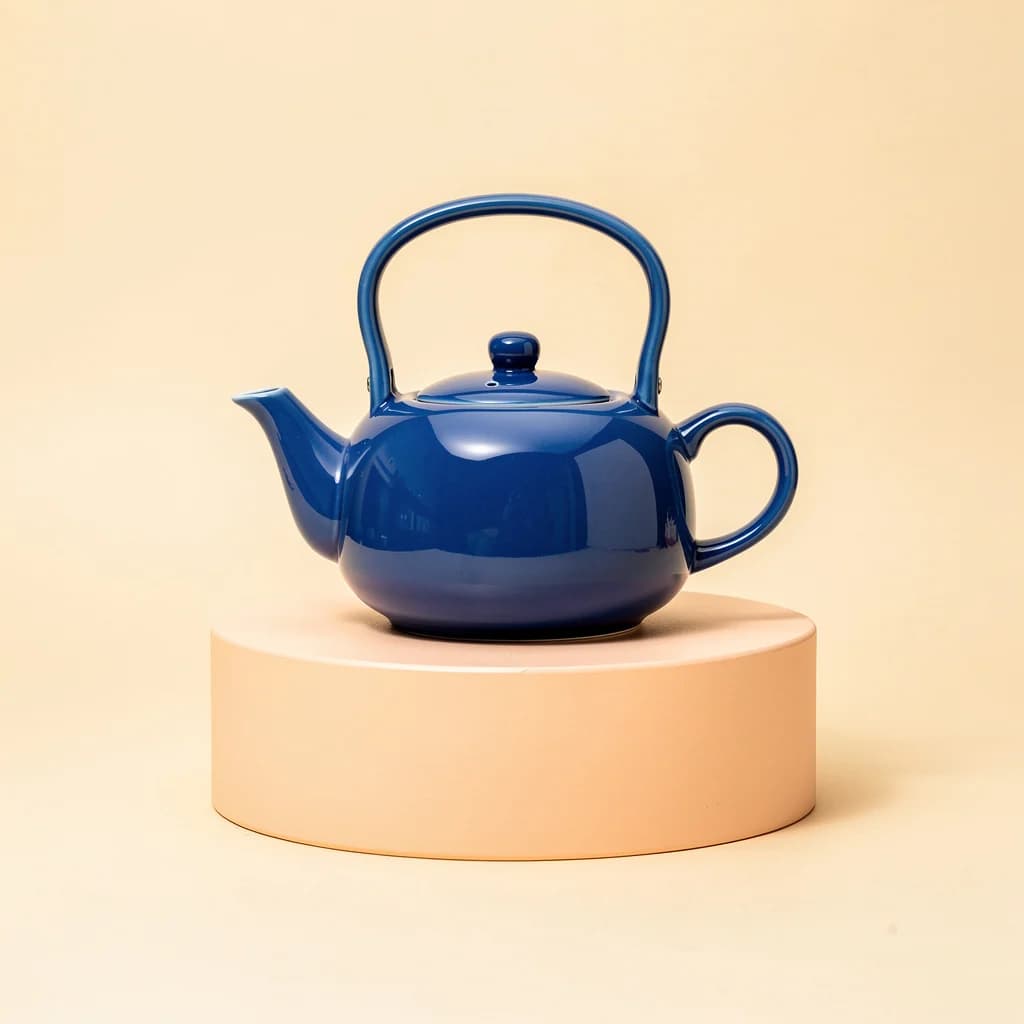
Actual outputs from the models available above. These examples use the same prompt and square format; they show one result per model.
FLUX.2 Pro
3 creditsA practical starting point for product images, illustrations and edits.
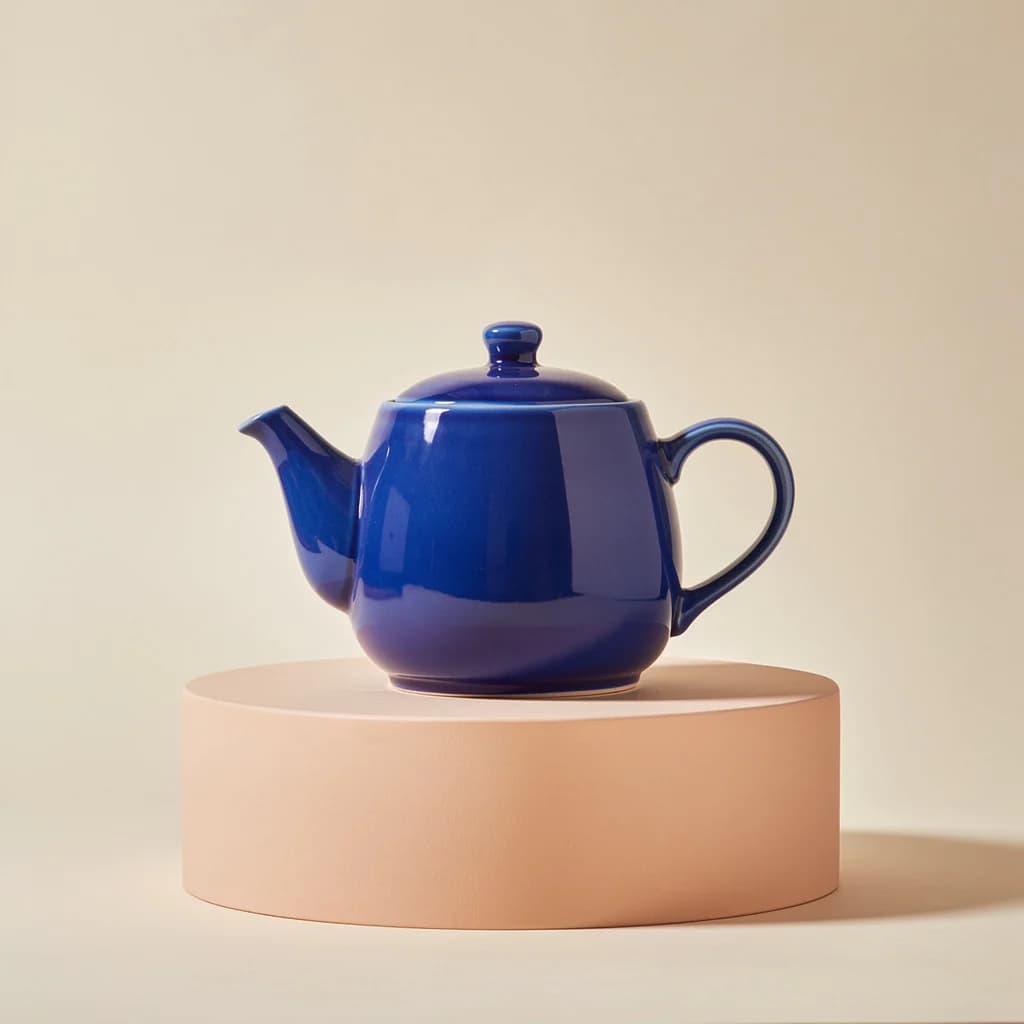
FLUX.2 Max
6 creditsThe highest quality FLUX.2 variant for detailed scenes and carefully composed images.
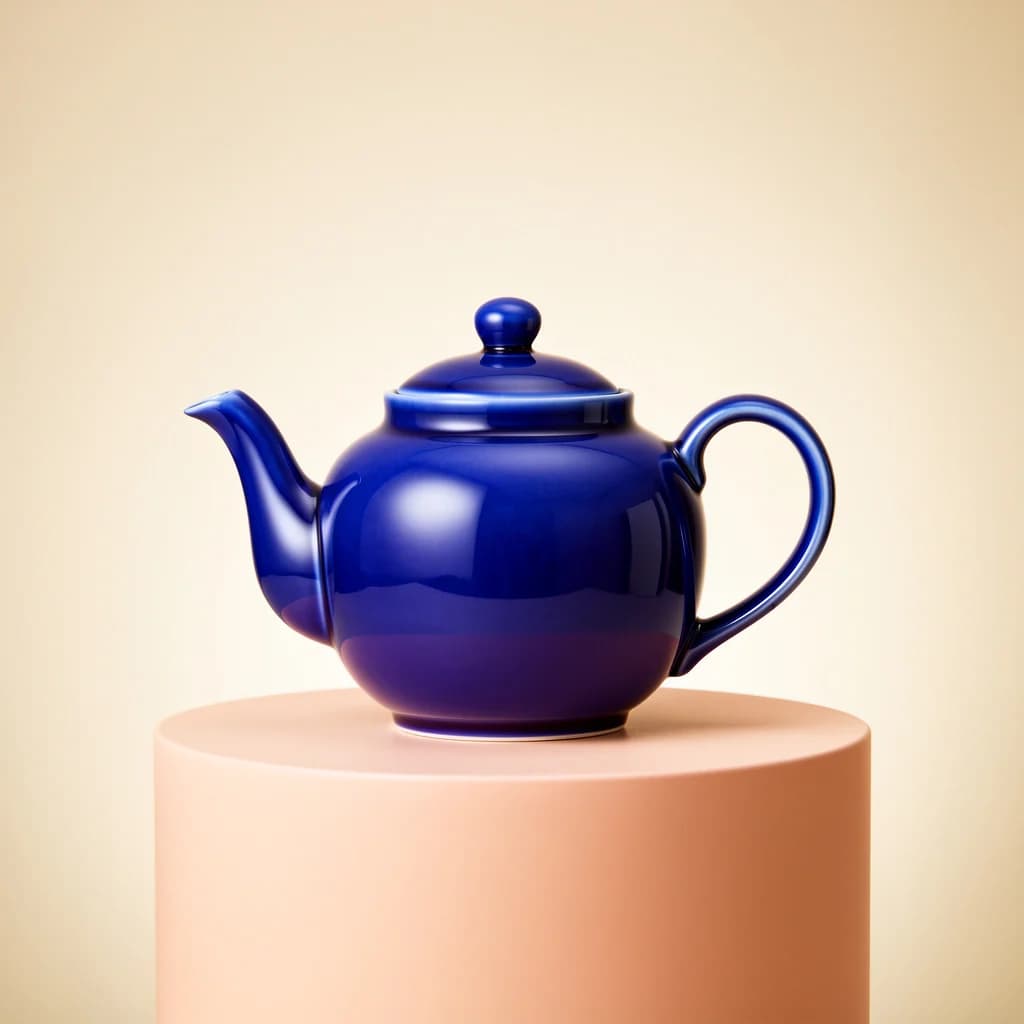
FLUX.2 Flex
5 creditsFor typography and detailed compositions. Describe any text precisely and check the spelling in your result.
Example prompt
A cobalt blue ceramic teapot with a curved handle, on a pale peach pedestal, soft studio lighting, cream background, product photography. No text.
From an idea to an image
Start with Pro for everyday image creation. Choose Max when fine detail matters most, or Flex for compositions with typography. Use a reference photo to edit an existing image or steer the next one.
- 1. Choose your model. Pick a FLUX model and an aspect ratio in the form.
- 2. Describe the result. Start from text, or add photos and explain the change.
- 3. Generate and download. Check the credit total, create your image and save the result.