
Insulated water bottle
Keep the bottle and cap recognizable as the setting changes from kitchen counter to trailhead. Use a close-up to show the carry loop.
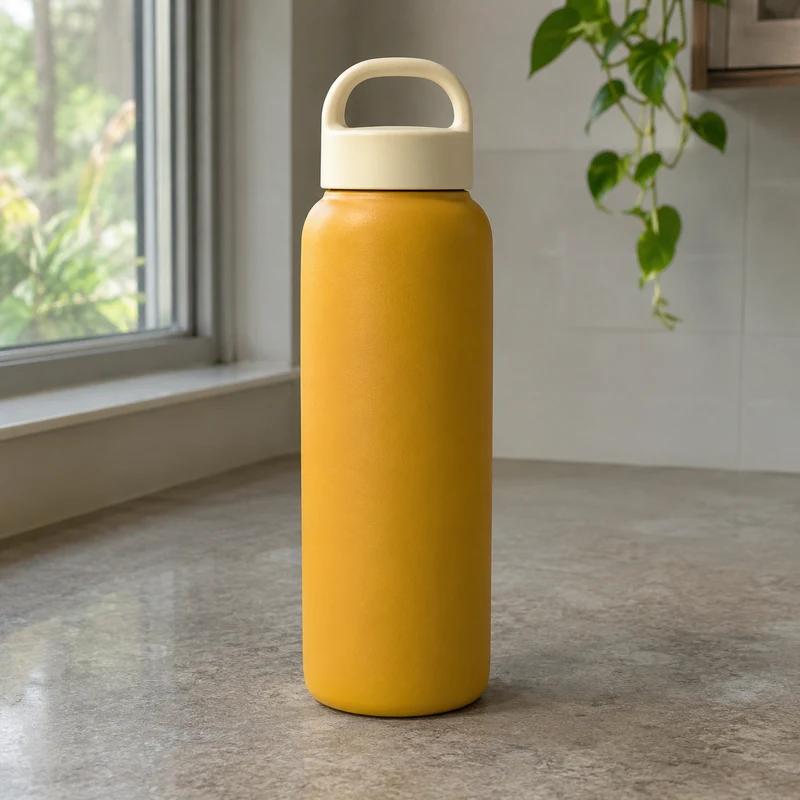
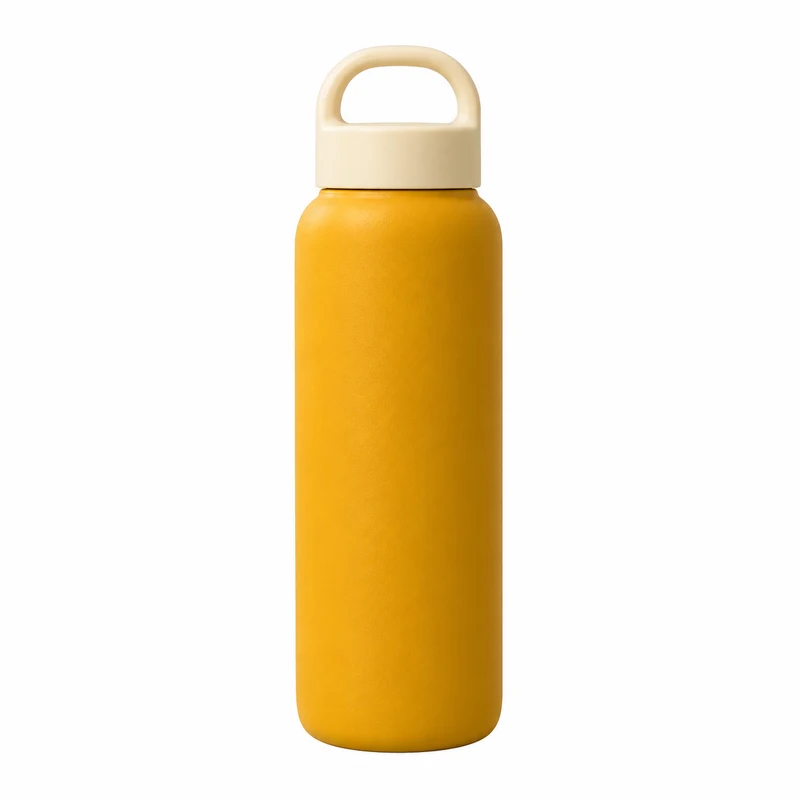
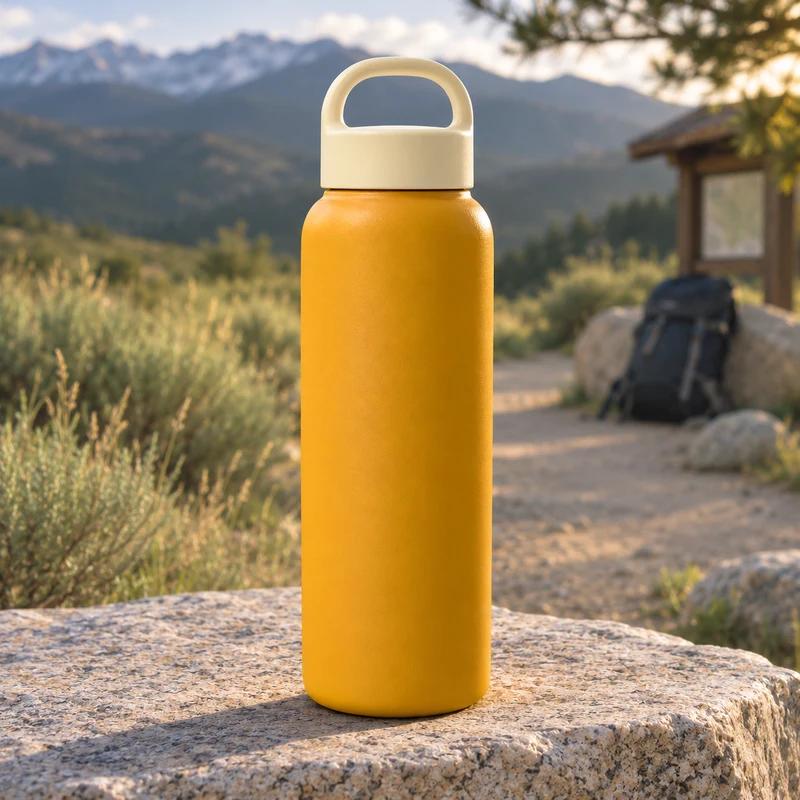
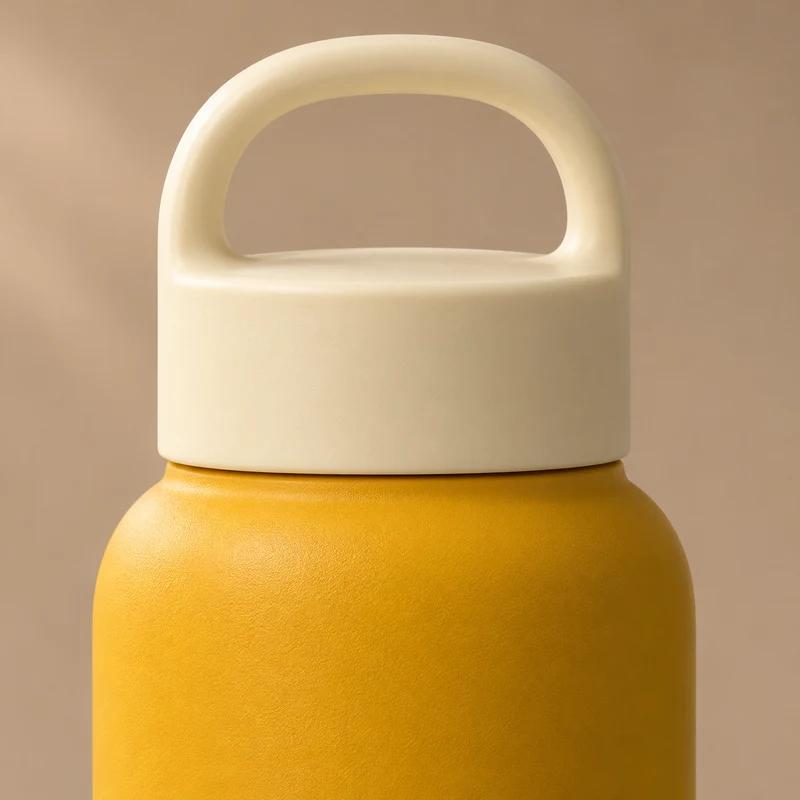
Upload one product photo to make a white-background main image, a lifestyle scene, and a detail shot. Describe each shot or start with a prompt suggestion. See product examples.
Source photo
White-background main image
Lifestyle image
Product detail
Each set pairs an original product photo with three illustrative listing images.
Keep the bottle and cap recognizable as the setting changes from kitchen counter to trailhead. Use a close-up to show the carry loop.
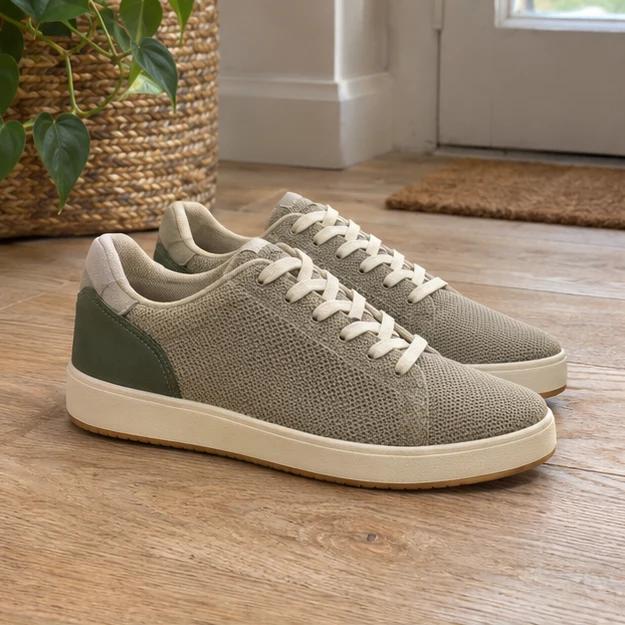
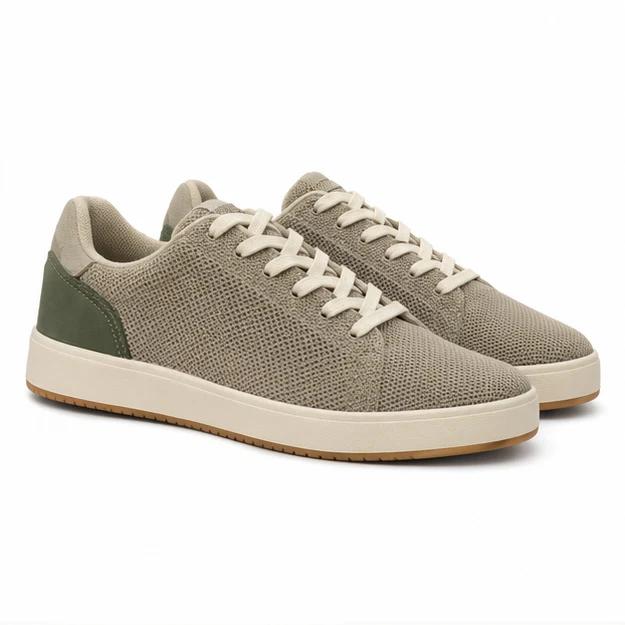
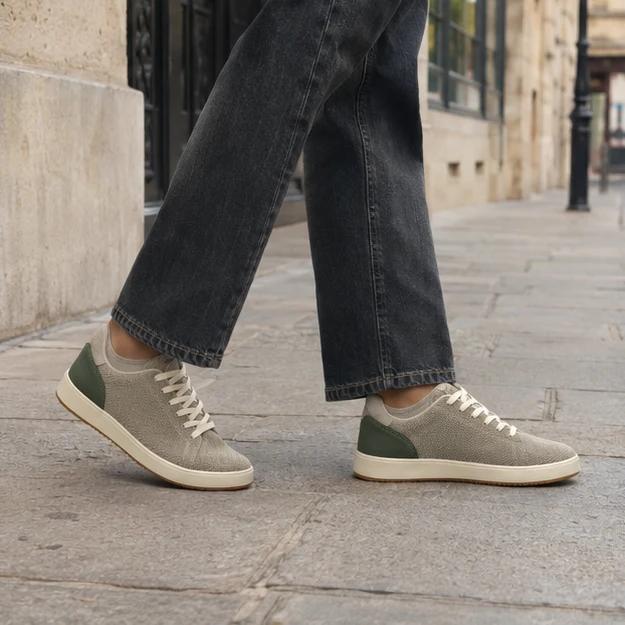
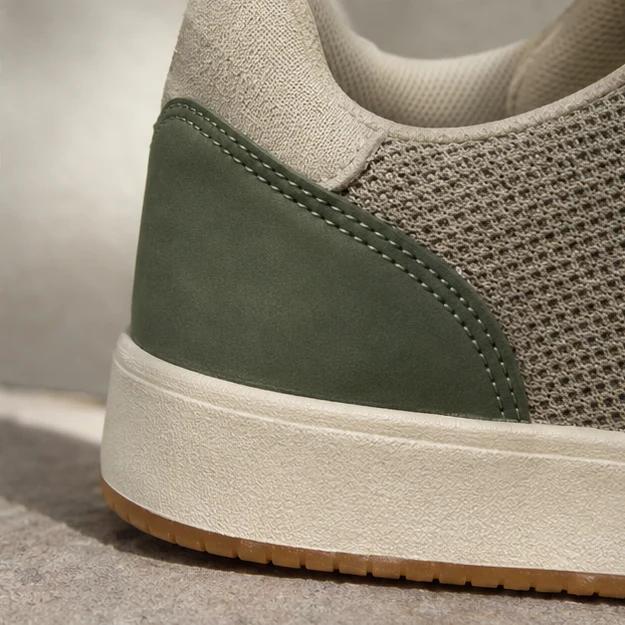
Show both shoes in the main image. Let shoppers see the pair on foot, then give them a closer look at the heel stitching and mesh.
Show the cooktop on its own in the main image. Add a pan in the kitchen scene and use a close-up to show the control layout.
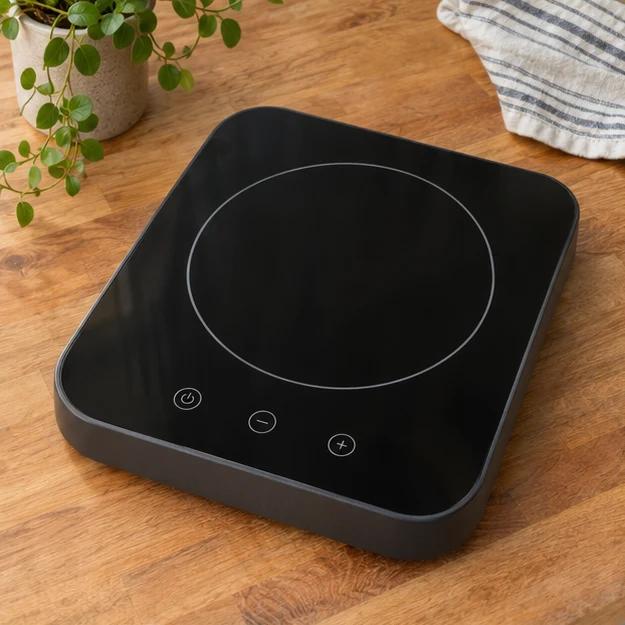
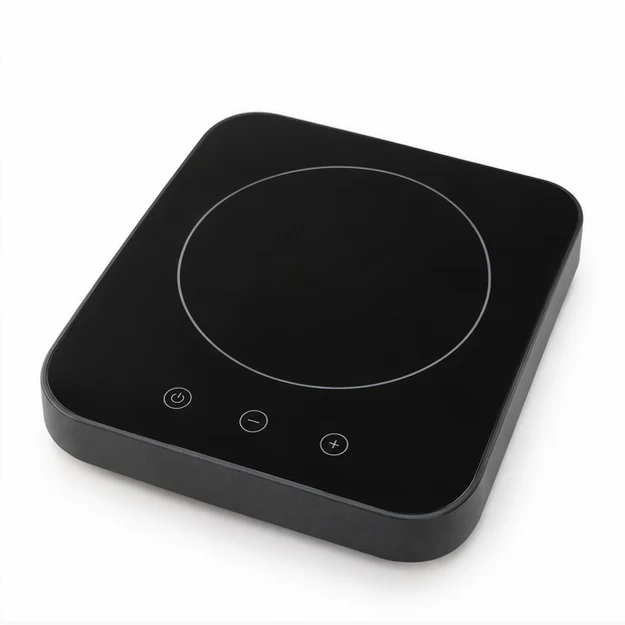
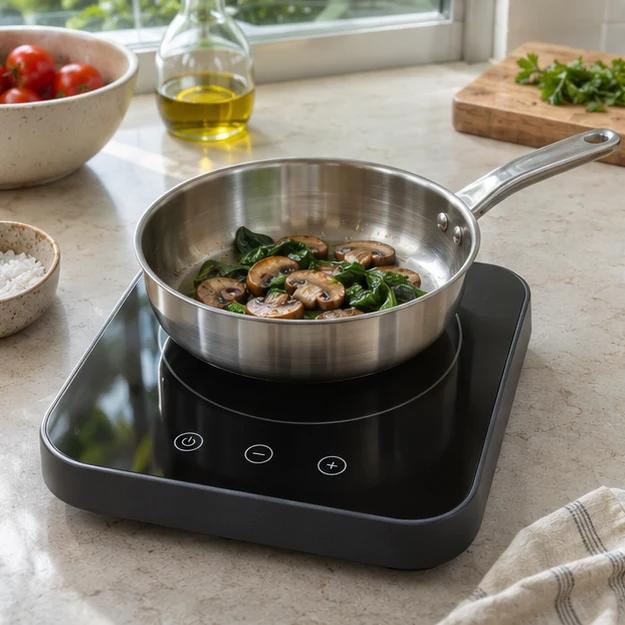
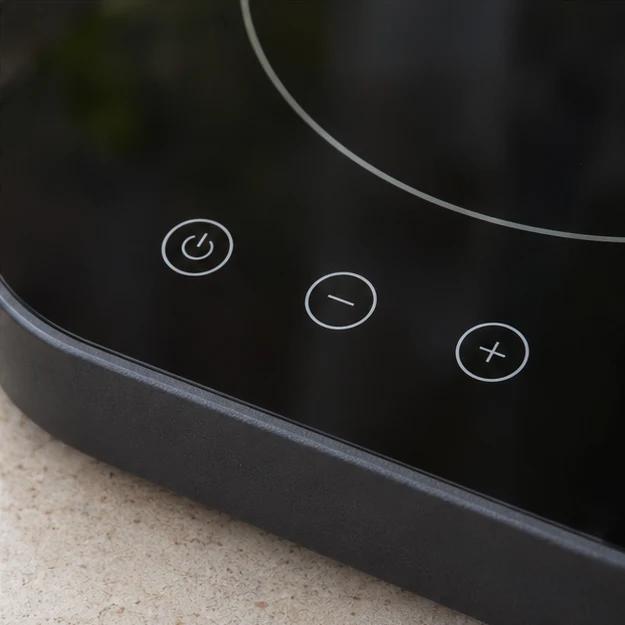
Start with a photo of the tent pitched so buyers can see its shape and door. Show it at a campsite and zoom in on the mesh and zipper.
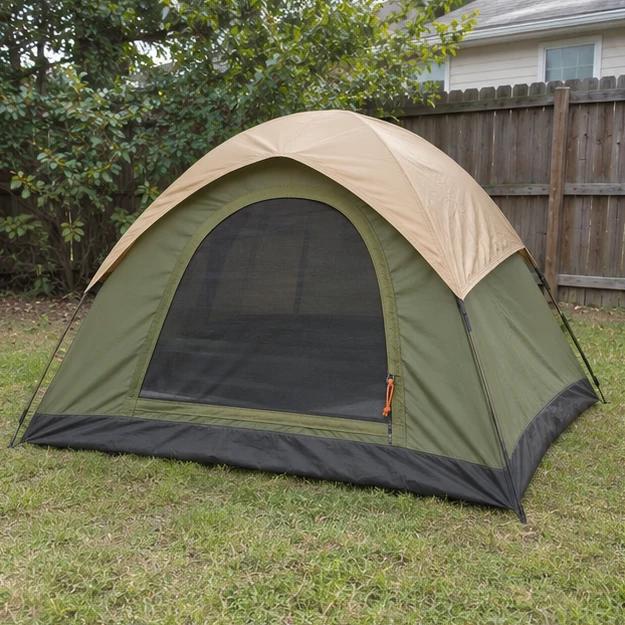
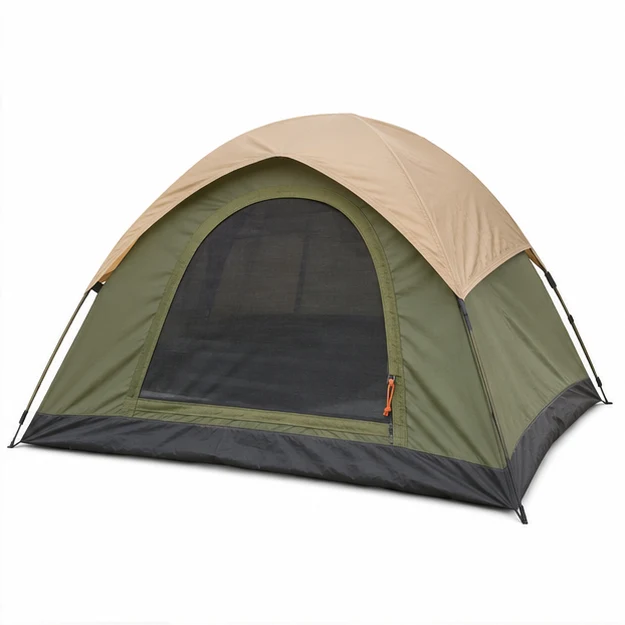
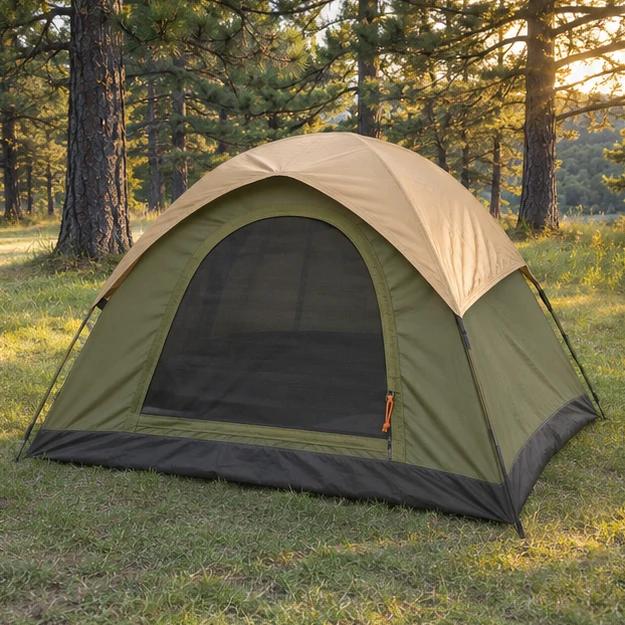
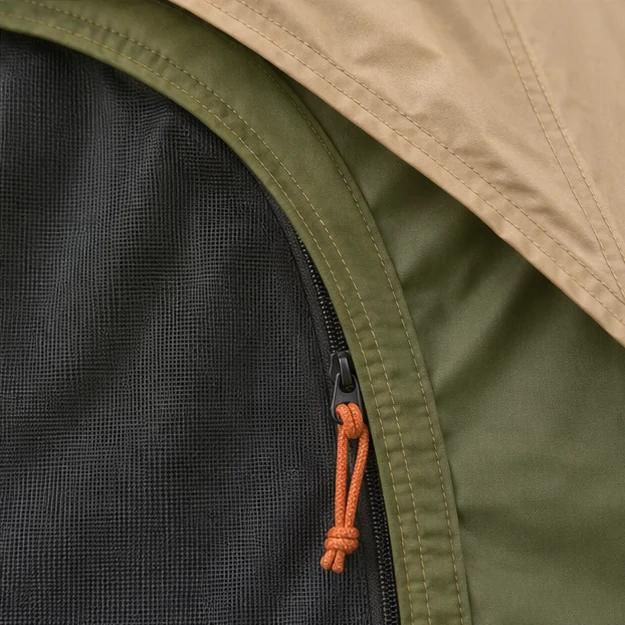
Give each image a job. Start with the photo that shows what you sell, then help shoppers picture using it and inspect an important detail.
Show the whole item on white so a shopper can recognize it in search and on the product page.
Show how the item fits into a shopper's day. Use a setting that makes its purpose clear and keeps the product easy to recognize.
Help shoppers inspect a specific feature visible in the photos, such as stitching, a closure, a finish, or the controls.
Upload a sharp, well-lit photo of the exact item and color you sell. Add reference photos if you want to show another angle, highlight a detail, or match a setting.
Try the white-background suggestion for a main image. Edit the prompt to specify the angle or framing, then check the output shape in Image settings.
Open the result at full size. Compare it with your product photo, especially the silhouette, color, printed text, and small parts. Download the version you want to keep.
Pick a lifestyle or detail prompt with the same original still in the editor. Name a suitable setting or one detail customers ask about. Generate and download each image individually.
For more examples, see the AI product photography guide.
BeforeAfterProduct photography
Use the AI photo generator to explore other product scenes or create a new concept from a prompt.